AI Google Calendar
Bookings go into Google Calendar and stay in sync both ways.







Sound familiar?
Bookings are made in chat and then copied to a calendar by hand
Double bookings happen when the calendar is not updated
Staff check the chats to know what is booked
A change in the calendar never reaches the chat
What you get
How AI Google Calendar fixes it
With AI Google Calendar, bookings go into Google Calendar and stay in sync both ways.
No copying
Bookings go into the calendar by themselves.
Two-way sync
Changes in either place show in both.
One calendar for the team
Everyone sees what is booked.
See it in action
Works well with
WhatsApp Blasting
Send bulk messages to your customers instantly on WhatsApp.
Your promotion only reaches the few customers you message by hand
Learn more →AI Follow Up
Follows up customers who went quiet, so you do not have to remember.
A customer goes quiet and you forget to follow up
Learn more →AI Reminder
Sends reminders to your customers automatically, not only to you.
Customers forget their appointments and you lose the slot
Learn more →Renewal System
Reminds you of renewals when they are due, so nobody tracks expiry dates by hand.
Renewals are missed because nobody tracks the expiry dates
Learn more →Event System
Registration, reminders, attendance and follow-up in one flow.
Workshop sign-ups, reminders and attendance sit in different places
Learn more →AI Salesman
An AI assistant that answers customers and automates your sales process on WhatsApp.
Customers message at night and nobody answers
Learn more →Guides
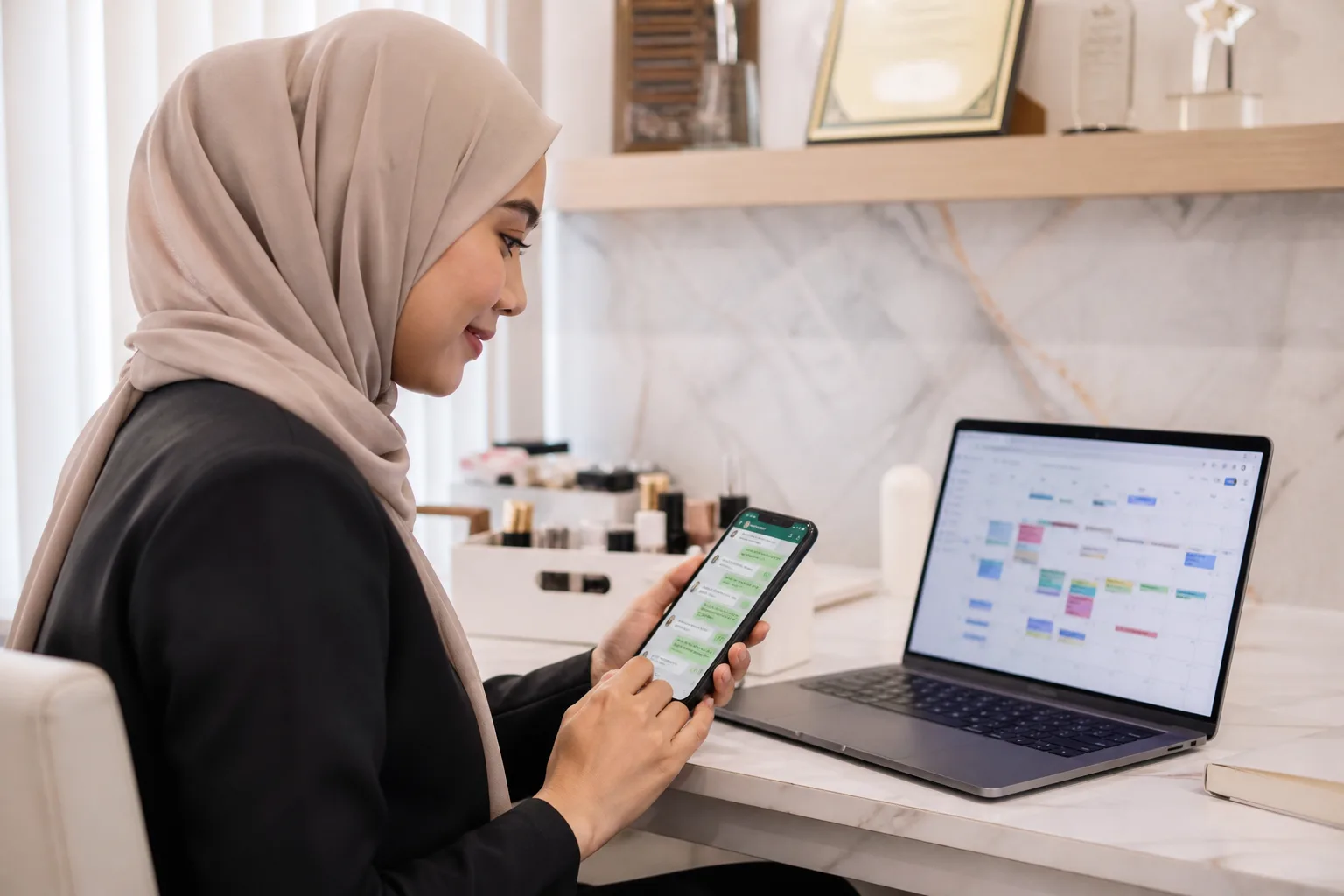
How to Manage Appointment Booking on WhatsApp
Learn how to manage appointment booking on WhatsApp, keep bookings in sync with Google Calendar, and guide customers from…
Read the guide →
How to Send a Policy Renewal Reminder Automatically
Learn how to organize renewal dates, get reminders when they are due, and follow up with insurance or subscription customers.
Read the guide →
How to increase workshop attendance
Improve workshop attendance with clear event details, simple registration, timely reminders and a practical follow-up process.
Read the guide →Ready to try AI Google Calendar?
Get started in 15 minutes. No technical knowledge needed.