How to Manage Appointment Booking on WhatsApp
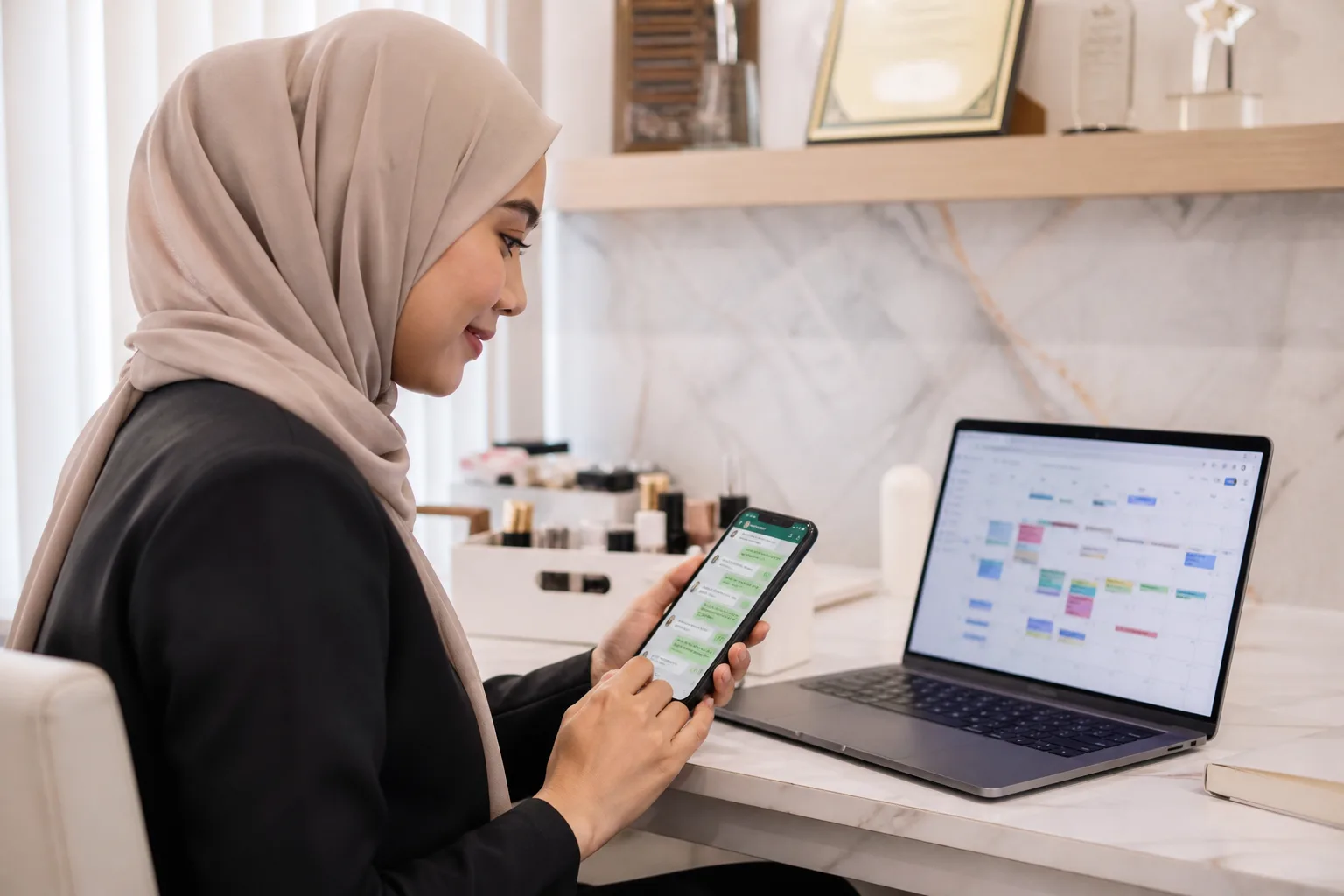







Manage appointment booking on WhatsApp by replying promptly, confirming the service and time, recording the booking in Google Calendar, and reminding the customer before the visit. DREAMZTRACK’s AI Google Calendar function keeps bookings in sync both ways, helping your team work from an up-to-date schedule.
See it in action
Start with a quick, helpful WhatsApp reply
Appointment booking often starts with a simple question: is there a suitable time available? If a reply comes late, a potential customer may move on. Answer promptly, find out what they need, and ask for any details required to match them with the right service.
For example, a clinic can ask what type of consultation the person wants, while a beauty business can confirm which treatment they are enquiring about. A consultant can ask what kind of session the customer needs. DREAMZTRACK’s AI Reply can respond with awareness of the customer’s stage, so the conversation can move from enquiry towards a useful next step.

Guide the conversation from enquiry to appointment booking
Once you understand the request, offer a suitable time and confirm the details before adding the appointment. Keep the exchange clear: confirm the service, date, time, and any information the customer needs before arriving. This makes appointment booking whatsapp conversations easier to follow for both the customer and your team.
If someone asks a question but stops replying, a timely follow-up can bring them back to the booking conversation. DREAMZTRACK’s AI Follow Up follows up with customers who have gone quiet, so you do not have to remember each unfinished enquiry yourself.

Keep appointment booking and Google Calendar in sync
After the customer confirms, record the booking in a calendar your team can rely on. DREAMZTRACK’s AI Google Calendar function sends bookings to Google Calendar and keeps them in sync both ways. This whatsapp google calendar integration helps connect the WhatsApp conversation with the schedule your business uses to manage appointments.
For a clinic, that means the team can refer to the calendar when preparing for consultations. A salon can check upcoming treatments, while a consultant can keep client sessions organised. Learn how AI Google Calendar booking works.
When a customer needs to change an appointment, confirm the new details and keep the booking information up to date. A synced calendar helps reduce the chance of your team relying on an old schedule.
Send reminders and make the visit easier to manage
A confirmed appointment is not the end of the customer journey. A reminder gives the customer a chance to prepare or let you know if plans change. DREAMZTRACK’s AI Reminder sends reminders to customers automatically, not only to your team.
Before setting up reminders, decide what customers should know ahead of a visit. A clinic may share preparation instructions, a beauty business may mention what to bring, and a consultant may confirm how to join a session. Keep the message relevant to the appointment.
Use one process for every appointment enquiry
Make the process easy for your staff to repeat: reply to the enquiry, understand the customer’s need, offer a suitable time, confirm the details, add the booking to Google Calendar, and send a reminder. This gives each customer a clear path from their first WhatsApp message to the appointment.
Review conversations that did not turn into bookings and look for where customers got stuck. You may need to clarify service choices, make the next step easier to understand, or follow up with people who have not replied. A consistent process helps your team manage appointment booking without losing track of the conversation or the calendar.
Frequently Asked Questions
Can WhatsApp appointment bookings go into Google Calendar?
Yes. DREAMZTRACK’s AI Google Calendar function sends bookings to Google Calendar and keeps them in sync both ways.
What details should I confirm before adding an appointment?
Confirm the service or meeting type, date, time, and any details the customer needs before the visit. Ask for other information your business requires to prepare for the appointment.
How can I handle customers who stop replying before booking?
Use a polite follow-up that refers to the customer’s enquiry and makes the next step clear. DREAMZTRACK’s AI Follow Up can follow up with customers who have gone quiet.
Should I send a reminder after confirming the appointment?
A reminder can help customers remember the appointment and prepare for it. DREAMZTRACK’s AI Reminder sends reminders to customers automatically.
Which plan is right for you?
Pick the one that matches how you work. You can start today and change later.
Pro
For one person running sales alone
AI Salesman
RM 499 per month
Subscribe nowBest if: You get many WhatsApp enquiries and want an AI to answer and follow up for you.
Business
For teams of 3 or more
3in1 Dreamztrack AI
Best if: You want AI replies, bulk messages and ad insights in one plan.
Enterprise
Made around your business
Custom
Talk to usYou have many staff, need a custom setup, or want it to fit your own way of working. Tell us what you need and we shape the plan with you.
Not sure which one? Chat with us on WhatsApp. Chat on WhatsApp
Ready to start?
Pick a plan and start today, or chat with us on WhatsApp first.
Get a free demo on WhatsApp
Leave your WhatsApp number and we will show you how it works for your business.
- See it with your own business
- Ask anything about the setup
- We reply on WhatsApp
Prefer to chat now? Chat on WhatsApp
More ways to grow your WhatsApp sales
🔁 AI Follow Up
Follows up customers who went quiet, so you do not have to remember.
See how it works🔄 Renewal System
Reminds you of renewals when they are due, so nobody tracks expiry dates by hand.
See how it works