ads analysis tool: what integrations should you check?








Check that the tool tracks your Google, Facebook and Instagram ads in one dashboard and shows which ad produced each enquiry and sale. You should also be able to review cost per real lead and ROAS so you can judge performance beyond clicks.
See your ad results in action
Start with the signals you need to see
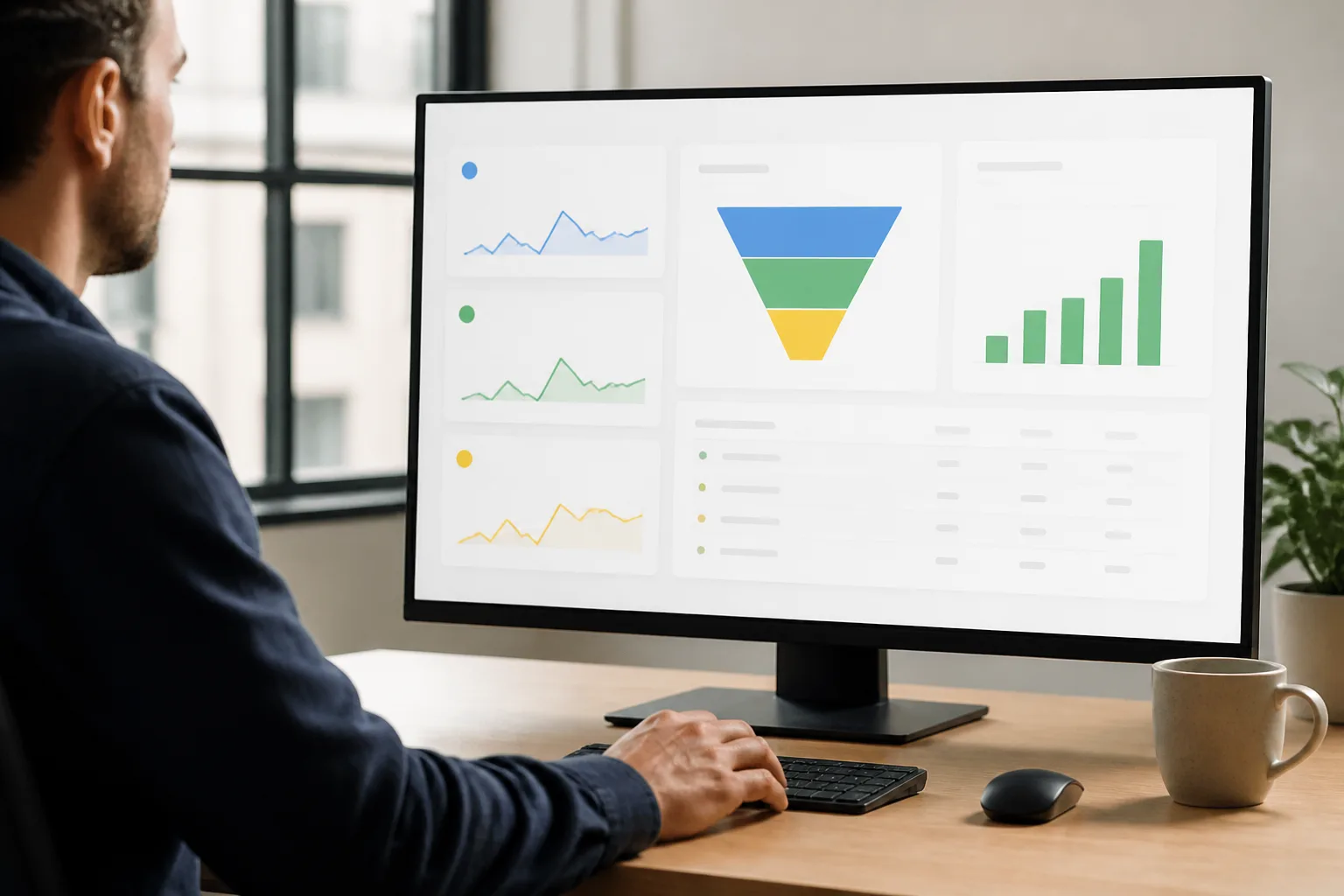
For a marketing manager, the practical issue is also about seeing the right signals. An ads analysis tool should show more than clicks: DREAMZTRACK Ads Analysis tracks Google, Facebook and Instagram ads in one dashboard and shows which ad produced each enquiry and sale.

ads analysis tool integrations to check
Start by checking these two things:
- Channel coverage: Confirm the tool tracks the Google, Facebook and Instagram ads your team uses. DREAMZTRACK Ads Analysis covers these platforms in one dashboard.
- Outcome tracking: Check whether you can see which ad produced an enquiry and which produced a sale. This helps you distinguish a real lead from attention that did not become a customer.
Then review cost per real lead and ROAS. These measures help you assess campaign outcomes, not just traffic. For more on choosing what to review before adjusting budgets, read which ad metrics matter before you change spend.
Follow the customer journey, not only the click
Imagine a Malaysian property agency promoting listings across several platforms. The team needs to know which ad brought in an enquiry and whether that enquiry became a sale. With DREAMZTRACK Ads Analysis, the team can review ad performance and those outcomes together, rather than judging a campaign on clicks alone.
Once an enquiry arrives, the next challenge is responding and keeping the conversation moving. AI Reply identifies the customer’s stage, while AI Follow Up follows up with customers who have gone quiet. If property listings are part of the journey, Property Listing lets you list properties, share them with buyers and track progress.
A practical way to check your setup
- Use Ads Analysis to review the Google, Facebook and Instagram ads your business runs.
- Check which ads produced enquiries and which produced sales.
- Review cost per real lead and ROAS to understand the outcomes behind campaign activity.
- Use the customer’s stage to guide the next response and follow-up, so a promising enquiry is not left without attention.
To see how the feature works, visit the DREAMZTRACK Ads Analysis page. Start using it to review your ad outcomes, or ask the DREAMZTRACK team for a demo.
Frequently Asked Questions
Which ad platforms should an ads analysis tool cover?
Check that it tracks the platforms you use. DREAMZTRACK Ads Analysis tracks Google, Facebook and Instagram ads in one dashboard.
Why should I check whether an ad produced a sale?
An enquiry does not always become a customer. Seeing which ad produced an enquiry and sale helps you assess outcomes alongside cost per real lead and ROAS.
Is tracking clicks enough to judge an ad?
Clicks show attention, but not whether an ad led to an enquiry or sale. Review those outcomes as well as cost per real lead and ROAS.
What should happen after an ad brings in an enquiry?
Respond based on the customer’s stage and keep the conversation moving. DREAMZTRACK AI Reply identifies the customer’s stage, and AI Follow Up follows up with customers who have gone quiet.
Which plan is right for you?
Pick the one that matches how you work. You can start today and change later.
Pro
For one person running sales alone
AI Salesman
RM 499 per month
Subscribe nowBest if: You get many WhatsApp enquiries and want an AI to answer and follow up for you.
Business
For teams of 3 or more
3in1 Dreamztrack AI
Best if: You want AI replies, bulk messages and ad insights in one plan.
Enterprise
Made around your business
Custom
Talk to usYou have many staff, need a custom setup, or want it to fit your own way of working. Tell us what you need and we shape the plan with you.
Not sure which one? Chat with us on WhatsApp. Chat on WhatsApp
Ready to start?
Pick a plan and start today, or chat with us on WhatsApp first.
Get a free demo on WhatsApp
Leave your WhatsApp number and we will show you how it works for your business.
- See it with your own business
- Ask anything about the setup
- We reply on WhatsApp
Prefer to chat now? Chat on WhatsApp
More ways to grow your WhatsApp sales
AI Ads Tracking
Knows which ad each customer came from, with no manual spreadsheets.
See how it works