How to track facebook ads to real buyers








To connect Facebook ads to real buyers, track which ad each customer came from, then follow that person’s enquiry through to a confirmed outcome. DREAMZTRACK links ad sources to customers without manual spreadsheets, while features for replies, follow-up and property progress help you manage the next steps.
See it in action
Why track facebook ads beyond the enquiry
If you run ads, a new WhatsApp message or enquiry is only the start. A lead may ask for details, go quiet, book a viewing or become a buyer later. When the source gets lost along the way, it is hard to tell which campaign brought in a real customer.
Use DREAMZTRACK to track facebook ads by knowing which ad each customer came from, without maintaining a manual spreadsheet. The source gives you context when you reply and a way to review the customer journey. Your team can then confirm whether that enquiry became a buyer.
For the first part of that journey, see how to track facebook ads from click to customer enquiry.

How to track facebook ads to real buyers in DREAMZTRACK
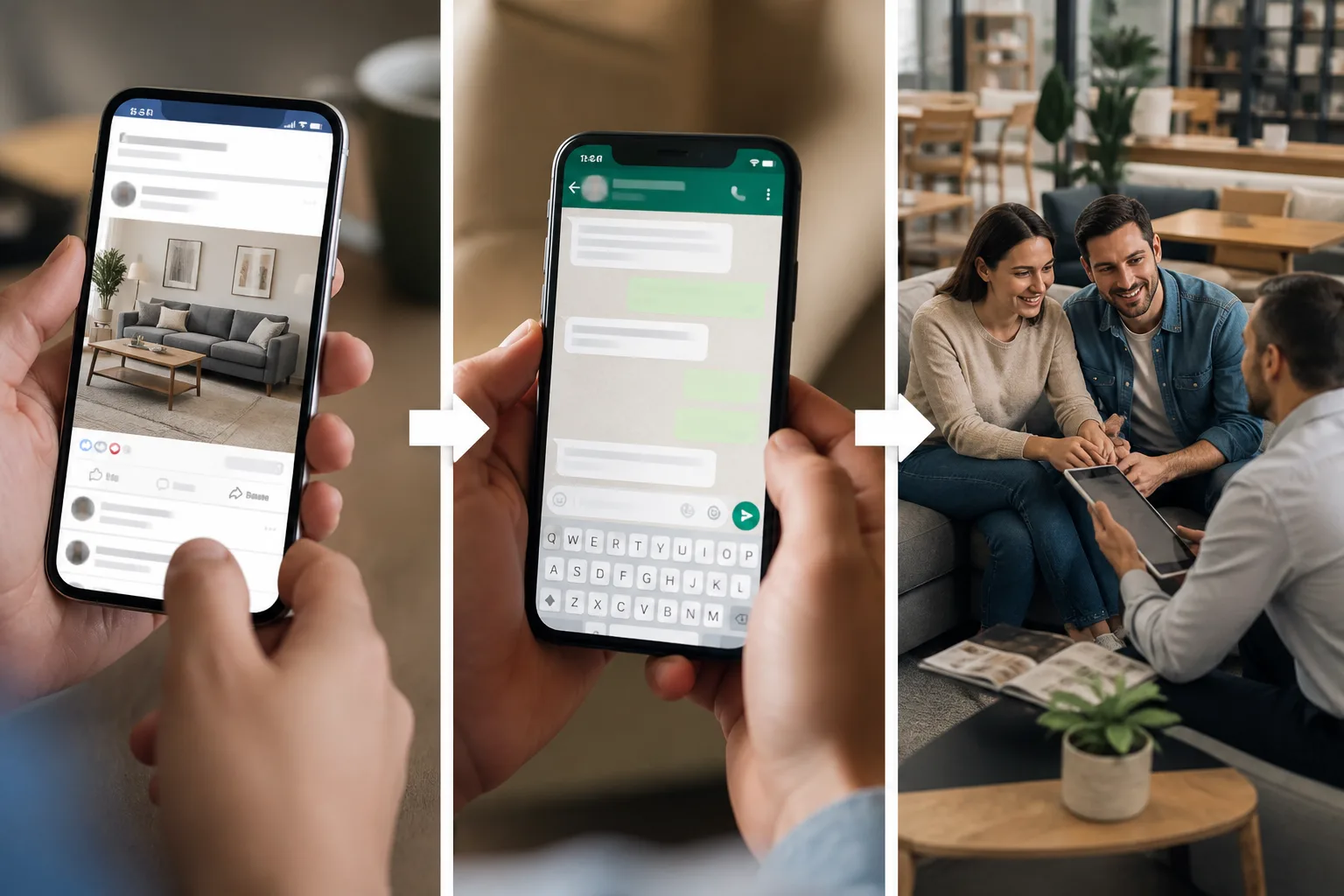
Start with the customer journey rather than a campaign report alone. The key is to keep the ad source connected to the person as your team handles their enquiry.
- Set up AI Ads Tracking. Use the DREAMZTRACK AI Ads Tracking feature so you can see which ad each customer came from.
- Handle the enquiry. Use the source as context when you respond, including when the customer starts a conversation through WhatsApp.
- Continue the conversation. Move from the initial question to useful details, follow-up and the next action, instead of treating every enquiry as the final result.
- Confirm the outcome. Your team can follow the customer’s progress and confirm whether they became a buyer. Compare those outcomes with the ad source to understand which campaigns brought in customers.
This gives you a practical way to track facebook ads to WhatsApp enquiries and keep whatsapp lead source tracking connected to the customer journey.
Keep replies and follow-up moving
Once you know where a lead came from, the next risk is a slow reply. A customer may be comparing options or waiting for a clear answer. DREAMZTRACK’s AI Reply knows which stage the customer is at, so the conversation can respond to their situation rather than act like a keyword robot.
If the customer stops replying, AI Follow Up follows up with customers who went quiet, so your team does not have to remember every pending conversation. These steps help you continue from the original enquiry toward a decision, while keeping the ad source useful in context.
Track property progress and review ad performance
For a property business, an enquiry often leads to a listing discussion, a viewing or another sales step. Use Property Listing to list properties, share them with buyers and track progress. Your team can then follow the customer's property journey and confirm the outcome alongside the ad source.
After you have reviewed customer outcomes, use Ads Analysis to see how your ads perform with in-depth analytics. This makes facebook ads roi tracking more meaningful: you can review ad performance with the customer journey in mind, not just the number of incoming enquiries.
Make ad source part of the whole customer journey
At each stage, the aim is to know the source, respond promptly, continue the conversation and confirm the final outcome. DREAMZTRACK connects ad source tracking with the follow-through your team needs, so you are not left trying to rebuild the story from spreadsheets.
Start using DREAMZTRACK AI Ads Tracking to see which ad each customer came from, or ask for a demo to explore how it fits your customer journey.
Frequently Asked Questions
Can DREAMZTRACK show which Facebook ad brought in a buyer?
AI Ads Tracking shows which ad each customer came from. Your team then follows that customer’s journey and confirms whether the enquiry became a buyer.
Can I track Facebook ads to WhatsApp enquiries?
DREAMZTRACK is designed to help you connect an ad source with the customer who enquired, including enquiries that continue through WhatsApp. This gives your team source context as the conversation moves forward.
Does ad tracking tell me automatically that a lead purchased?
The tracking feature identifies which ad the customer came from. Your team should confirm the purchase outcome as part of managing the customer journey.
How can I tell whether my ads bring serious leads?
Follow each enquiry from its ad source through replies, follow-up and buyer progress. Then review ad performance with Ads Analysis and compare it with the outcomes your team has confirmed.
Which plan is right for you?
Pick the one that matches how you work. You can start today and change later.
Pro
For one person running sales alone
Ads Analysis
RM 499 per month
Subscribe nowBest if: You run ads and want to know which ones really bring customers.
Business
For teams of 3 or more
3in1 Dreamztrack AI
Best if: You want AI replies, bulk messages and ad insights in one plan.
Enterprise
Made around your business
Custom
Talk to usYou have many staff, need a custom setup, or want it to fit your own way of working. Tell us what you need and we shape the plan with you.
Not sure which one? Chat with us on WhatsApp. Chat on WhatsApp
Ready to start?
Pick a plan and start today, or chat with us on WhatsApp first.
Get a free demo on WhatsApp
Leave your WhatsApp number and we will show you how it works for your business.
- See it with your own business
- Ask anything about the setup
- We reply on WhatsApp
Prefer to chat now? Chat on WhatsApp