How to Avoid Double Booking in Appointment Booking








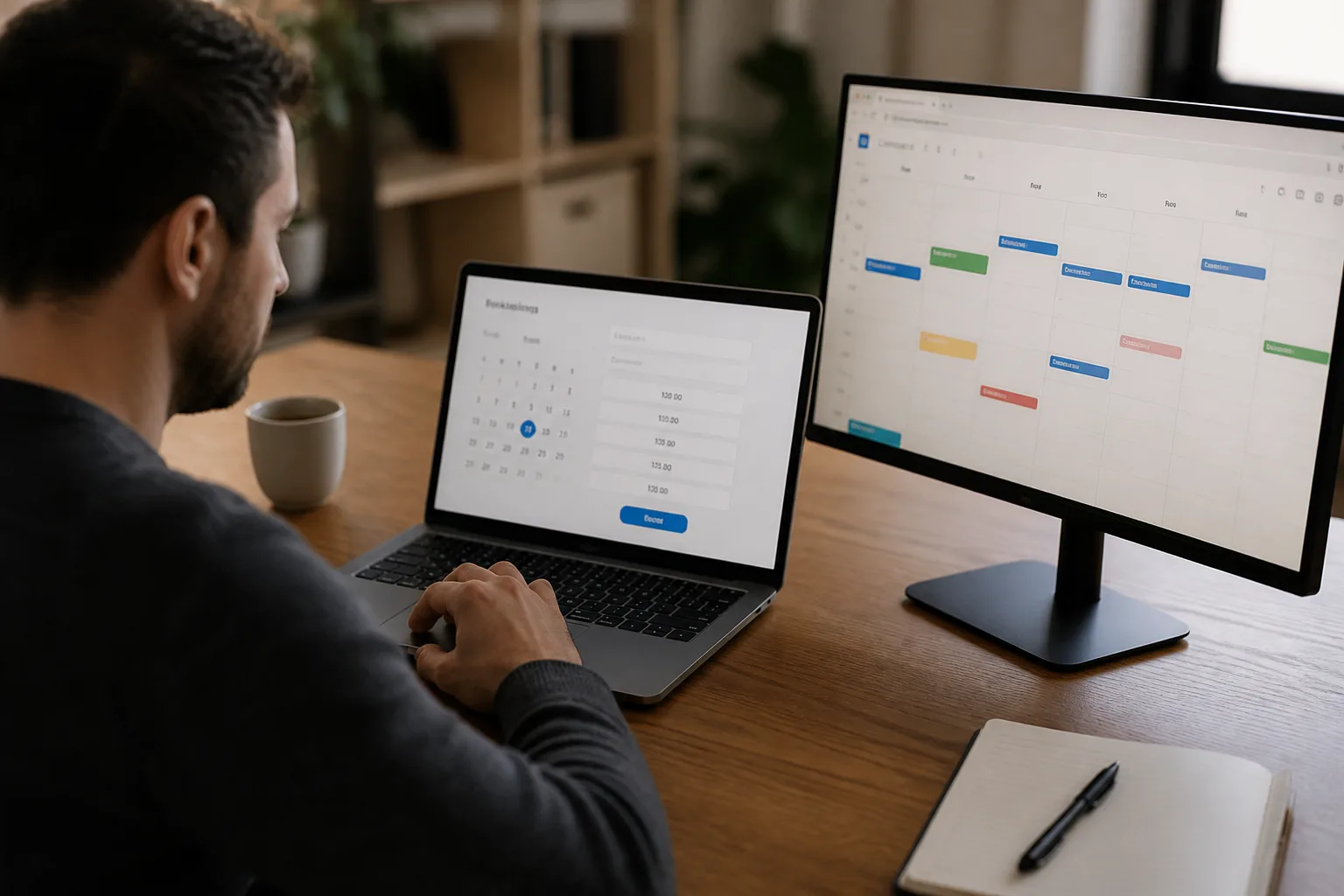
To reduce double booking, connect your DREAMZTRACK AI Google Calendar booking flow with the Google Calendar you use for appointments. Bookings go into Google Calendar and stay in sync both ways, helping you keep bookings and calendar events aligned.
See it in action
What the 2026 messaging-platform news means for appointment booking
When a lead asks for a time on WhatsApp, separate booking records can make it harder to see what is already scheduled. DREAMZTRACK AI Google Calendar sends bookings into Google Calendar and keeps them in sync both ways, helping reduce the risk of double booking. This is the practical role of whatsapp google calendar integration in an appointment booking journey.

How DREAMZTRACK connects appointment booking to Google Calendar
Double booking can happen when a customer’s appointment is recorded in one place but your team checks another. With DREAMZTRACK AI Google Calendar, the booking goes into Google Calendar and stays in sync both ways. This gives your team a shared calendar view of bookings and calendar events, rather than disconnected records.
Set up the AI Google Calendar booking flow for your business and connect it with the Google Calendar used for appointments. For more on the customer-facing flow, read How to Manage Appointment Booking on WhatsApp. You can also review the DREAMZTRACK AI Google Calendar feature.
- Set up DREAMZTRACK AI Google Calendar for appointment booking.
- Connect the Google Calendar you use to manage appointments.
- Let customers book through your booking flow.
- Check Google Calendar to keep track of appointments, with bookings and calendar events staying in sync both ways.
This can help a clinic keep consultation bookings aligned, a beauty business track service appointments, or a consultant manage meeting times. It supports a clearer calendar, but does not guarantee that double booking is impossible.
From a WhatsApp enquiry to a confirmed appointment
Calendar sync matters most when it is part of the whole customer journey. A customer may ask about a service, pause before booking, and return later. Keep that journey connected: respond to interest, follow up with quiet leads, guide them to appointment booking, and keep the resulting booking aligned with Google Calendar.
If a lead stops replying, AI Follow Up follows up with customers who went quiet, so you do not have to remember each one. Once a customer is ready, use appointment booking whatsapp to guide them into the booking flow. The booking then goes into Google Calendar and stays in sync both ways.
For businesses reaching out to a group of customers, WhatsApp Blasting sends bulk messages to customers instantly on WhatsApp. It can help start conversations that lead to an enquiry and, where appropriate, an appointment booking.
Keep customers informed after appointment booking
A calendar entry helps your team see the booking, while a customer reminder helps the customer keep it in mind. Add AI Reminder to send reminders to customers automatically, not only to you.
For example, a clinic can use the booking flow for a consultation, a beauty business for a service appointment, or a consultant for a client meeting. The same journey applies: a customer gets in touch, follows through to appointment booking, the booking goes into Google Calendar, and reminders help keep the appointment visible to the customer.
Start using appointment booking with calendar sync
To reduce the chance of overlapping appointments, bring bookings and your Google Calendar into one connected flow. Start by setting up DREAMZTRACK AI Google Calendar, connecting the calendar used for appointments, and directing customers into your booking flow.
Explore the AI Google Calendar feature to get started, or ask DREAMZTRACK for a demo of how appointment booking, WhatsApp follow-up and customer reminders can work together.
Frequently Asked Questions
How does Google Calendar sync help reduce double booking?
DREAMZTRACK bookings go into Google Calendar and stay in sync both ways. Keeping bookings and calendar events aligned can reduce the risk of relying on separate, disconnected records.
Does DREAMZTRACK guarantee that double booking cannot happen?
No guarantee is stated. The feature keeps bookings and Google Calendar in sync both ways, which can help you manage appointments more clearly and reduce the risk of overlap.
Can customers book through WhatsApp?
DREAMZTRACK supports appointment booking on WhatsApp. You can read more about the customer booking flow in the guide to managing appointment booking on WhatsApp.
Can I send reminders after a customer books?
Yes. DREAMZTRACK AI Reminder sends reminders to your customers automatically, not only to you.
Which plan is right for you?
Pick the one that matches how you work. You can start today and change later.
Pro
For one person running sales alone
AI Salesman
RM 499 per month
Subscribe nowBest if: You get many WhatsApp enquiries and want an AI to answer and follow up for you.
Business
For teams of 3 or more
3in1 Dreamztrack AI
Best if: You want AI replies, bulk messages and ad insights in one plan.
Enterprise
Made around your business
Custom
Talk to usYou have many staff, need a custom setup, or want it to fit your own way of working. Tell us what you need and we shape the plan with you.
Not sure which one? Chat with us on WhatsApp. Chat on WhatsApp
Ready to start?
Pick a plan and start today, or chat with us on WhatsApp first.
Get a free demo on WhatsApp
Leave your WhatsApp number and we will show you how it works for your business.
- See it with your own business
- Ask anything about the setup
- We reply on WhatsApp
Prefer to chat now? Chat on WhatsApp
More ways to grow your WhatsApp sales
🔁 AI Follow Up
Follows up customers who went quiet, so you do not have to remember.
See how it works🔄 Renewal System
Reminds you of renewals when they are due, so nobody tracks expiry dates by hand.
See how it works