How to Auto Send Photo to Customers on WhatsApp








You can auto send photo to customers on WhatsApp by setting a keyword and linking it to the photo you want them to receive. When a customer sends that keyword, DREAMZTRACK’s AI Keyword Reply can send the photo automatically, helping them get useful information without waiting for a manual reply.
See it in action
Auto send photo on WhatsApp when customers ask
A customer may message while you are serving someone in your shop, driving between appointments or preparing an order. If the photo they need arrives late, they may lose interest or contact another business. A useful auto send photo reply gives them the right visual information while the conversation is still active.
With DREAMZTRACK’s AI Keyword Reply, you can connect a customer’s keyword with a photo, voice note or video. For example, a bakery could send a cake design photo when someone asks about cake styles. A home service business could send a photo showing the types of work it handles.
This is a practical way to set up a whatsapp auto send image response: choose a keyword customers are likely to use, select the relevant media and make sure the reply is clear. The feature is designed to send the media when the customer mentions the keyword.
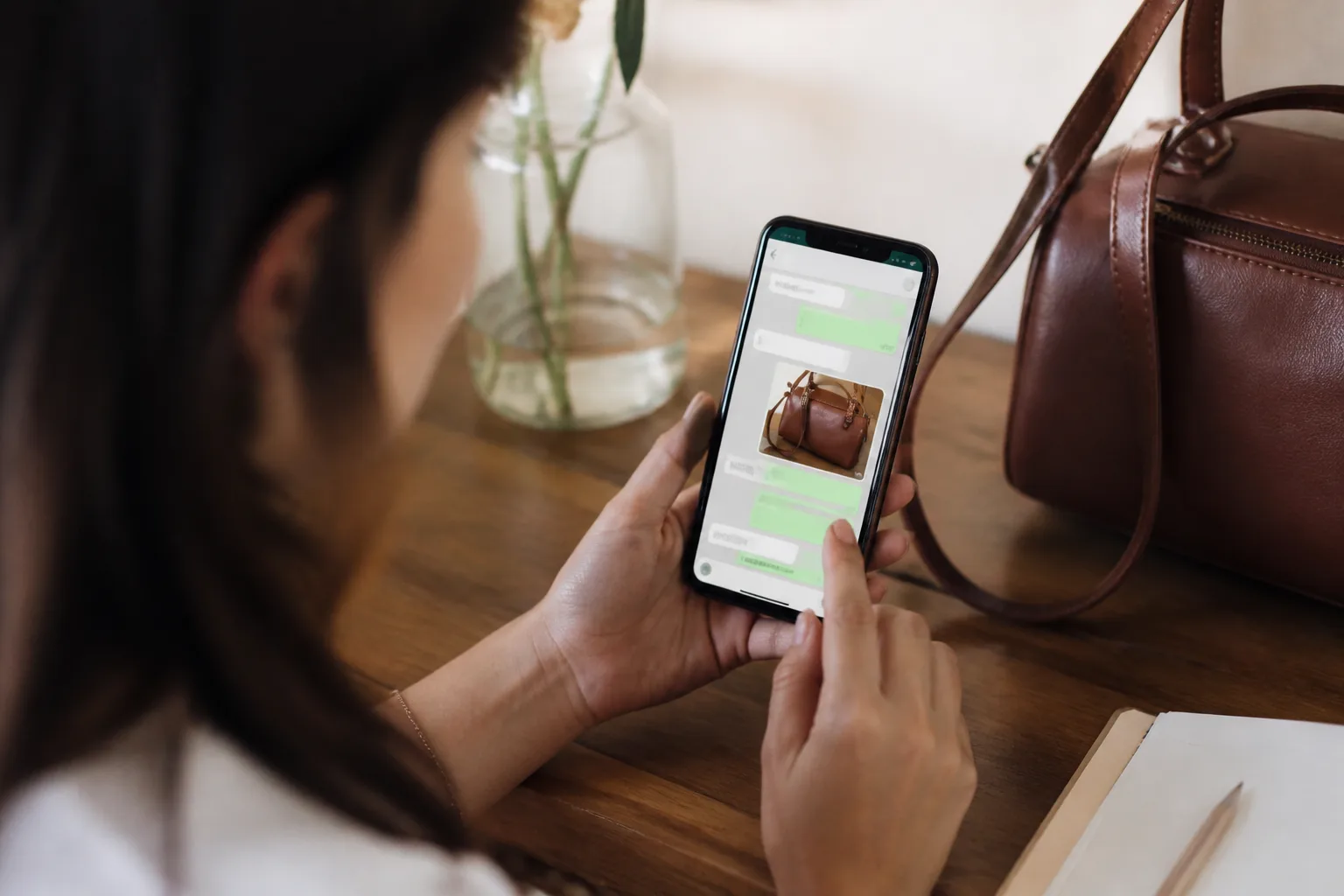
Choose keywords that match real customer questions
Think about what customers ask before they decide to buy or book. A furniture shop might use keywords related to a product range, while a salon could use a service name. A property agent could send a listing photo when a customer asks about a particular unit.
Keep each keyword connected to one clear reply. If a customer asks for a menu, send the menu image rather than a general introduction. If they ask about a service, send a photo that helps explain that service. This makes a whatsapp keyword auto reply feel relevant instead of like a generic message.
List common questions your team receives on WhatsApp.
Choose a short keyword that reflects each question.
Attach a photo, voice note or video that answers it.
Check that the media and reply make sense for the customer’s request.
Use words customers naturally type, not only internal product names. For example, a customer may ask for a room photo rather than use a technical name for a property type.

Turn the photo reply into a useful next step
A photo can answer the first question, but customers often need more help before they decide. They may want to know which product suits them, whether a service fits their needs or what to do next. Make the message around the photo brief and invite them to continue the conversation.
For a business with a product list, Product AI can recommend products and provide quotes automatically based on products you add. This can help move the conversation from viewing a photo to considering a suitable option.
If the customer’s question changes as they decide, AI Reply can respond based on the stage they are at, rather than treating every message as the same keyword. That gives you a more connected customer journey: show a relevant image, answer follow-up questions and help the customer decide what to do.
Follow up when the customer goes quiet
Some customers look at the photo and need time to decide. Others may get distracted before replying. Rather than relying on your team to remember every open conversation, AI Follow Up can follow up with customers who have gone quiet.
Keep the follow-up connected to the original question. If a customer asked about a service, the next message should help them continue that enquiry. If they are ready to book, a reminder can help them keep the appointment in mind. AI Reminder sends reminders to customers automatically, so the conversation can continue beyond the first photo.
For example, a repair business might send a photo that explains a service, answer the customer’s questions, then follow up if the customer does not respond. If the customer books, a reminder can support the next step. This connects the initial auto send photo reply to the rest of the customer journey.
Check that your WhatsApp photo automation is clear
Before relying on an automated reply, review the customer experience from the first message onwards. Make sure the keyword is easy to use, the selected photo answers the question and the surrounding text tells the customer how to continue.
Use a photo that is clear and relevant to the keyword.
Write a short message that explains what the customer is seeing.
Give customers a simple next step, such as asking a question or continuing their enquiry.
Review your keyword and media choices when your products or services change.
The goal is not simply to send an image quickly. It is to help customers get information, make a decision and take the next step without leaving them to wait for a manual reply.
Frequently Asked Questions
How do I auto send a photo to customers on WhatsApp?
Set a keyword and connect it to the photo you want to send. With DREAMZTRACK’s AI Keyword Reply, the photo can be sent automatically when a customer mentions that keyword.
Can WhatsApp automatically send an image when a customer asks a question?
Yes. Use a keyword that matches the customer’s question and link it to a relevant image with AI Keyword Reply. The image is sent when the customer mentions the keyword.
What can AI Keyword Reply send besides a photo?
It can automatically send a voice note or video as well as a photo when a customer mentions a keyword.
What should I do after the photo is sent?
Make it easy for the customer to ask a follow-up question or take the next step. You can also use AI Follow Up for customers who go quiet and AI Reminder to send customer reminders automatically.
Which plan is right for you?
Pick the one that matches how you work. You can start today and change later.
Pro
For one person running sales alone
AI Salesman
RM 499 per month
Subscribe nowBest if: You get many WhatsApp enquiries and want an AI to answer and follow up for you.
Business
For teams of 3 or more
3in1 Dreamztrack AI
Best if: You want AI replies, bulk messages and ad insights in one plan.
Enterprise
Made around your business
Custom
Talk to usYou have many staff, need a custom setup, or want it to fit your own way of working. Tell us what you need and we shape the plan with you.
Not sure which one? Chat with us on WhatsApp. Chat on WhatsApp
Ready to start?
Pick a plan and start today, or chat with us on WhatsApp first.
Get a free demo on WhatsApp
Leave your WhatsApp number and we will show you how it works for your business.
- See it with your own business
- Ask anything about the setup
- We reply on WhatsApp
Prefer to chat now? Chat on WhatsApp
More ways to grow your WhatsApp sales
🛍️ Product AI
Add your products; it recommends and quotes automatically (up to about 500 products).
See how it works✍️ Text AI Edit Instruction
Change or improve the AI's instructions just by typing, no back office needed.
See how it works