telegram ai chatbot: how a Telegram bot handles groups and channels






A Telegram AI chatbot treats groups, channels and private chats differently. In a group it can answer members who message it, in a channel it can only post to subscribers, and real selling happens in private chat. For a Malaysian SME, the best setup is one AI that replies to customers properly, wherever they message you.
See it in action
The short answer: groups, channels and private chats are not the same
Many shop owners hear "Telegram AI chatbot" and assume one bot does everything everywhere. It does not. Telegram has three places where customers meet you, and each behaves differently.
If you pick the wrong place for your bot, you get lots of noise and few orders. So start by knowing what each place is for.
The rest of this article shows how to use each one, and how to make sure no customer is left waiting, whichever app they use.
How a Telegram bot works inside a group
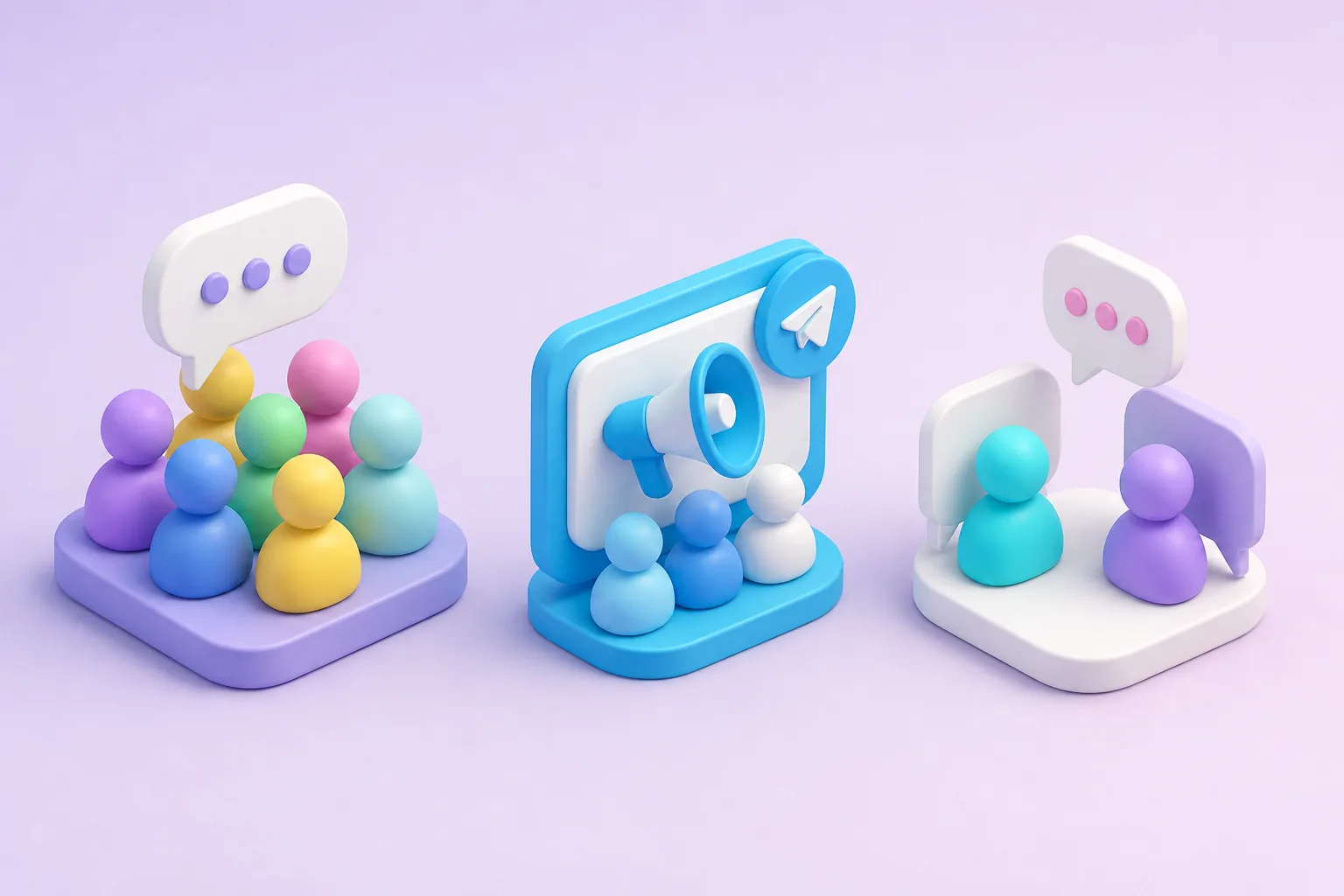
A group is a shared chat room. A bot can be added as a member, read messages it is allowed to see, and reply to them. It is handy for a customer community, a reseller group or a class group.
What goes well in a group
- Answering common questions such as opening hours, delivery areas and how to order.
- Pinning rules and welcome notes for new members.
- Pointing people to a private chat for anything personal.
What goes badly in a group
Prices, addresses and payment details do not belong in front of 200 strangers. Also, a bot that answers every single message becomes spam fast, and members mute the group.
A good rule: let the group answer general questions, then move the buyer to a private chat. That is where a reply can use the customer's own situation.
How a Telegram channel fits in
A channel is like a notice board. You post, subscribers read. It suits promotions, new stock, restock alerts and event reminders.
The catch is that a channel is one-way. A customer who wants to ask "is this still available?" has to leave the channel and message you. If nobody answers that message quickly, the interest dies.
So the real question for a channel is not "can the bot post?" but "who replies when someone taps the contact link?" That is the gap most owners miss, and it is the same reason leads go cold on other apps. See where WhatsApp leads go cold for the same pattern.
Telegram bot vs a bot that understands the customer
A plain Telegram bot usually works with buttons, commands and fixed keywords. Type the right word and you get the right canned answer. Type something else and it gets stuck.
Customers do not write like that. They say "boleh hantar esok?" or "how much for the big one?" in the middle of a conversation. What they need depends on the stage they are at: just browsing, comparing, or ready to pay.
DREAMZTRACK AI Reply is built around that. It knows which stage the customer is at, so it is not a keyword robot. It answers the question in front of it and moves the chat forward. If you want to compare approaches, read can Telegram auto reply handle orders and FAQs.
| Point | Basic Telegram bot | DREAMZTRACK AI Reply |
|---|---|---|
| How it answers | Fixed keywords and buttons | Understands the customer's stage |
| Odd questions | Often stuck | Replies in context |
| Other apps | Telegram only | One AI across your chat apps |
| Changing answers | Rebuild flows | Type new instructions |
Telegram auto reply: where it helps and where it stops
Telegram auto reply is useful for instant first answers: a greeting, a menu of what you sell, or a note that you will reply soon. Customers like speed, and a quick answer keeps them from messaging your competitor.
But an auto reply that only says "we will get back to you" does not sell anything. The customer still waits. The useful version answers the question, then asks the next sensible one, such as quantity or delivery area.
The same idea applies on WhatsApp. If most of your customers there are Malaysian, read whether a free autoresponder is enough to see where simple replies run out.
How to reply customers well, whichever app they use
Your customers will not stay on one app. A buyer sees your Telegram channel post, then WhatsApps you the next day, then checks your Instagram. If each app has a different answer, or none, you lose them.
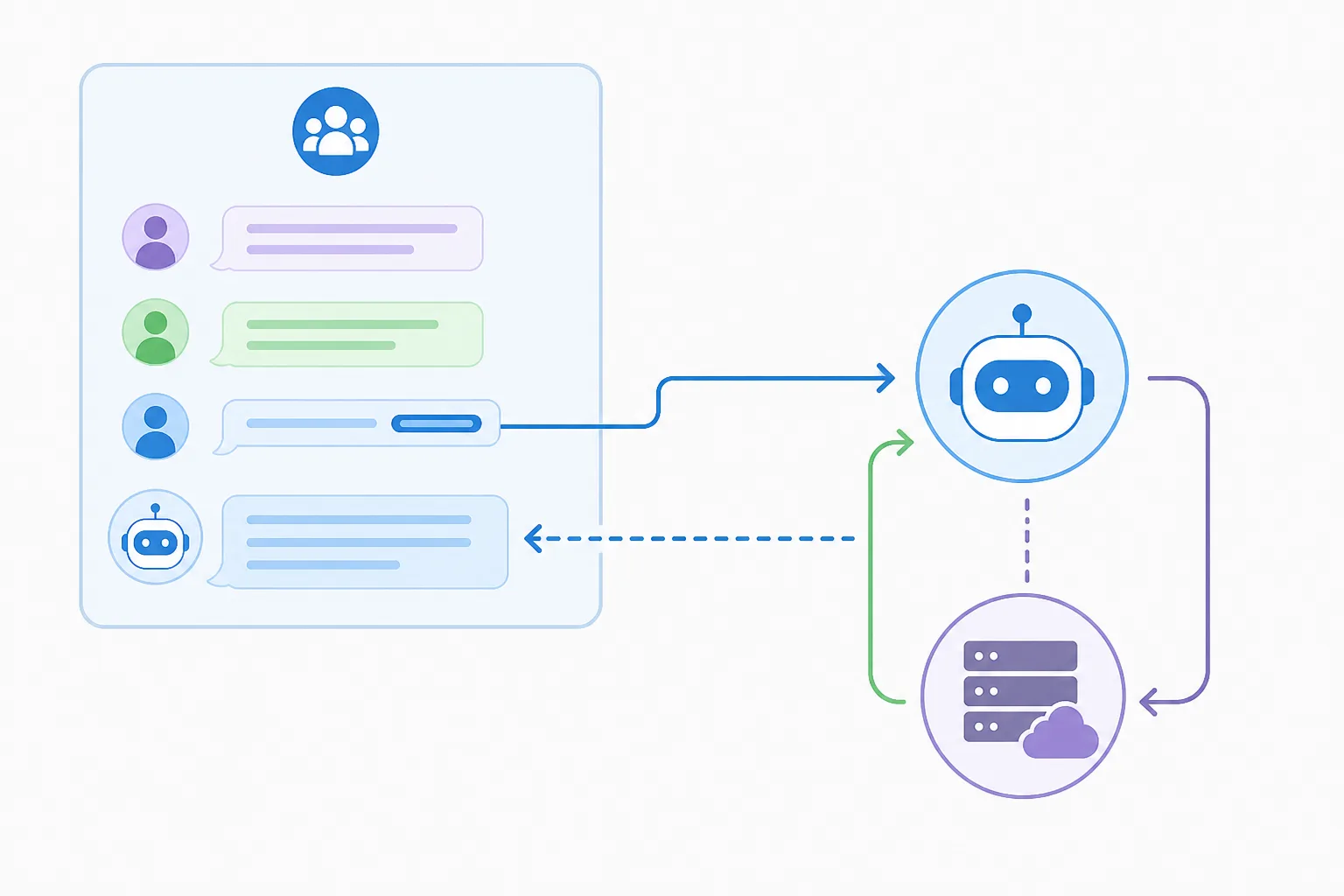
With DREAMZTRACK AI Reply, you set up one AI that handles ai reply customer message work in one place. Here is the flow:
- Open the AI Reply feature and add what you sell and how you answer customers.
- Add your products in Product AI so the AI can recommend and quote automatically.
- Want to change wording later? Use Text AI Edit Instruction and just type the change.
- Turn it on. The AI replies, understands the stage, and keeps the chat moving.
You get faster answers, fewer missed enquiries and no need to sit by your phone. More than 1600 clients already use DREAMZTRACK AI.
Keep the conversation going after the first reply
A channel post brings curious people. A group brings talkers. Neither guarantees a sale. Many buyers ask a price, then go quiet.
That is where AI Follow Up helps. It follows up customers who went quiet, so you do not have to remember who to chase. And when a customer mentions a certain word, AI Keyword Reply can send a voice note, photo or video automatically, such as a product photo or a how-to clip.
For busy periods like sales campaigns, see how to set auto reply WhatsApp for busy days. And for the bigger picture, compare hiring a salesperson vs an AI sales agent.
Your next step
Use Telegram groups for community, channels for announcements, and private chats for selling. Then make sure every private message gets a smart, fast answer.
Do not let a good post go to waste because nobody replied. Start using DREAMZTRACK AI Reply or ask for a demo, and see it answer a real customer question in your own business.
Frequently Asked Questions
What should I say when a customer asks for the price?
Give the relevant price information clearly, along with any details that affect the total. If you need more information to answer accurately, ask one focused question before recommending an option.
How soon should I reply to a customer?
Reply as soon as your team reasonably can, especially when the customer is asking about an active order or booking. If you cannot answer yet, acknowledge the message and explain that you will check the details.
Does a WhatsApp auto reply help customers buy?
It can acknowledge a message and point customers to a useful next step, but a generic response may not answer what they need. Use automation for simple first responses and provide a relevant human reply when the question needs context.
How do I follow up without sounding pushy?
Send a brief, polite check-in that refers to the customer’s question and offers help. Avoid repeated messages, and make it comfortable for them to continue later or decline.
Which plan is right for you?
Pick the one that matches how you work. You can start today and change later.
Business
For teams of 3 or more
3in1 Dreamztrack AI
Best if: You want AI replies, bulk messages and ad insights in one plan.
Enterprise
Made around your business
Custom
Talk to usYou have many staff, need a custom setup, or want it to fit your own way of working. Tell us what you need and we shape the plan with you.
Not sure which one? Chat with us on WhatsApp. Chat on WhatsApp
Ready to start?
Pick a plan and start today, or chat with us on WhatsApp first.
Get a free demo on WhatsApp
Leave your WhatsApp number and we will show you how it works for your business.
- See it with your own business
- Ask anything about the setup
- We reply on WhatsApp
Prefer to chat now? Chat on WhatsApp
More ways to grow your WhatsApp sales
🖼️ AI Keyword Reply
When a customer mentions a keyword, it sends a voice note, photo or video automatically.
See how it works🛍️ Product AI
Add your products; it recommends and quotes automatically (up to about 500 products).
See how it works✍️ Text AI Edit Instruction
Change or improve the AI's instructions just by typing, no back office needed.
See how it works