whatsapp business greeting message Malaysia: BM and English samples
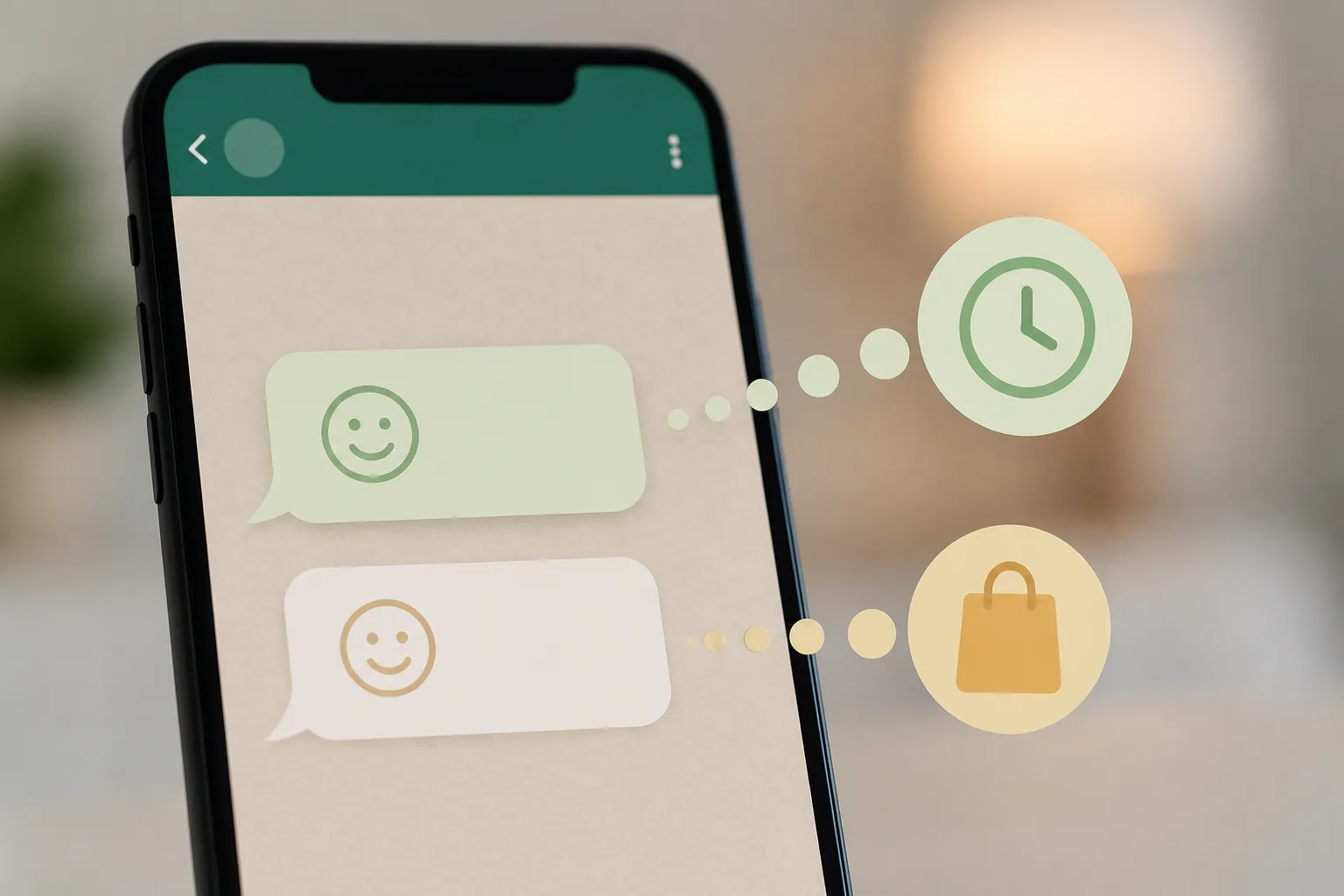






The best WhatsApp Business greeting message is short, says who you are, tells the customer what to do next, and sounds like a real person from your shop. Below are BM and English samples you can copy. After that we show how DREAMZTRACK AI goes one step further and replies to each customer based on the stage they are at.
See it in action
Why the first message matters more now
That first thing is your whatsapp business greeting message. If it is cold, long or in the wrong language, the customer leaves before you ever talk.
This article gives you BM and English samples, the exact setup steps, and a look at the problem most SMEs hit next: a greeting says hello, but it cannot answer the question that follows.
The real problem
A customer messages at 9pm. They get a greeting. They ask, "Ada stok? Berapa harga?" Nobody replies until morning. By then they have asked another shop.
A greeting is only the door. What happens after the door decides whether you close the sale.
WhatsApp business greeting message Malaysia: what works locally
A good whatsapp business greeting message Malaysia customers like is warm, short and bilingual when needed. Malaysians switch between BM, English and often Manglish in one chat, so stiff wording feels off.
Rules that work
Avoid long lists of prices and rules in the greeting. Save those for the reply that comes after the customer tells you what they want.
Copy-ready samples in BM and English
Change the brackets to fit your business. These work for retail, clinics, salons, tuition, property and services.

English samples
BM samples
Bilingual
Hi! Terima kasih for messaging [Business]. Nak tanya apa-apa? Tell us what you need, kami reply secepat mungkin.
For more first-contact wording by industry, see our guide on what to check before using a greeting message tool.
How to set it up in WhatsApp Business
The app setting is simple. Here is the usual path on a phone.
- Open WhatsApp Business and go to Settings.
- Tap Business tools, then Greeting message.
- Switch it on and tap the message to edit the text.
- Choose who receives it, such as everyone or only new contacts.
- Save and test it from another number.
If it is not working, check that the toggle is on and the recipient setting is right. The greeting normally fires for a new chat or after a quiet period, not on every message.
Keep the text short. The app limits how long it can be, so write your key point in the first lines.
Greeting message vs whatsapp away message
A whatsapp away message is different. It tells people you are closed and when you will be back. A greeting welcomes people and starts the chat.
| Type | When it sends | Best use |
|---|---|---|
| Greeting message | New chat or after quiet time | Welcome, ask what they need |
| Away message | Outside your hours | Say when you reply |
| AI reply | Every message | Answer, recommend, move to next step |
Use both in the app if you like. Just remember that both are one-way. Neither one understands what the customer wrote.
Where a fixed greeting stops working
A basic whatsapp auto reply sends the same text to everyone. A first-time buyer, a returning customer and an angry customer all get the same hello.
This is the gap. The customer replies, and the fixed text has nothing more to say. Our comparison of whatsapp auto reply vs whatsapp AI explains the difference in more detail.
Doing it by app vs with DREAMZTRACK AI
| Situation | App greeting | DREAMZTRACK AI reply |
|---|---|---|
| New customer says hi | Same fixed text | Welcome fitted to the chat |
| Customer asks price | No answer | Answers the question |
| Chat at midnight | Away note only | Keeps the chat going |
| Customer goes quiet | Nothing | Follow-up possible |
Use AI reply customer message handling after the greeting
DREAMZTRACK AI Reply knows which stage the customer is at. It is not a keyword robot. That means it can reply customer chats according to where they are: just asking, comparing, or ready to buy.
This is how ai reply customer message handling replaces the fixed greeting, and it works as an auto reply whatsapp business setup that does more than say hello.
How to start
- Open AI Reply and write your business details in plain words.
- Add your greeting style in BM, English or both.
- Add products in Product AI so the AI can recommend and quote.
- Test with a few real questions from your customers.
- Change instructions anytime by typing, using Text AI Edit Instruction.
Then, when a customer says hi at night, the reply is a real conversation start, not just a template. More than 1600 clients already use DREAMZTRACK.
Next steps after the greeting
A good greeting should lead to a sale, so plan what comes next.
Complaints need a gentler tone, so check these BM and English complaint templates. Your team can also build better habits with follow-up habits for a small MY team.
Next step: start using DREAMZTRACK AI Reply, or ask for a demo and we will set up your greeting and first replies in BM and English with you.
Frequently Asked Questions
What is the best greeting message for WhatsApp Business?
One that names your business, is two to three lines, and asks what the customer needs. Match the language to your customers: BM, English or both.
How do I add a greeting message on WhatsApp Business?
Go to Settings, Business tools, Greeting message. Switch it on, edit the text, choose the recipients and save.
Why is my WhatsApp Business greeting message not working?
Check that it is switched on and the recipient setting is correct. It usually sends only to new chats or after a quiet period, so test from a number that has not messaged you recently.
What is the difference between a greeting and a whatsapp away message?
A greeting welcomes new chats. An away message tells customers you are closed and when you will reply.
Can AI reply replace the greeting message?
Yes. DREAMZTRACK AI Reply greets and then answers based on the stage the customer is at, so the chat continues instead of stopping after hello.
Which plan is right for you?
Pick the one that matches how you work. You can start today and change later.
Business
For teams of 3 or more
3in1 Dreamztrack AI
Best if: You want AI replies, bulk messages and ad insights in one plan.
Enterprise
Made around your business
Custom
Talk to usYou have many staff, need a custom setup, or want it to fit your own way of working. Tell us what you need and we shape the plan with you.
Not sure which one? Chat with us on WhatsApp. Chat on WhatsApp
Ready to start?
Pick a plan and start today, or chat with us on WhatsApp first.
Get a free demo on WhatsApp
Leave your WhatsApp number and we will show you how it works for your business.
- See it with your own business
- Ask anything about the setup
- We reply on WhatsApp
Prefer to chat now? Chat on WhatsApp
More ways to grow your WhatsApp sales
🖼️ AI Keyword Reply
When a customer mentions a keyword, it sends a voice note, photo or video automatically.
See how it works🛍️ Product AI
Add your products; it recommends and quotes automatically (up to about 500 products).
See how it works✍️ Text AI Edit Instruction
Change or improve the AI's instructions just by typing, no back office needed.
See how it works