whatsapp on multiple phones: WhatsApp Business multiple users, who sees what
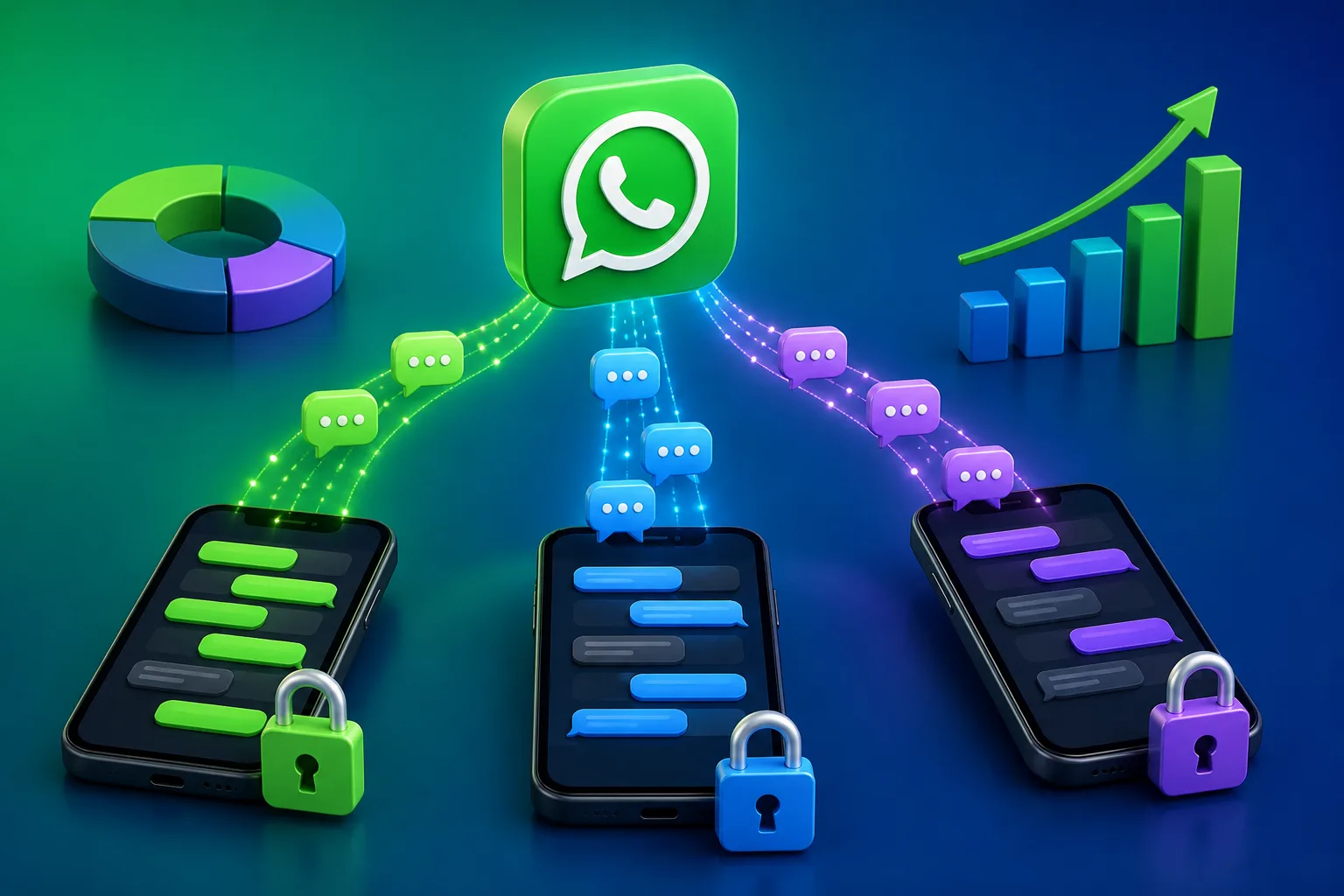







With whatsapp on multiple phones, everyone who is logged in to the same number can usually see the same chats, so there is no real control over who sees what. To control it, put the number in a shared system where each salesman sees only the leads assigned to them. DREAMZTRACK AI does this with round robin assignment and permission levels.
See it in action
The real problem with WhatsApp on multiple phones
You have three or four salesmen. Leads arrive on one company number from Facebook ads, your website and walk-in customers. So you put whatsapp on multiple phones and hope it works.
It works for a week. Then problems start. Two salesmen reply to the same customer. One lead is ignored because everyone thought someone else had it. A salesman leaves and takes the chat history in his pocket.
The question "who sees what" is really a question about control. Who owns this lead? Who can read this chat? Who can export the contacts?
This article answers that question first, then shows how to assign leads to salesman automatically so nobody fights over customers.
Who sees what when many phones share one number
Short answer: usually everyone sees everything. If several phones are linked to the same number, each phone can open the same chats. There is no setting that says "Ah Meng sees only his own customers".
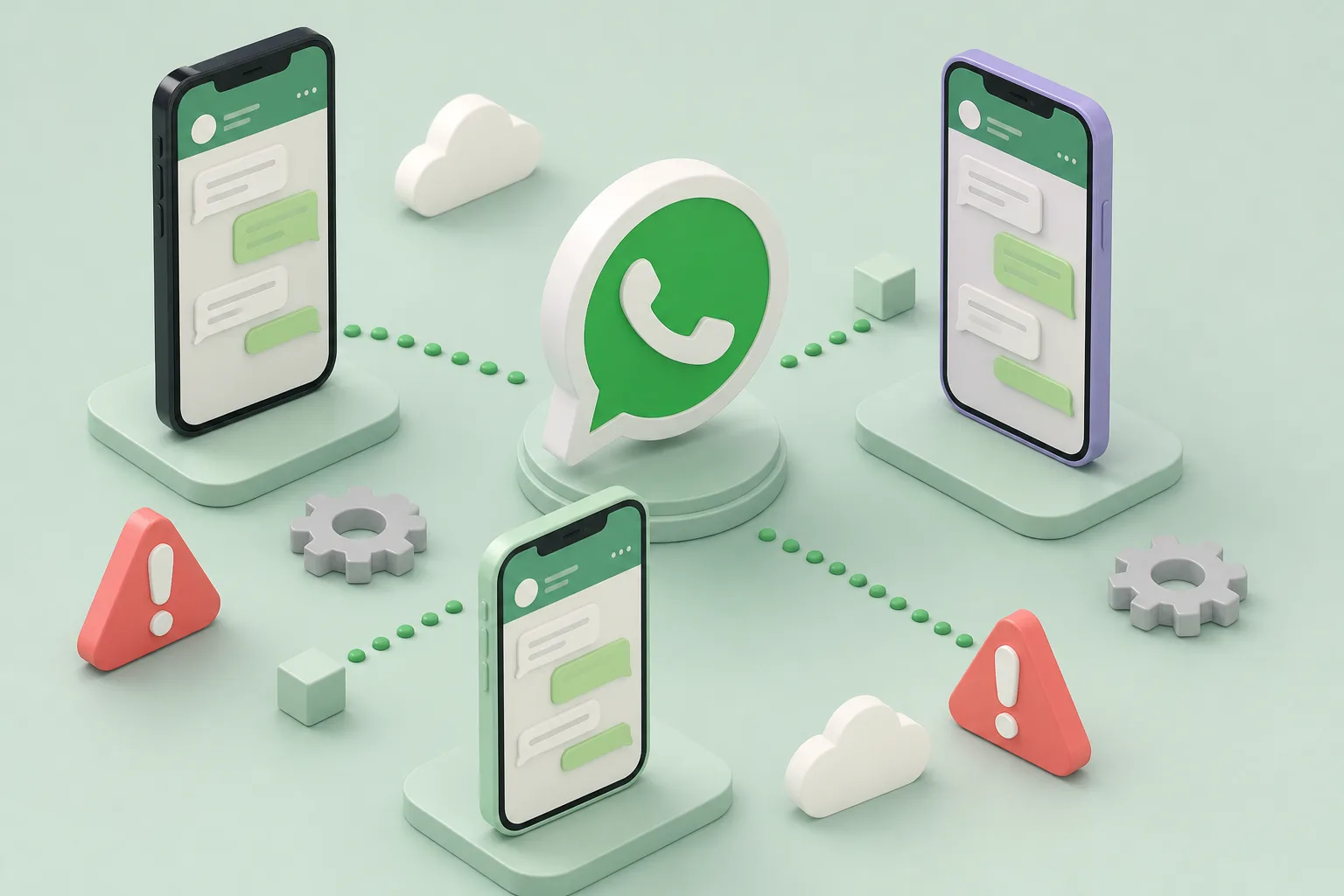
That creates three risks for a Malaysian SME:
WhatsApp itself has limits on how many devices can link to one account. For the details, read WhatsApp Business multi device limits. For safety questions, see whether your team can share one number safely.
WhatsApp Business multiple users: what it can and cannot do
Many owners search for whatsapp business multiple users hoping for a setting that gives each staff a login. Linked devices let several people open the same number, but that is access, not management.
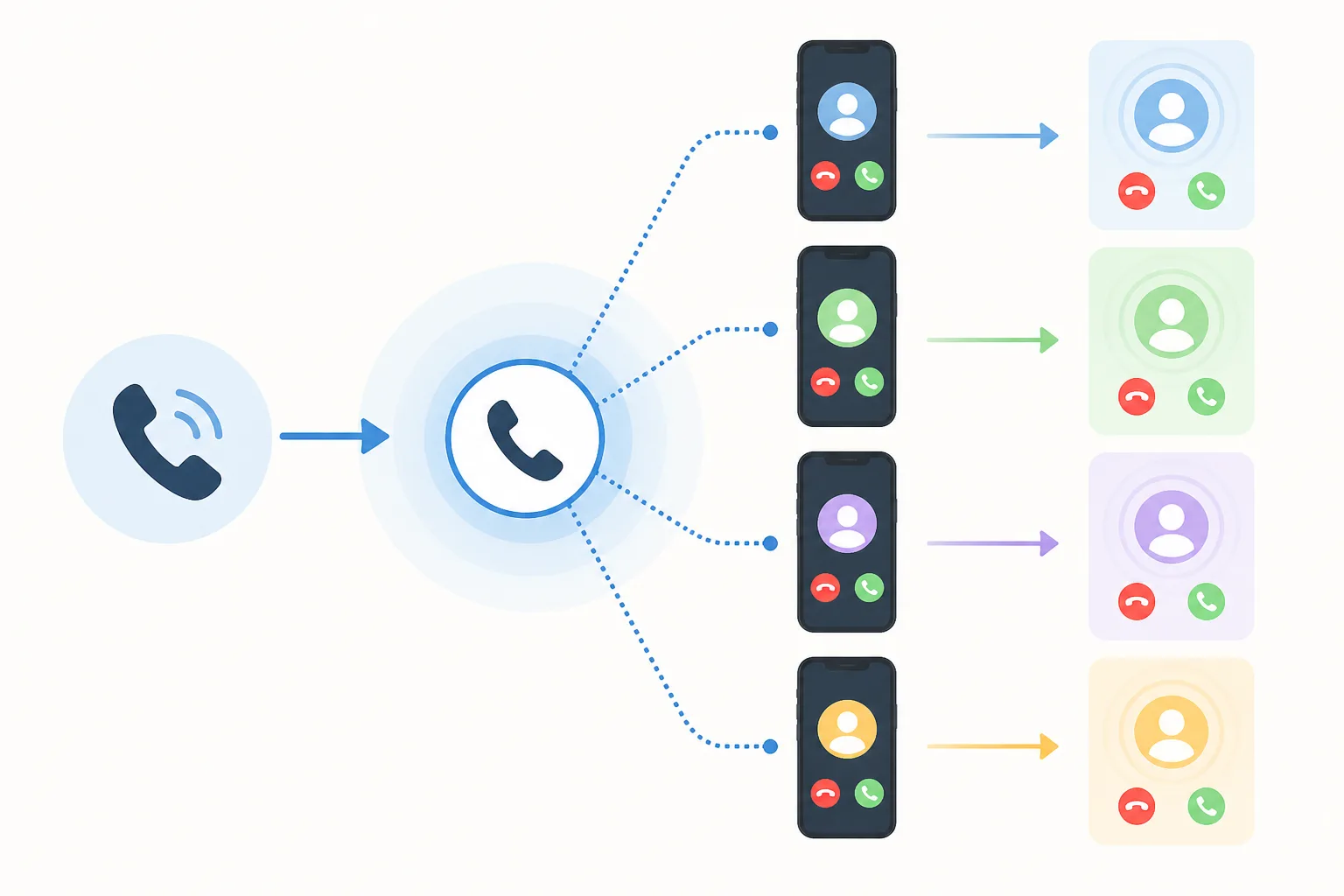
What you get
- Several people can open the same chats.
- Labels can mark chats by hand.
What you do not get
- No rule that decides which salesman gets the next lead.
- No record of who received what.
- No levels such as boss, manager and junior sales.
In other words, it is a shared screen, not a whatsapp shared inbox with rules. A true whatsapp multi agent setup needs ownership of each lead. If you want the full explanation of the feature itself, see WhatsApp Business multi device for staff.
Assign leads to salesman automatically with round robin
The fix for double replies and ignored leads is simple: every new lead gets one owner at the moment it arrives. This is what AI Round Robin does. It hands new leads to your salesmen in turn, and keeps a record of who got what.
Think of a property agency in Klang Valley. Ten new enquiries come in from one ad on Saturday morning. With round robin, lead 1 goes to Sarah, lead 2 to Kumar, lead 3 to Ah Hock, then back to Sarah. Nobody has to decide, and nobody can say it was unfair.
How it works, step by step
- Connect your company WhatsApp number to DREAMZTRACK AI.
- Add your salesmen to the team.
- Turn on AI Round Robin.
- A new lead messages your number.
- The lead is handed to the next salesman in turn.
- The record shows who received which lead and when.
This is lead distribution software doing the job that a boss or a group chat used to do badly.
Control who sees what with permission levels
Once each lead has an owner, you can decide who may see it. Admin Permission Levels let different levels see different things, so staff cannot see what they should not.
A practical setup for a team of five:
This also helps when someone resigns. The customer chats stay in your system, not on a personal phone.
Pair it with AI Boss Alert and you are told automatically when a deal closes or something important happens, without chasing your team for updates.
Phones in your hand vs a shared system
| Question | Many phones, one number | DREAMZTRACK AI |
|---|---|---|
| Who gets a new lead? | Whoever replies first | Next salesman in turn |
| Who sees which chat? | Everyone sees all | Set by permission level |
| Record of who got what? | None | Kept automatically |
| Staff leaves | Chats go with the phone | Chats stay in the system |
| Fair commission? | Often disputed | Clear assignment record |
The record matters most when money is involved. If you pay commission, read how round robin helps avoid commission disputes and how to keep commission fair across agents.
What happens after the lead is assigned
Assigning is only the start. A fast, good first reply decides if the customer buys or goes to the next shop.
The journey is simple: leads arrive, get an owner, get a quick reply, get sorted, and the boss sees results. More than 1600 clients already use DREAMZTRACK to run their sales this way.
Your next step
If you have two or more salesmen, stop relying on whatsapp on multiple phones and a hope that people behave. Give every lead an owner from the first message.
Choose your rules first. Manual, round robin or by agent skill will help you decide. Then follow how to set up round robin for a small team.
When you are ready, start with AI Round Robin or ask for a demo. We will show you with your own number how leads reach each salesman and who sees what.
Frequently Asked Questions
How do I assign leads to salesman fairly?
Use a rotation that passes each new lead to salespeople in turn, and keep a record of who received each lead. Set clear rules for who is in the rotation and what happens when someone is unavailable.
What is round-robin lead distribution?
Round-robin distribution hands new leads to salespeople in turn. It helps make ownership clearer and creates a record of who got each lead.
Can a WhatsApp shared inbox help a sales team manage leads?
A WhatsApp shared inbox can give team members a shared view of customer conversations. Agree who owns each lead so shared visibility does not create confusion about who should reply.
What should happen after a lead is assigned?
The assigned salesperson should review the enquiry, reply, record the conversation and set a suitable next step, such as a follow-up or booking.
Which plan is right for you?
Pick the one that matches how you work. You can start today and change later.
Business
For teams of 3 or more
3in1 Dreamztrack AI
Best if: You want AI replies, bulk messages and ad insights in one plan.
Enterprise
Made around your business
Custom
Talk to usYou have many staff, need a custom setup, or want it to fit your own way of working. Tell us what you need and we shape the plan with you.
Not sure which one? Chat with us on WhatsApp. Chat on WhatsApp
Ready to start?
Pick a plan and start today, or chat with us on WhatsApp first.
Get a free demo on WhatsApp
Leave your WhatsApp number and we will show you how it works for your business.
- See it with your own business
- Ask anything about the setup
- We reply on WhatsApp
Prefer to chat now? Chat on WhatsApp
More ways to grow your WhatsApp sales
AI Boss Alert
Alerts the boss and staff automatically when a deal closes or something important happens.
See how it worksAdmin Permission Levels
Different levels see different things; staff cannot see what they should not.
See how it works