whatsapp on two phones: what to check before sharing customer chats
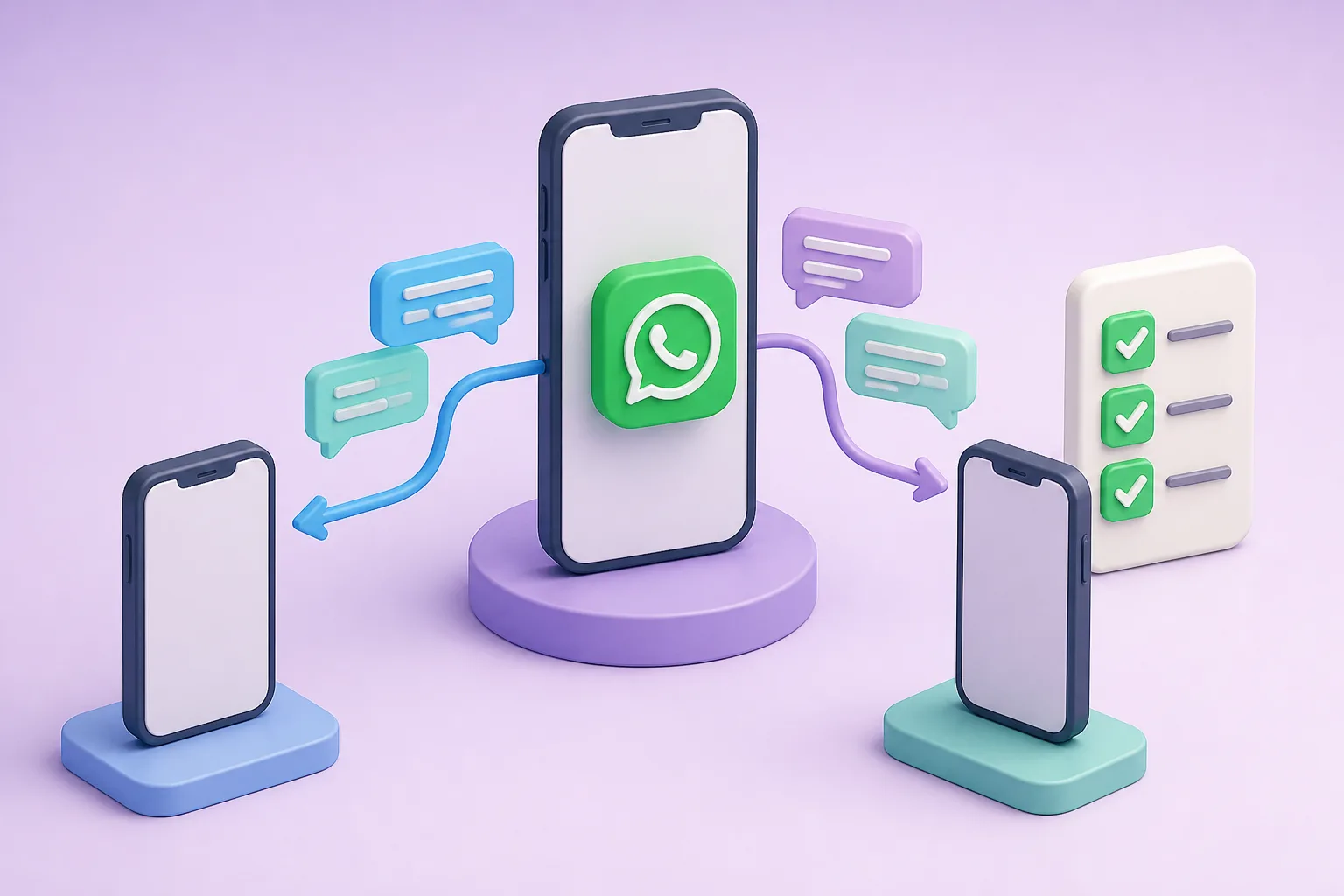







You can run WhatsApp on two phones, but before you share customer chats, check who owns each chat, who can see what, and how new leads are split. If those three are unclear, leads get lost and salesmen argue. DREAMZTRACK AI fixes this by handing each new lead to a salesman in turn, with a record of who got what.
See it in action
Why sharing chats on two phones goes wrong
Many Malaysian owners start the same way. One boss, one salesman, and the company WhatsApp number is put on two phones. It feels simple and it costs nothing extra.
Then a third salesman joins, ads bring in more enquiries, and problems appear. Two people reply to the same customer. Nobody replies to another. When a salesman leaves, his phone leaves with him, and so do the chats.
If you want to assign leads to salesman fairly, the phone setup is only the first step. You also need a clear rule for who gets each new customer. This article shows what to check first, and what to do when two phones are no longer enough.
If you want the basics first, read how to use WhatsApp on two phones in a small business.
How to use whatsapp on two phone: the basic options
People often ask how to use whatsapp on two phone setups. In short, there are two common cases.
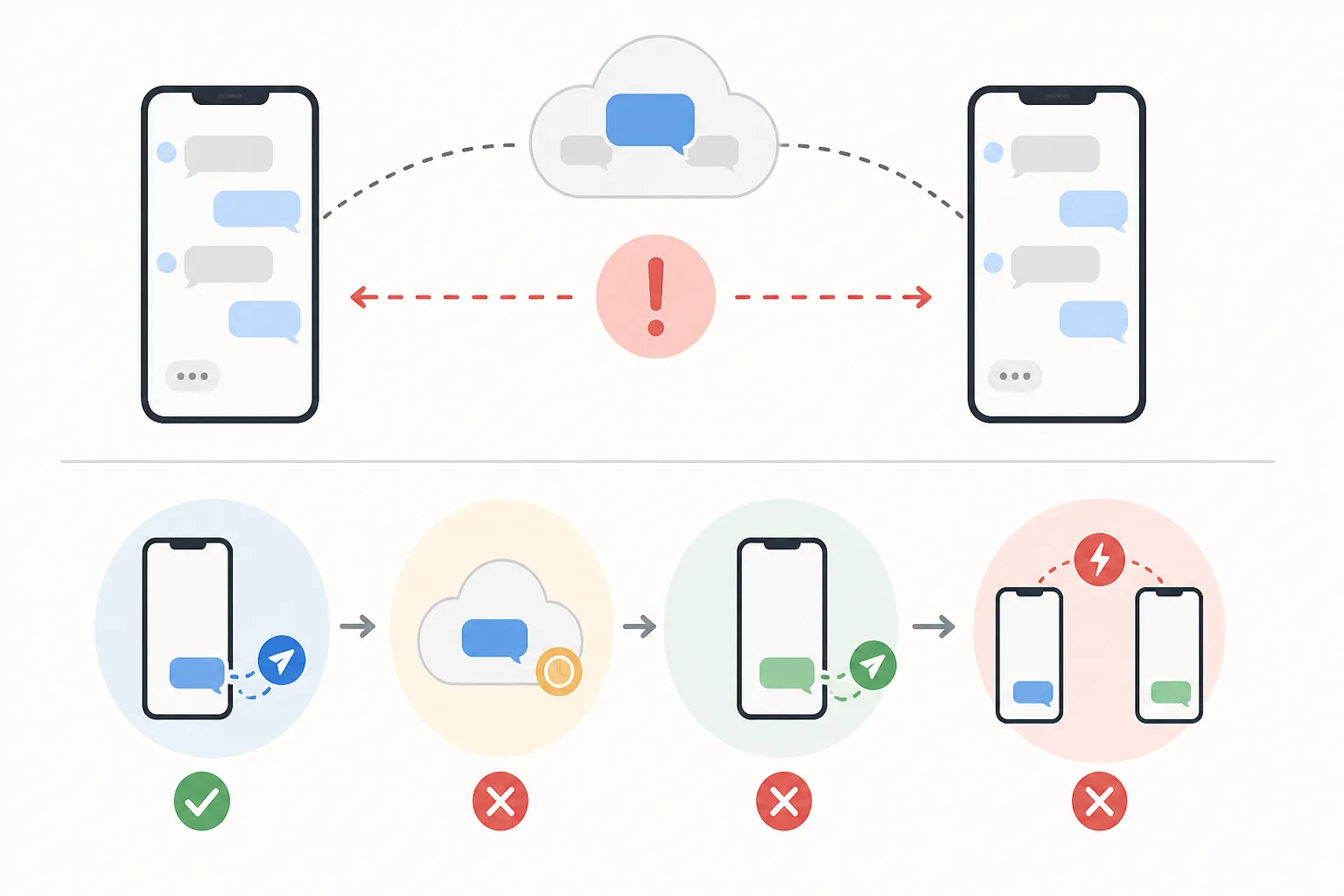
Same number on two phones
This is the most searched case. The main phone stays the owner of the account, and the second phone is linked to it as a companion device. It works for a boss and one helper. It is not built for a sales team, because there is no rule for who answers whom.
Different numbers on two phones
Each salesman has his own number. Customers then message whichever number they have. This splits chats by accident, not by plan, and customer records sit on personal phones.
Limits on linked devices can change, so check the current WhatsApp rules before you plan around them. For a longer answer, see can WhatsApp be used on multiple phones.
Six things to check before you share customer chats
Go through this list before any salesman touches the company number.

If you answer "not sure" to two or more, sharing chats on two phones will cost you leads sooner or later.
What it looks like in real life
Take a renovation company in Johor Bahru with three salesmen. Facebook ads bring in 30 enquiries on a busy day. The boss forwards screenshots to a group chat and says, "Who is free?"
Ahmad replies first and takes most of them. Mei Ling is slower, and gets fewer leads. At month end she asks why her commission is lower. Nobody can prove who got what.
This is a distribution problem, not a phone problem. A fair split and a record would have ended the argument. Read more in lead distribution without fights.
Two phones vs a shared inbox with round robin
A whatsapp shared inbox lets the whole team work from one number, and a lead distribution software decides who gets each new chat. Here is how they compare.
| Check | WhatsApp on two phones | DREAMZTRACK AI Round Robin |
|---|---|---|
| New lead goes to | Whoever sees it first | Next salesman in turn |
| Record of who got what | None | Yes, kept for you |
| Adding a third salesman | Awkward | Add him to the rotation |
| Commission disputes | Common | Clear history to check |
| Chats if staff leave | On his phone | Stay in the system |
This is what people mean by whatsapp business multiple users or whatsapp multi agent: many staff, one company number. See WhatsApp Business multiple users explained for more.
How to assign leads to salesman automatically
With AI Round Robin, the steps are short.
- Connect your company WhatsApp number to DREAMZTRACK AI.
- Add your salesmen to the rotation.
- When a new lead messages you, the system hands it to the next salesman in turn.
- Each salesman handles the leads given to him.
- You check the record to see who got which lead.
No more forwarding screenshots, and no more racing to reply first. The record also supports a fair payout, as explained in round robin lead assignment and clear commission.
Round robin is not perfect for every team. Check when it stops working so you can plan for it.
The next problems to solve after sharing chats
Once leads are shared fairly, new questions come up. DREAMZTRACK AI covers them in the same place.
Over 1600 clients already use DREAMZTRACK to manage their sales chats. If you have two or more salesmen, the easiest next step is to ask for a demo and see your own number working with round robin.
Not sure when to move on? Read when to switch to multiple agents.
Frequently Asked Questions
How do I assign leads to salesman fairly?
Use a rotation that passes each new lead to salespeople in turn, and keep a record of who received each lead. Set clear rules for who is in the rotation and what happens when someone is unavailable.
What is round-robin lead distribution?
Round-robin distribution hands new leads to salespeople in turn. It helps make ownership clearer and creates a record of who got each lead.
Can a WhatsApp shared inbox help a sales team manage leads?
A WhatsApp shared inbox can give team members a shared view of customer conversations. Agree who owns each lead so shared visibility does not create confusion about who should reply.
What should happen after a lead is assigned?
The assigned salesperson should review the enquiry, reply, record the conversation and set a suitable next step, such as a follow-up or booking.
Which plan is right for you?
Pick the one that matches how you work. You can start today and change later.
Pro
For one person running sales alone
AI Salesman
RM 499 per month
Subscribe nowBest if: You get many WhatsApp enquiries and want an AI to answer and follow up for you.
Business
For teams of 3 or more
3in1 Dreamztrack AI
Best if: You want AI replies, bulk messages and ad insights in one plan.
Enterprise
Made around your business
Custom
Talk to usYou have many staff, need a custom setup, or want it to fit your own way of working. Tell us what you need and we shape the plan with you.
Not sure which one? Chat with us on WhatsApp. Chat on WhatsApp
Ready to start?
Pick a plan and start today, or chat with us on WhatsApp first.
Get a free demo on WhatsApp
Leave your WhatsApp number and we will show you how it works for your business.
- See it with your own business
- Ask anything about the setup
- We reply on WhatsApp
Prefer to chat now? Chat on WhatsApp
More ways to grow your WhatsApp sales
AI Boss Alert
Alerts the boss and staff automatically when a deal closes or something important happens.
See how it worksAdmin Permission Levels
Different levels see different things; staff cannot see what they should not.
See how it works