How to Remind Registrants to Improve Workshop Attendance








Remind registrants by connecting workshop registration with customer reminders, attendance tracking and follow-up in one flow. With DREAMZTRACK, you set up the event and its registration and reminder process, then use the same system to manage attendance and follow up after the workshop.
See it in action
Why reminders matter for workshop attendance
A person can register for a workshop and still forget to attend. If registration details and reminders sit in separate places, it can also be harder to keep track of who signed up and who showed up. A connected process helps you guide each registrant from sign-up to the workshop and the follow-up afterwards.
DREAMZTRACK brings registration, reminders, attendance and follow-up together. This gives business owners and training providers one event flow to manage instead of treating each step as a separate task.

Set up workshop attendance reminders in one flow
Start with the event and its registration process. Then connect reminders to the registrant journey so people receive a prompt before the workshop, and keep attendance and follow-up in the same flow.
- Set up the workshop registration. Use DREAMZTRACK to collect registrations for the event.
- Set up reminders for registrants. Connect the reminder step to the event so customers are reminded, not only the organiser.
- Manage attendance. Keep attendance as part of the same event process.
- Follow up after the workshop. Continue the customer journey with follow-up after the event.
This is useful for a training provider running a public skills workshop or a business hosting a customer session in Kuala Lumpur, Johor Bahru or elsewhere in Malaysia. The event registration system Malaysia organisers need should connect the steps, rather than leave registration, reminders and attendance disconnected.
Explore the DREAMZTRACK event system to see how registration, reminders, attendance and follow-up fit together.
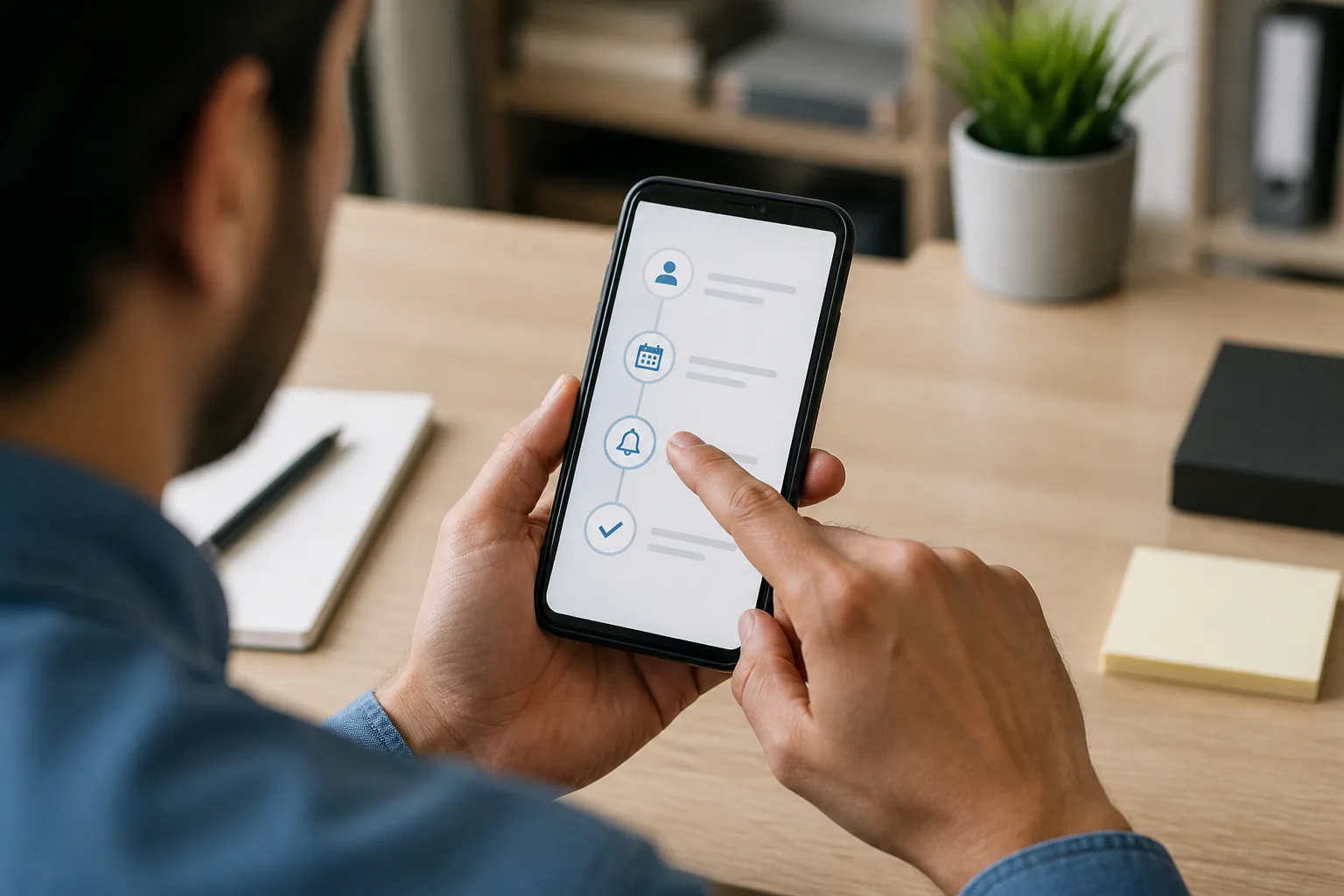
Connect registration to the next customer action
A workshop registration system is most useful when it supports what happens after a person signs up. If someone has not responded or gone quiet, AI Follow Up can follow up with customers who went quiet, so you do not have to remember each one yourself.
For a timely prompt to customers, AI Reminder sends reminders automatically. If WhatsApp is part of how you communicate with customers, WhatsApp Blasting lets you send bulk messages to customers instantly on WhatsApp.
Together, these steps help connect event management software with the customer journey: a person registers, receives reminders, attends the workshop and can be followed up afterwards.
Keep improving workshop attendance
Once your event process is connected, review how you invite people, remind registrants and follow up after each session. Make the next workshop easier to attend by keeping the journey clear from registration to the event itself.
For more ideas, read how to increase workshop attendance. To put registration, reminders, attendance and follow-up into one process, start using DREAMZTRACK or ask for a demo.
Frequently Asked Questions
How often should I remind workshop registrants?
Use a reminder process connected to the event so registrants receive prompts before the workshop. Choose a process that suits your event and the way you communicate with your customers.
Can I manage registration and attendance in the same system?
DREAMZTRACK connects registration, reminders, attendance and follow-up in one event flow, helping you manage the registrant journey in one system.
What should I do after the workshop?
Follow up with customers after the event. DREAMZTRACK includes follow-up in the event flow, and AI Follow Up can follow up with customers who went quiet.
Can I send workshop reminders on WhatsApp?
DREAMZTRACK's WhatsApp Blasting feature lets you send bulk messages to your customers instantly on WhatsApp.
Which plan is right for you?
Pick the one that matches how you work. You can start today and change later.
Pro
For one person running sales alone
AI Salesman
RM 499 per month
Subscribe nowBest if: You get many WhatsApp enquiries and want an AI to answer and follow up for you.
Business
For teams of 3 or more
3in1 Dreamztrack AI
Best if: You want AI replies, bulk messages and ad insights in one plan.
Enterprise
Made around your business
Custom
Talk to usYou have many staff, need a custom setup, or want it to fit your own way of working. Tell us what you need and we shape the plan with you.
Not sure which one? Chat with us on WhatsApp. Chat on WhatsApp
Ready to start?
Pick a plan and start today, or chat with us on WhatsApp first.
Get a free demo on WhatsApp
Leave your WhatsApp number and we will show you how it works for your business.
- See it with your own business
- Ask anything about the setup
- We reply on WhatsApp
Prefer to chat now? Chat on WhatsApp
More ways to grow your WhatsApp sales
🔁 AI Follow Up
Follows up customers who went quiet, so you do not have to remember.
See how it works