ads analysis tool: how do you compare reporting features?








Compare reporting features by checking which ad platforms are covered, whether reports connect ads to enquiries and sales, and whether they show cost per real lead and ROAS. DREAMZTRACK Ads Analysis tracks Google, Facebook and Instagram ads in one dashboard and shows which ad produced each enquiry and sale.
See your ad results in action
A clear signal matters more than another report
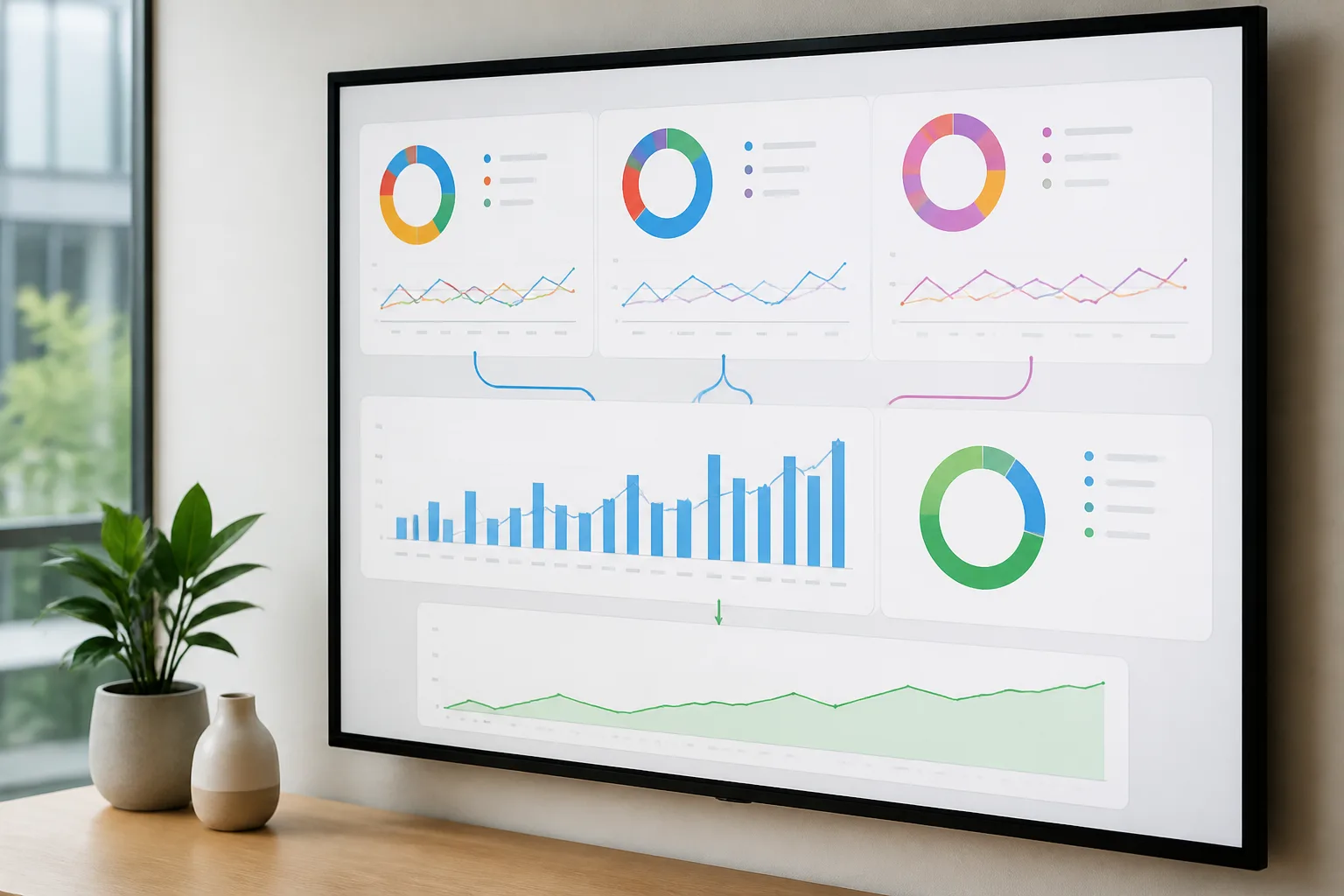
A platform report may show ad activity, but your next decision depends on whether you can connect that activity to real customer outcomes. DREAMZTRACK Ads Analysis puts Google, Facebook and Instagram ads in one dashboard and shows which ad produced each enquiry and sale. That gives you a more useful starting point for reviewing performance than looking at channel activity alone.

What to compare in an ads analysis tool
Use these checks when you assess reporting features:
- Channel coverage: Can you review the platforms where you advertise together? DREAMZTRACK tracks Google, Facebook and Instagram ads in one dashboard.
- Enquiry and sale attribution: Does the report show which ad produced an enquiry and which produced a sale? This helps you see more than clicks or broad channel totals.
- Useful cost and return measures: Check whether the reporting includes cost per real lead and ROAS, so you can compare activity against outcomes.
- Decision support: Can the information help you decide what to review before changing spend? For more context, read which metrics matter before you change spend.
For a deeper look at how to compare channels and campaigns, see how to compare channels and campaigns.
How to use the reporting to follow the customer journey
Reporting becomes more useful when it leads to a next step for the customer, not just a review of past spend. A Malaysian business running campaigns across several platforms can use DREAMZTRACK Ads Analysis in this sequence:
- Review the advertising sources. Use the dashboard to bring Google, Facebook and Instagram ads into one view.
- Trace outcomes. Check which ad produced each enquiry and sale, then review cost per real lead and ROAS.
- Continue the conversation. Once a customer has enquired, AI Reply can recognise which stage the customer is at, rather than acting like a keyword robot.
- Keep follow-up moving. If a customer goes quiet, AI Follow Up follows up so your team does not have to remember each time.
This connects campaign reporting to the next parts of the customer journey: understanding where an enquiry came from, responding in context, and keeping follow-up from being forgotten.
Check attribution and reporting before choosing
Ask whether the reporting makes the source of each customer clear, and whether it links that source to enquiries and sales. DREAMZTRACK's AI Ads Tracking knows which ad each customer came from without manual spreadsheets, while Ads Analysis shows which ad produced each enquiry and sale alongside cost per real lead and ROAS.
If you are reviewing platform connections as part of your choice, read what integrations to check. To understand what an AI tool should explain about its data, see what data an ads analysis AI tool should explain.
For a reporting setup focused on these outcomes, explore DREAMZTRACK Ads Analysis. Start using it to review your advertising in one dashboard, or ask for a demo.
Frequently Asked Questions
What should an ads analysis tool report?
Check for channel coverage, which ads produced enquiries and sales, cost per real lead, and ROAS. These details help connect advertising activity to business outcomes.
Can I compare Google, Facebook and Instagram ads together?
DREAMZTRACK Ads Analysis tracks Google, Facebook and Instagram ads in one dashboard, so you can review those channels together.
Why is it useful to know which ad produced a sale?
It connects an advertising source to a customer outcome. This gives you more context when reviewing campaign performance and deciding what to examine before changing spend.
Does DREAMZTRACK show cost per real lead and ROAS?
Yes. DREAMZTRACK Ads Analysis shows cost per real lead and ROAS, along with which ad produced each enquiry and sale.
Which plan is right for you?
Pick the one that matches how you work. You can start today and change later.
Pro
For one person running sales alone
AI Salesman
RM 499 per month
Subscribe nowBest if: You get many WhatsApp enquiries and want an AI to answer and follow up for you.
Business
For teams of 3 or more
3in1 Dreamztrack AI
Best if: You want AI replies, bulk messages and ad insights in one plan.
Enterprise
Made around your business
Custom
Talk to usYou have many staff, need a custom setup, or want it to fit your own way of working. Tell us what you need and we shape the plan with you.
Not sure which one? Chat with us on WhatsApp. Chat on WhatsApp
Ready to start?
Pick a plan and start today, or chat with us on WhatsApp first.
Get a free demo on WhatsApp
Leave your WhatsApp number and we will show you how it works for your business.
- See it with your own business
- Ask anything about the setup
- We reply on WhatsApp
Prefer to chat now? Chat on WhatsApp
More ways to grow your WhatsApp sales
AI Ads Tracking
Knows which ad each customer came from, with no manual spreadsheets.
See how it works