Remind customer: reminding customers to pay by SMS or WhatsApp?








Choose the channel your customer is most likely to see and respond to: WhatsApp when they already communicate with your business there, or SMS when a simple text is more suitable. For reminding customers to pay consistently, set up an automatic customer reminder in DREAMZTRACK and confirm which channels are available for your account.
See it in action
Choose a channel that makes it easy to respond
When a payment is overdue, a slow or missed message can delay the next step in the customer journey. To remind customer contacts effectively, choose the channel they already expect from your business. WhatsApp can suit a customer who books and asks questions there; SMS can suit a customer who prefers a simple text. The right option depends on your customers, not a single rule for every business.
For a clinic, that might mean choosing the same channel a patient uses for booking. A beauty business may use the channel its client already checks for appointment details. A training provider can consider how each learner usually receives course updates. For more context on local channel choices, read remind customer for payment: which channels work in Malaysia?

Remind customer about payment without losing the next booking
A payment reminder is one part of the customer journey. Once a customer replies, you may need to follow up, confirm their next appointment or keep track of a future renewal. Set a clear reminder plan so payment follow-up connects naturally to what the customer needs next.
With DREAMZTRACK AI Reminder, you set up reminders and the system sends them to your customers automatically, not only to you. This helps your team keep payment follow-up from relying on memory. Check the AI Reminder product page for the feature details and available setup options.
If a customer has gone quiet after an enquiry or payment conversation, AI Follow Up can follow up with customers who went quiet. If the next step is confirming a visit or session, AI Google Calendar keeps bookings in sync with Google Calendar. For due renewals, the Renewal System reminds you when they are due.
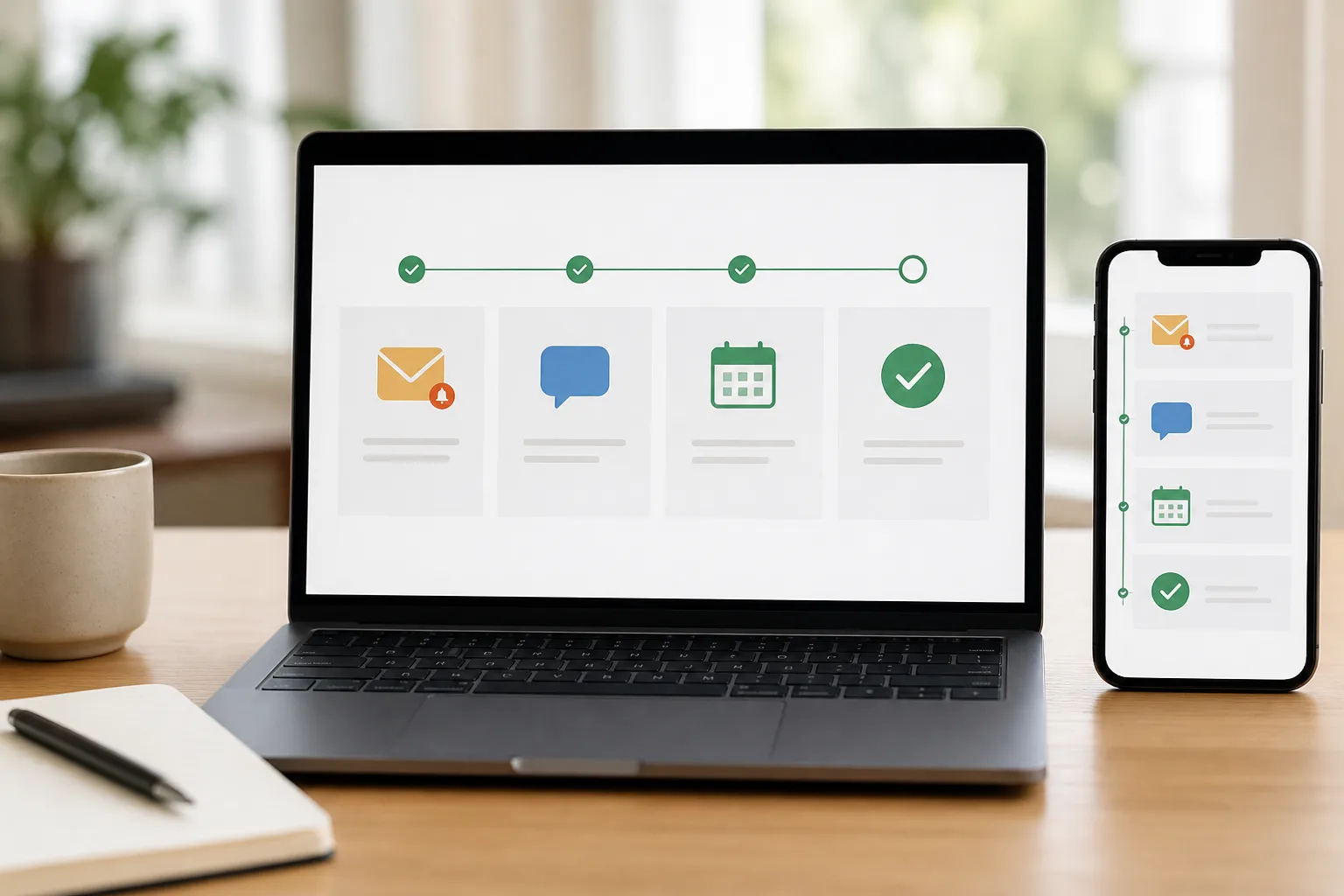
Set up an auto reminder customer flow in DREAMZTRACK
Use this simple sequence to make reminders part of your customer process:
- Choose the customer journey. Decide whether the reminder is for an unpaid service, a clinic visit, a beauty appointment or a training session.
- Choose the preferred channel. Consider where that customer already communicates with your business. Confirm the channels available in your DREAMZTRACK account before setting up the reminder.
- Set up the reminder. Add the reminder to your process in AI Reminder so it is sent to the customer automatically.
- Plan what happens next. Connect the reminder to the next relevant step, such as follow-up, booking or renewal, using the related DREAMZTRACK features.
If you are also sending appointment details, see how to remind customer appointment on WhatsApp. For appointments where missed visits are a concern, read how to remind customer to reduce no-shows.
Keep reminders useful, not repetitive
Customers are more likely to welcome a reminder when it is relevant to something they need to do. Make the purpose clear, use the channel that fits the customer relationship and avoid sending repeated messages without a reason. For practical guidance on reminder frequency and tone, read how to automate reminders without spamming.
If you are deciding which connected tools suit your business, the guide to reminder tools for a small business in Malaysia can help you consider the wider workflow. Start using DREAMZTRACK AI Reminder or ask the DREAMZTRACK team for a demo to check how it can fit your customer process.
Frequently Asked Questions
Should I use SMS or WhatsApp to remind a customer to pay?
Choose the channel the customer already uses with your business. WhatsApp may fit an ongoing conversation, while SMS may suit a straightforward text. Check which channels are available for your DREAMZTRACK account before setting up an automatic reminder.
Can DREAMZTRACK send payment reminders to customers automatically?
DREAMZTRACK AI Reminder sends reminders to your customers automatically, not only to you. Set up the reminder for the relevant customer process and confirm the available channel options for your account.
Can payment reminders also support appointments?
Yes. You can connect reminders with the next step in the customer journey, such as an appointment or training session. DREAMZTRACK AI Google Calendar supports bookings that sync with Google Calendar.
How can I avoid bothering customers with reminders?
Keep each reminder relevant to a clear customer action and avoid unnecessary repetition. DREAMZTRACK's guide on automating reminders without spamming offers more practical guidance.
Which plan is right for you?
Pick the one that matches how you work. You can start today and change later.
Pro
For one person running sales alone
AI Salesman
RM 499 per month
Subscribe nowBest if: You get many WhatsApp enquiries and want an AI to answer and follow up for you.
Business
For teams of 3 or more
3in1 Dreamztrack AI
Best if: You want AI replies, bulk messages and ad insights in one plan.
Enterprise
Made around your business
Custom
Talk to usYou have many staff, need a custom setup, or want it to fit your own way of working. Tell us what you need and we shape the plan with you.
Not sure which one? Chat with us on WhatsApp. Chat on WhatsApp
Ready to start?
Pick a plan and start today, or chat with us on WhatsApp first.
Get a free demo on WhatsApp
Leave your WhatsApp number and we will show you how it works for your business.
- See it with your own business
- Ask anything about the setup
- We reply on WhatsApp
Prefer to chat now? Chat on WhatsApp
New to automation? Start with an AI program Malaysia built for businesses that sell through chat.
More ways to grow your WhatsApp sales
🔁 AI Follow Up
Follows up customers who went quiet, so you do not have to remember.
See how it works🔄 Renewal System
Reminds you of renewals when they are due, so nobody tracks expiry dates by hand.
See how it works