Facebook messenger auto reply: what to check before you pick a tool
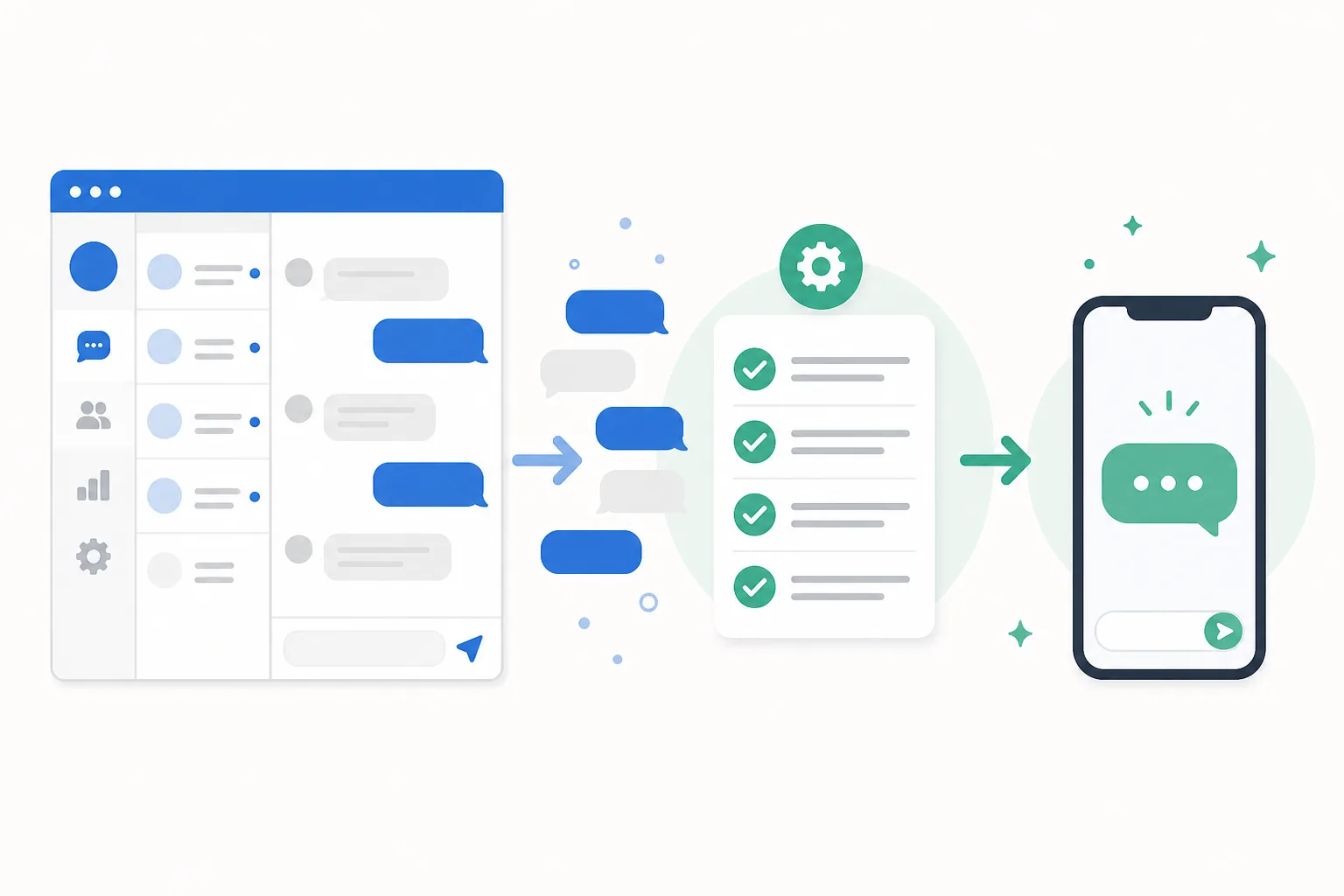






Before you pick a facebook messenger auto reply tool, check whether it only sends fixed text or really understands what the customer is asking and which stage they are at. Also check how it handles follow-up, products, and the handover to you. A tool that only sends "we will reply soon" saves no sales.
See it in action
Why the tool you pick matters more than the setting
Most Malaysian SME owners start with the built-in facebook messenger auto reply. It is free, it takes minutes, and it sends a greeting or an away message. For a quiet page, that is fine.
The trouble starts when the page gets busy. A customer asks "ada stock tak? berapa harga?" and gets a cheerful "thanks for messaging us". The customer waits, gets bored, and messages the next shop.
So the real question is not "how do I switch it on". It is "what should it do once the customer replies?" If you only need the basic steps, see our guide to setting up an auto reply on your Facebook page. This article is about choosing well.
Use the checks below as a shopping list. If a tool fails two or three of them, you will outgrow it quickly.
Check 1: does it know the customer's stage?
A new visitor, a customer comparing prices, and a customer ready to pay need three different answers. A keyword robot cannot tell them apart. It sees the word "price" and sends the same text every time.

DREAMZTRACK AI Reply is built differently. It knows which stage the customer is at, so it is not a keyword robot. It answers the question in front of it and moves the chat forward.
A simple test
Send the tool three messages: "hi", "how much for the big one?" and "ok I want to buy". If all three get the same style of reply, it is not reading the stage.
This is the biggest difference between a plain auto reply facebook page setting and an AI reply for customer messages.
Auto reply facebook page: what the built-in option covers
The built-in auto reply facebook page feature is useful, so do not ignore it. Know its limits before you decide.

It works as a doorbell, not as a salesperson. Compare the two ideas in our post on whether a free autoresponder is enough. The same logic applies on Messenger.
If your page gets a handful of messages a day and mostly general questions, the free option may be enough for now. If messages are enquiries about products, you need more.
Checks 2 to 5: the questions to ask any vendor
Check 2: can it quote your products?
Customers ask about items, sizes and prices. Look for a tool where you add your products once and it recommends and quotes by itself. Product AI does this for up to about 500 products.
Check 3: does it follow up?
Many chats go quiet after the price is sent. A good tool nudges the customer later. AI Follow Up follows up customers who went quiet, so you do not have to remember.
Check 4: can you change its instructions easily?
Promotions change. You should not need a developer. With Text AI Edit Instruction you change or improve the AI's instructions just by typing.
Check 5: can it send rich replies?
Some customers want a photo or a voice note, not a paragraph. AI Keyword Reply sends a voice note, photo or video when a customer mentions a keyword.
Free built-in vs DREAMZTRACK AI
| What you need | Built-in auto reply | DREAMZTRACK AI |
|---|---|---|
| Instant greeting | Yes | Yes |
| Reads the customer's stage | No | Yes |
| Answers free-typed questions | Limited | Yes, as AI reply to customer messages |
| Quotes products | No | Yes, with Product AI |
| Follows up quiet customers | No | Yes, with AI Follow Up |
| Changes by typing | Fixed text | Yes |
The table is not saying the free option is bad. It is saying each tool solves a different size of problem.
Check 6: does it fit the rest of your sales channels?
Few Malaysian customers stay on one app. They see your ad on Facebook, then switch to WhatsApp to buy. If your tools are separate, leads fall into gaps.
Look for one system that handles the customer journey. Read where WhatsApp leads go cold to see how this happens. Also look at how the system treats Instagram DMs and story replies, since many shops get messages from both.
If you run ads, Ads Analysis helps you see how they perform, so you know which ads bring chats worth answering. For announcements to existing customers, WhatsApp Blasting sends bulk messages instantly.
Check 7: what happens when a human is needed?
Some chats should reach you: an angry customer, a damaged parcel, a special request. A good tool answers the easy 90% of questions of the day and does not trap customers in a loop on the hard ones.
Ask how the handover works and test it. For tricky cases, our guide on how to reply to a customer complaint about a wrong or damaged item shows the tone to aim for.
Also think about cost of people. See hiring a salesperson vs an AI sales agent to decide what is worth giving to a machine and what to keep human.
How to start: a short plan
- List the ten questions customers ask most on your page.
- Add your products and answers to DREAMZTRACK AI.
- Type your rules, such as tone, promotions and when to call you.
- Turn on follow-up for customers who go quiet.
- Check a week of chats, then edit the instructions by typing.
More than 1600 clients already use DREAMZTRACK AI to answer customers faster. You can see how it handles the reply, the quote and the follow-up in one place.
Next step: start with DREAMZTRACK AI Reply or ask for a demo, and test it with your own customer questions.
Frequently Asked Questions
What should I say when a customer asks for the price?
Give the relevant price information clearly, along with any details that affect the total. If you need more information to answer accurately, ask one focused question before recommending an option.
How soon should I reply to a customer?
Reply as soon as your team reasonably can, especially when the customer is asking about an active order or booking. If you cannot answer yet, acknowledge the message and explain that you will check the details.
Does a WhatsApp auto reply help customers buy?
It can acknowledge a message and point customers to a useful next step, but a generic response may not answer what they need. Use automation for simple first responses and provide a relevant human reply when the question needs context.
How do I follow up without sounding pushy?
Send a brief, polite check-in that refers to the customer’s question and offers help. Avoid repeated messages, and make it comfortable for them to continue later or decline.
Which plan is right for you?
Pick the one that matches how you work. You can start today and change later.
Business
For teams of 3 or more
3in1 Dreamztrack AI
Best if: You want AI replies, bulk messages and ad insights in one plan.
Enterprise
Made around your business
Custom
Talk to usYou have many staff, need a custom setup, or want it to fit your own way of working. Tell us what you need and we shape the plan with you.
Not sure which one? Chat with us on WhatsApp. Chat on WhatsApp
Ready to start?
Pick a plan and start today, or chat with us on WhatsApp first.
Get a free demo on WhatsApp
Leave your WhatsApp number and we will show you how it works for your business.
- See it with your own business
- Ask anything about the setup
- We reply on WhatsApp
Prefer to chat now? Chat on WhatsApp
More ways to grow your WhatsApp sales
🖼️ AI Keyword Reply
When a customer mentions a keyword, it sends a voice note, photo or video automatically.
See how it works🛍️ Product AI
Add your products; it recommends and quotes automatically (up to about 500 products).
See how it works✍️ Text AI Edit Instruction
Change or improve the AI's instructions just by typing, no back office needed.
See how it works