Facebook messenger auto reply: when to switch from free to AI chatbot
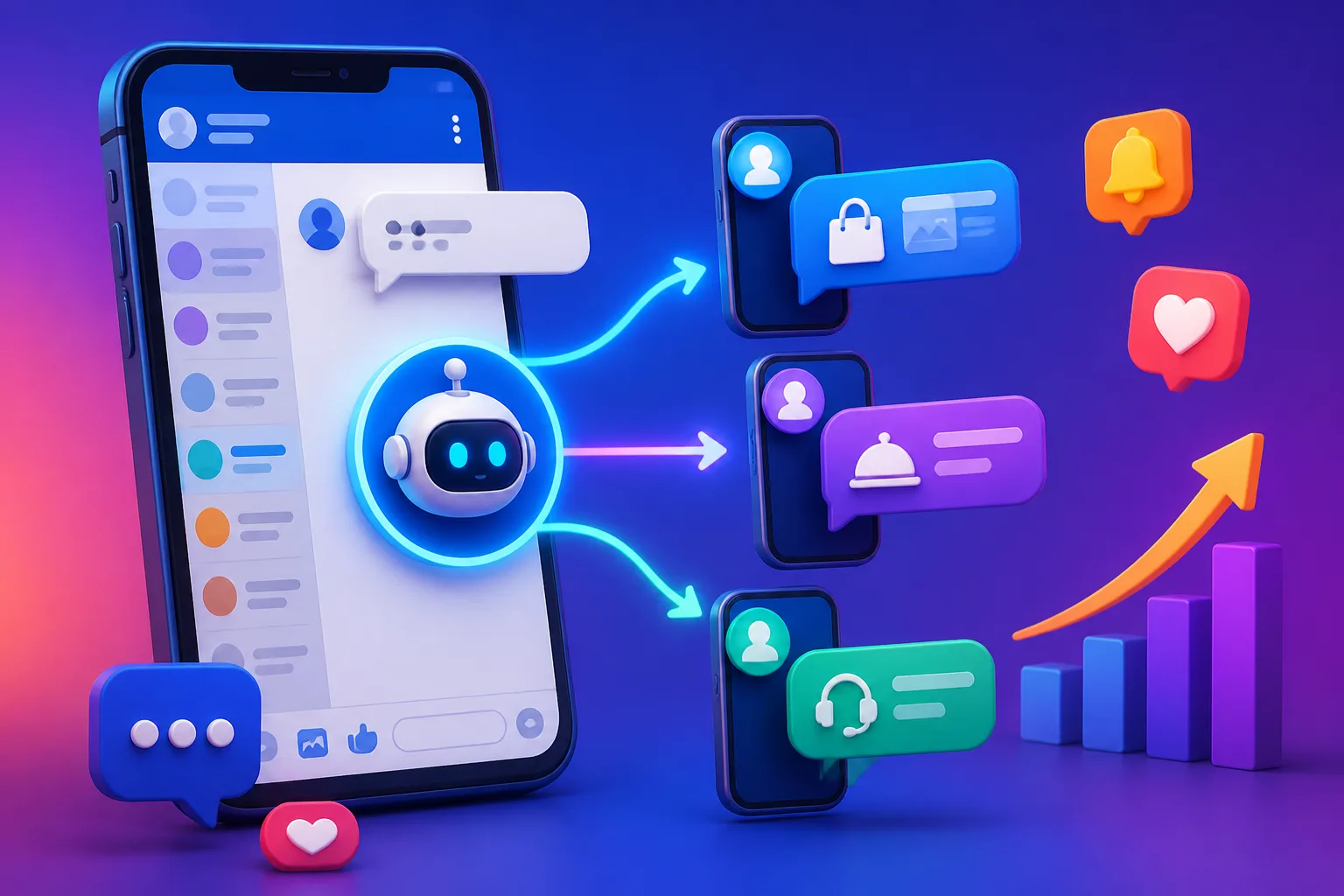






Switch from a free facebook messenger auto reply to an AI chatbot when customers ask real questions that a fixed message cannot answer, and when you start losing chats after the first reply. A free auto reply only greets. An AI reply understands what the customer wants and moves them towards buying.
See it in action
The short answer: free is for greeting, AI is for selling
A free facebook messenger auto reply is a good first step. It tells people you got their message, and it costs you nothing to switch on. For a small page with a few chats a day, that may be enough.
The problem starts when the chats grow. Customers do not only say hello. They ask "how much?", "is it available?", "can deliver to Penang?" A fixed greeting cannot answer any of that, so the customer waits, gets bored and buys from someone else.
That is the moment to switch. In this article you will see the clear signs, what an AI chatbot does differently, and how to move over without chaos. If you want the basics of the free options first, read instant reply vs away message.
What a free auto reply does well, and where it stops
What you get for free
Free tools on Facebook let you send an instant greeting, an away message and a few saved answers. They are simple and safe. Many Malaysian home bakers, boutiques and tuition centres start this way.

Where it stops
Every customer gets the same words, whatever they ask. It does not know if the person is just browsing or ready to pay. It cannot follow up, and it cannot recommend a product.
| Need | Free auto reply | AI chatbot |
|---|---|---|
| Greet new chats | Yes | Yes |
| Answer price and stock questions | No | Yes |
| Know the customer's stage | No | Yes |
| Follow up quiet customers | No | Yes |
| Recommend and quote products | No | Yes |
If most of your needs sit in the right column, free is already costing you sales.
Five signs it is time to switch
You do not need a big reason. Watch for these signs in your inbox.
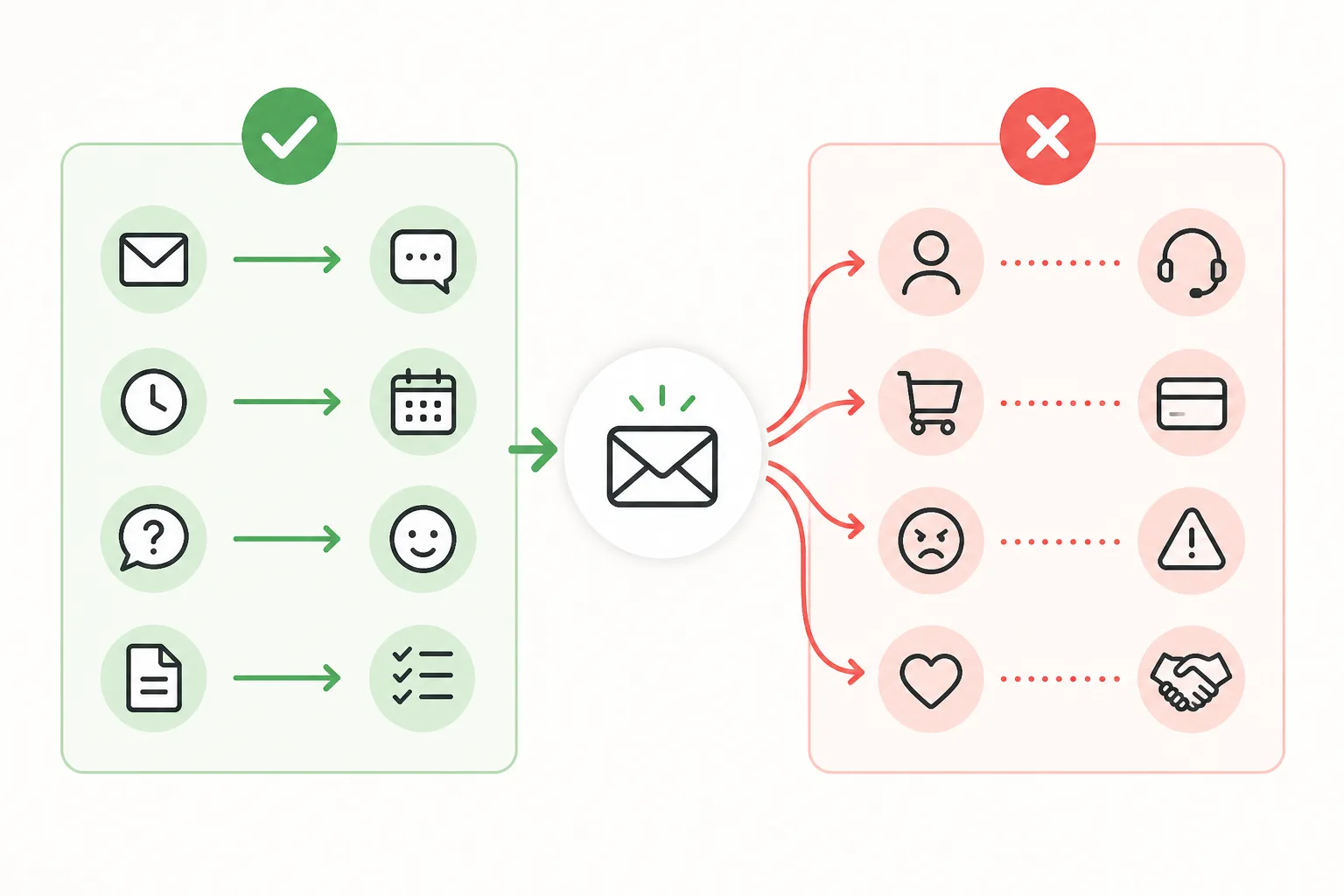
Two or more of these? Slow replies lead to lost sales, and lost sales are far more expensive than a good system. The same logic is explained in hiring a salesperson: real cost vs expected sales.
How an AI chatbot replies differently
A keyword robot looks for one word and fires one canned line. DREAMZTRACK AI Reply works differently: it knows which stage the customer is at. A new person gets a friendly welcome and a question. Someone asking about price gets a quote. Someone who is ready gets the next step.
This is how an ai reply customer message should feel: like a sensible staff member who read the whole chat, not a machine that matched one word.
Works in the language your customers use
Malaysian customers mix BM, English and Manglish in one sentence. A good AI handles that without sounding stiff. See how to test BM, English and Manglish replies before you go live.
Not only Messenger
The same thinking applies to WhatsApp, where many shops get most chats. Compare WhatsApp auto reply vs WhatsApp AI to see the same switch in another channel.
Auto reply facebook page: how to move over step by step
Setting up an auto reply facebook page with AI does not mean throwing away what you have. You keep your page, your greeting and your tone. You only add a smarter layer.
- Write down your top questions. Price, stock, delivery, opening hours, payment method.
- Open DREAMZTRACK AI Reply and give it your business details and the answers you normally send.
- Add your products in Product AI so the AI can recommend and quote automatically (up to about 500 products).
- Test with your own chats. Ask tricky questions and check the tone.
- Adjust by typing. With Text AI Edit Instruction you change the AI's instructions in plain words, with no back office.
- Go live and read the first week of chats to fine-tune.
Your free greeting can stay as the first touch while the AI handles the real conversation.
Beyond the first reply: keep the sale alive
Replying fast is only the start. Most sales are lost after the first answer, when the customer says "I will think about it" and goes quiet.
Timing matters too. Read when to message buyers for follow-up ideas that apply to any chat channel.
What switching gives your business
The gain is simple: fewer missed chats and less repeated typing. Your team stops answering "how much?" all day and spends time on customers who are ready to pay.
It also protects you when things go wrong. A calm, correct reply to an upset customer keeps the relationship. See how to reply to a customer complaint for what to avoid.
More than 1600 clients already use DREAMZTRACK AI to handle their customer chats. You can see how AI Reply fits your page by trying it on your own questions.
Your next step
Open the AI Reply product page, start using it, or ask for a demo. Bring five real customer chats and we will show you how the AI would answer them.
Frequently Asked Questions
What should I say when a customer asks for the price?
Give the relevant price information clearly, along with any details that affect the total. If you need more information to answer accurately, ask one focused question before recommending an option.
How soon should I reply to a customer?
Reply as soon as your team reasonably can, especially when the customer is asking about an active order or booking. If you cannot answer yet, acknowledge the message and explain that you will check the details.
Does a WhatsApp auto reply help customers buy?
It can acknowledge a message and point customers to a useful next step, but a generic response may not answer what they need. Use automation for simple first responses and provide a relevant human reply when the question needs context.
How do I follow up without sounding pushy?
Send a brief, polite check-in that refers to the customer’s question and offers help. Avoid repeated messages, and make it comfortable for them to continue later or decline.
Which plan is right for you?
Pick the one that matches how you work. You can start today and change later.
Business
For teams of 3 or more
3in1 Dreamztrack AI
Best if: You want AI replies, bulk messages and ad insights in one plan.
Enterprise
Made around your business
Custom
Talk to usYou have many staff, need a custom setup, or want it to fit your own way of working. Tell us what you need and we shape the plan with you.
Not sure which one? Chat with us on WhatsApp. Chat on WhatsApp
Ready to start?
Pick a plan and start today, or chat with us on WhatsApp first.
Get a free demo on WhatsApp
Leave your WhatsApp number and we will show you how it works for your business.
- See it with your own business
- Ask anything about the setup
- We reply on WhatsApp
Prefer to chat now? Chat on WhatsApp
More ways to grow your WhatsApp sales
🖼️ AI Keyword Reply
When a customer mentions a keyword, it sends a voice note, photo or video automatically.
See how it works🛍️ Product AI
Add your products; it recommends and quotes automatically (up to about 500 products).
See how it works✍️ Text AI Edit Instruction
Change or improve the AI's instructions just by typing, no back office needed.
See how it works