How to reply customer complaint without making it worse: what to avoid
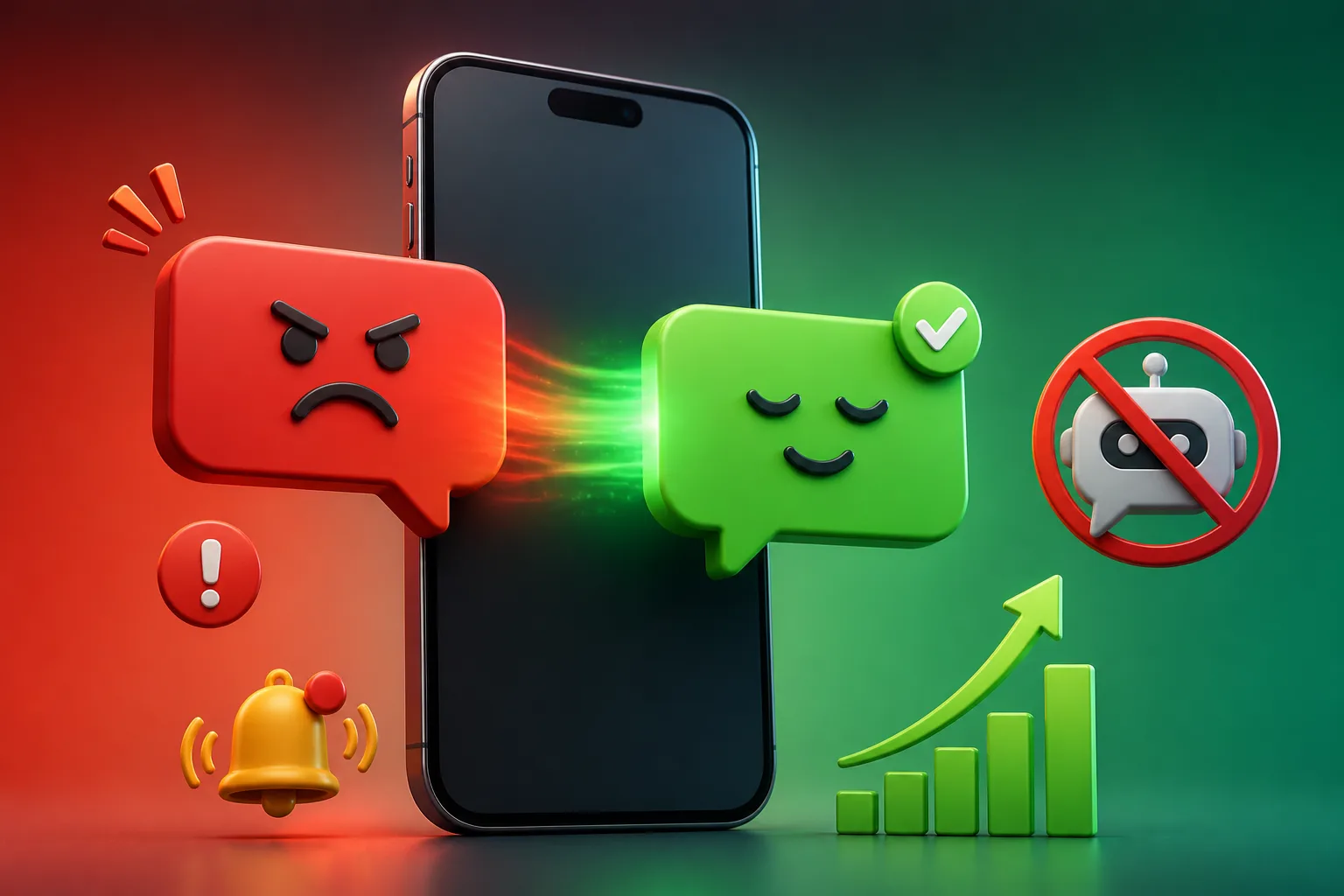







To reply a customer complaint without making it worse, avoid slow replies, canned scripts, arguing, blaming the customer and vague promises. Acknowledge the problem, say what happens next, and keep the tone calm. DREAMZTRACK AI helps by knowing which stage the customer is at, so the reply fits the situation instead of matching a keyword.
See it in action
Why one bad reply costs more than the complaint
A complaint is a small problem. A bad reply to it is a big one. Most customers who message you angry still want the issue fixed, and that means they still want to buy from you.
The trouble starts when the reply makes them feel ignored, blamed or brushed off. Then a late parcel becomes a one-star review, a screenshot in a family group, and a lost repeat customer.
If you are searching for how to reply customer complaint messages the right way, start with what not to do. Avoiding the common mistakes fixes about half of the problem before you write a single good sentence.
This article covers the seven mistakes we see most in Malaysian SME chats, then shows how to set up your system so they stop happening. If you want the positive step-by-step version for refunds, read our 4-step flow for refund requests.
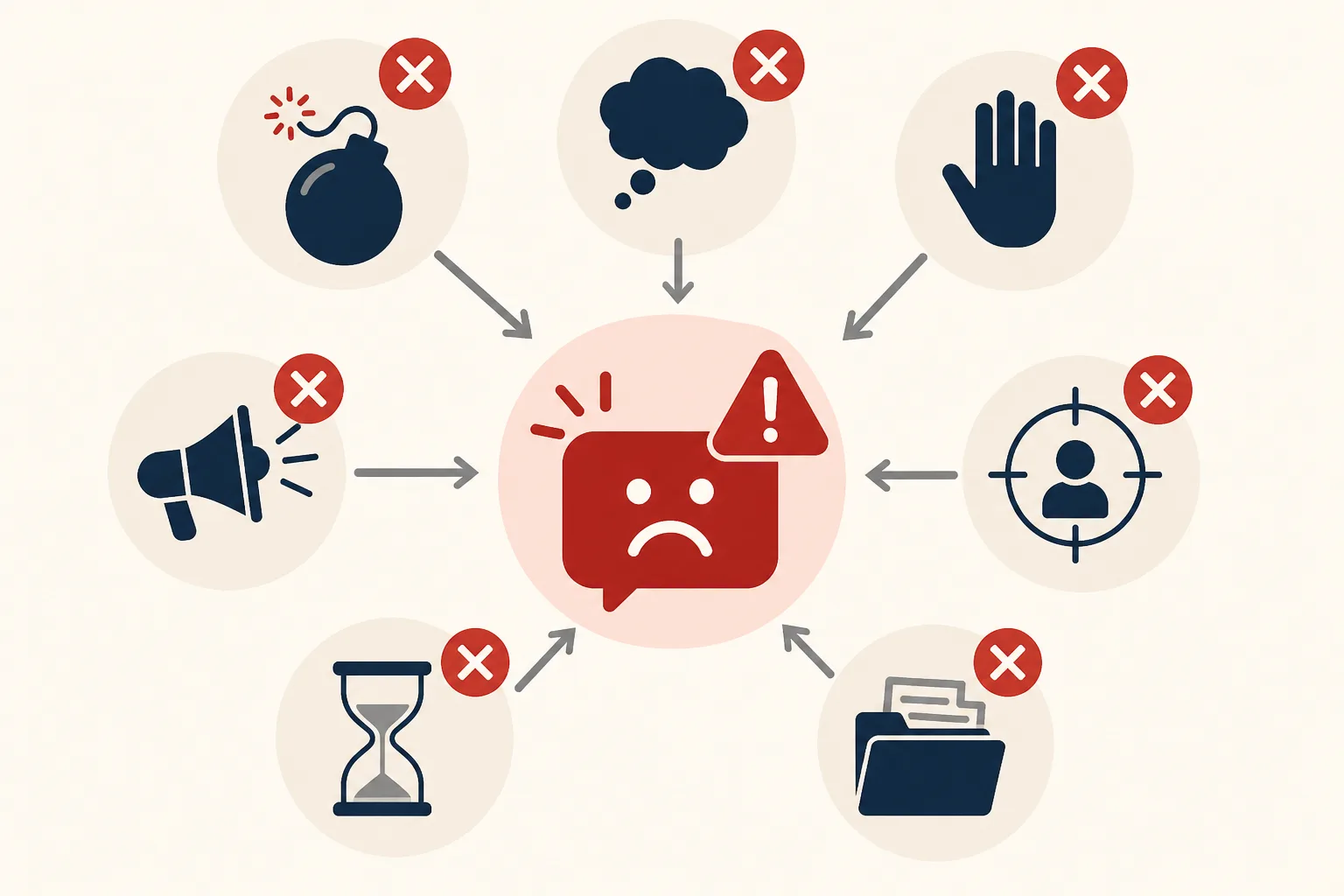
Seven mistakes that make a complaint worse
Notice that most of these are not about wording. They are about speed, memory and consistency, which are exactly what get lost when the owner is busy.

Why keyword-based auto replies make complaints worse
Many shops turn on a basic whatsapp auto reply and think the job is done. It sends a fixed message when it sees a word like "refund" or "problem". The customer gets the same line whether they are asking politely or have been waiting two weeks.
The stage problem
A complaint has stages. The customer may be reporting the issue, waiting for a fix, chasing an update, or ready to accept a solution. A keyword robot cannot tell these apart, so it may say "We have received your complaint" for the third time.
That is the gap an AI reply fills. DREAMZTRACK AI Reply knows which stage the customer is at; it is not a keyword robot. It reads the conversation so far and answers the point the customer is actually at.
If you are unsure which fits your chats, compare them in WhatsApp auto reply vs WhatsApp AI.
Examples: the bad reply and the better reply
Here are three common complaints from Malaysian shops and how the reply changes the outcome.
Food order arrived late and cold
Avoid: "Sorry, traffic was heavy. Please be patient next time."
Better: "Sorry your food arrived late and cold, that is not the standard we want. Can you send a photo? We will check with the rider and update you today."
Wrong item in a parcel
Avoid: "Please check your order again."
Better: "Thanks for telling us. Please send a photo of the item you received and we will arrange the right one."
Service not done properly
Avoid: "Our technician said everything was fine."
Better: "I am sorry it is still not working. Which part is the problem? We will arrange a re-visit and confirm the time with you."
The pattern is the same: acknowledge, ask only what you need, state the next step. Our article with refund-request replies goes deeper on the money side.
Setting up DREAMZTRACK AI so you avoid these mistakes
Here is how to set up AI to reply customer complaints calmly, day and night. You do this once, and it works in the background.
- Write your complaint rules. Tell the AI your tone (polite, short, no arguing), what you can offer, and what to collect first, such as a photo or order number.
- Turn on AI Reply on your WhatsApp. Follow the guide on how to set AI in WhatsApp.
- Let it answer at once. The AI replies to the complaint in seconds, acknowledges the actual problem and asks only for missing details.
- Test with sample complaints. Send a few angry messages yourself in BM, English and Manglish. See how to test.
- Adjust by typing. If a reply sounds off, change the instructions with Text AI Edit Instruction, with no back office needed.
This is an auto reply whatsapp business setup that behaves like a trained staff member, not a template.
Comparison: by hand vs with DREAMZTRACK AI
| Situation | By hand or keyword robot | With DREAMZTRACK AI |
|---|---|---|
| Complaint at night | Waits until morning | Replied in seconds |
| Tone when you are busy | Rushed, sometimes sharp | Calm and consistent |
| Customer repeats details | Often asked again | Remembers the conversation |
| Reply fits the stage | Same line every time | Matches where the customer is |
| After the fix | Often forgotten | Can be followed up |
With 1600+ clients using DREAMZTRACK, the common lesson is simple: speed and consistency matter more than perfect wording.
Know when AI should step back, then follow up
AI handles the first reply and routine cases well. Some complaints, such as safety issues, legal threats or big-value disputes, need you personally. Mark these in your instructions so the AI stays careful and calm, then tells the customer a person will follow up. Our article on growing sales online in 30 days shows where this fits in a wider routine.
Close the loop
Once the issue is solved, many shops stay quiet. A short check-in, such as "Is everything okay now?", repairs trust. AI Follow Up follows up customers who went quiet, so you do not have to remember.
Send clear info faster
If the same question causes complaints, like how to return an item, use AI Keyword Reply to send a photo, voice note or video guide as soon as the customer mentions the keyword.
The gain is real: fewer escalations, less time spent typing apologies, and more customers who buy again.
Your next step
Look at your last five complaints. How many were answered late, with a template, or without a clear next step? That is where you lose customers quietly.
With DREAMZTRACK AI Reply, you set your rules once and every complaint gets a calm, relevant answer. Start using AI Reply or ask for a demo and see it handle a real complaint from your own business.
Frequently Asked Questions
What should I say when a customer asks for the price?
Give the relevant price information clearly, along with any details that affect the total. If you need more information to answer accurately, ask one focused question before recommending an option.
How soon should I reply to a customer?
Reply as soon as your team reasonably can, especially when the customer is asking about an active order or booking. If you cannot answer yet, acknowledge the message and explain that you will check the details.
Does a WhatsApp auto reply help customers buy?
It can acknowledge a message and point customers to a useful next step, but a generic response may not answer what they need. Use automation for simple first responses and provide a relevant human reply when the question needs context.
How do I follow up without sounding pushy?
Send a brief, polite check-in that refers to the customer’s question and offers help. Avoid repeated messages, and make it comfortable for them to continue later or decline.
Which plan is right for you?
Pick the one that matches how you work. You can start today and change later.
Pro
For one person running sales alone
AI Salesman
RM 499 per month
Subscribe nowBest if: You get many WhatsApp enquiries and want an AI to answer and follow up for you.
Business
For teams of 3 or more
3in1 Dreamztrack AI
Best if: You want AI replies, bulk messages and ad insights in one plan.
Enterprise
Made around your business
Custom
Talk to usYou have many staff, need a custom setup, or want it to fit your own way of working. Tell us what you need and we shape the plan with you.
Not sure which one? Chat with us on WhatsApp. Chat on WhatsApp
Ready to start?
Pick a plan and start today, or chat with us on WhatsApp first.
Get a free demo on WhatsApp
Leave your WhatsApp number and we will show you how it works for your business.
- See it with your own business
- Ask anything about the setup
- We reply on WhatsApp
Prefer to chat now? Chat on WhatsApp
More ways to grow your WhatsApp sales
🖼️ AI Keyword Reply
When a customer mentions a keyword, it sends a voice note, photo or video automatically.
See how it works🛍️ Product AI
Add your products; it recommends and quotes automatically (up to about 500 products).
See how it works✍️ Text AI Edit Instruction
Change or improve the AI's instructions just by typing, no back office needed.
See how it works