How to increase sales online: fix your enquiry-to-order steps first
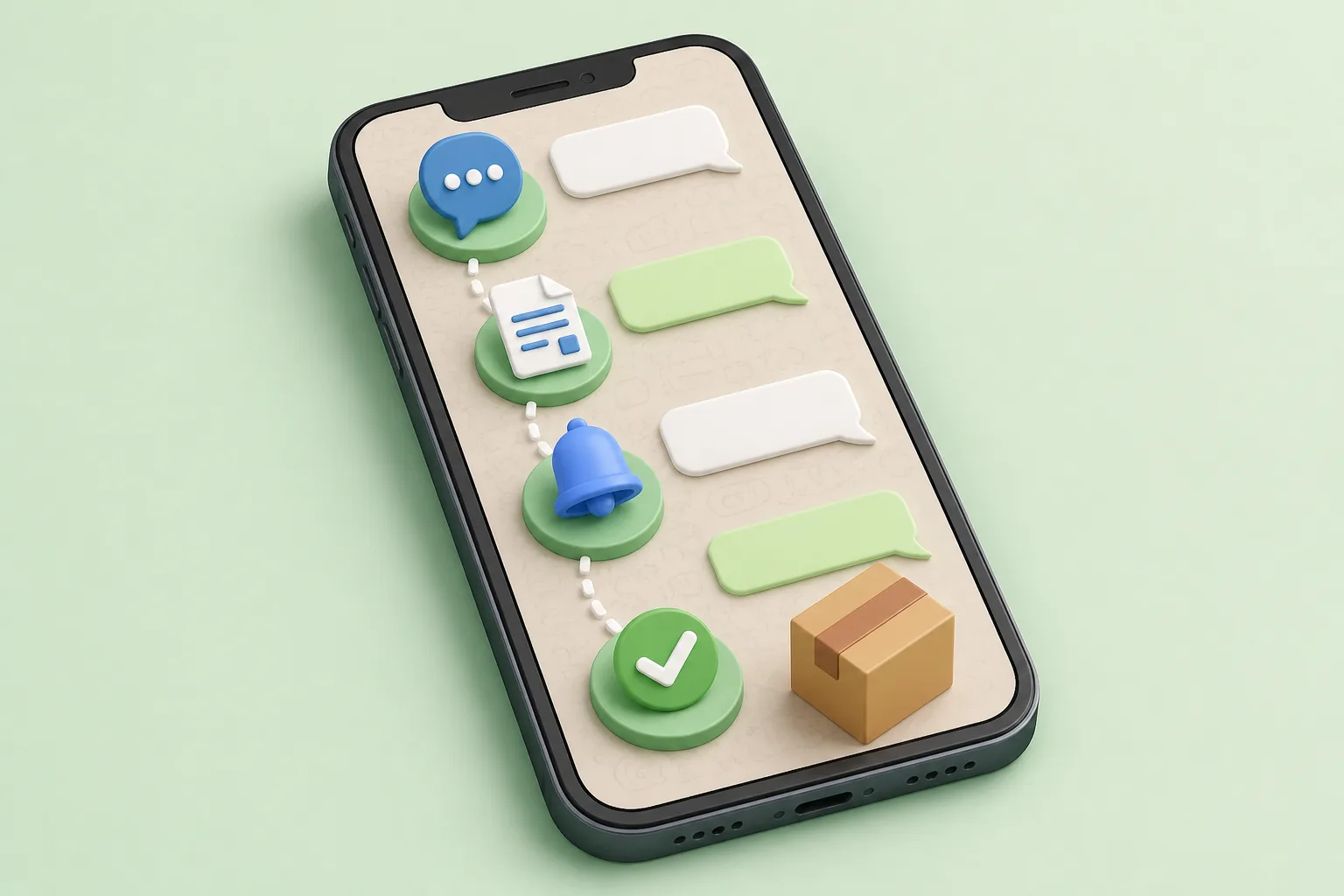






To increase sales online, fix the steps between the first enquiry and the paid order before you buy more traffic. Most lost sales happen inside the chat: slow answers, unclear quotes and no follow-up. DREAMZTRACK AI helps you reply customer messages at the right stage and keep every chat moving to an order.
See it in action
Why more group members will not fix your sales
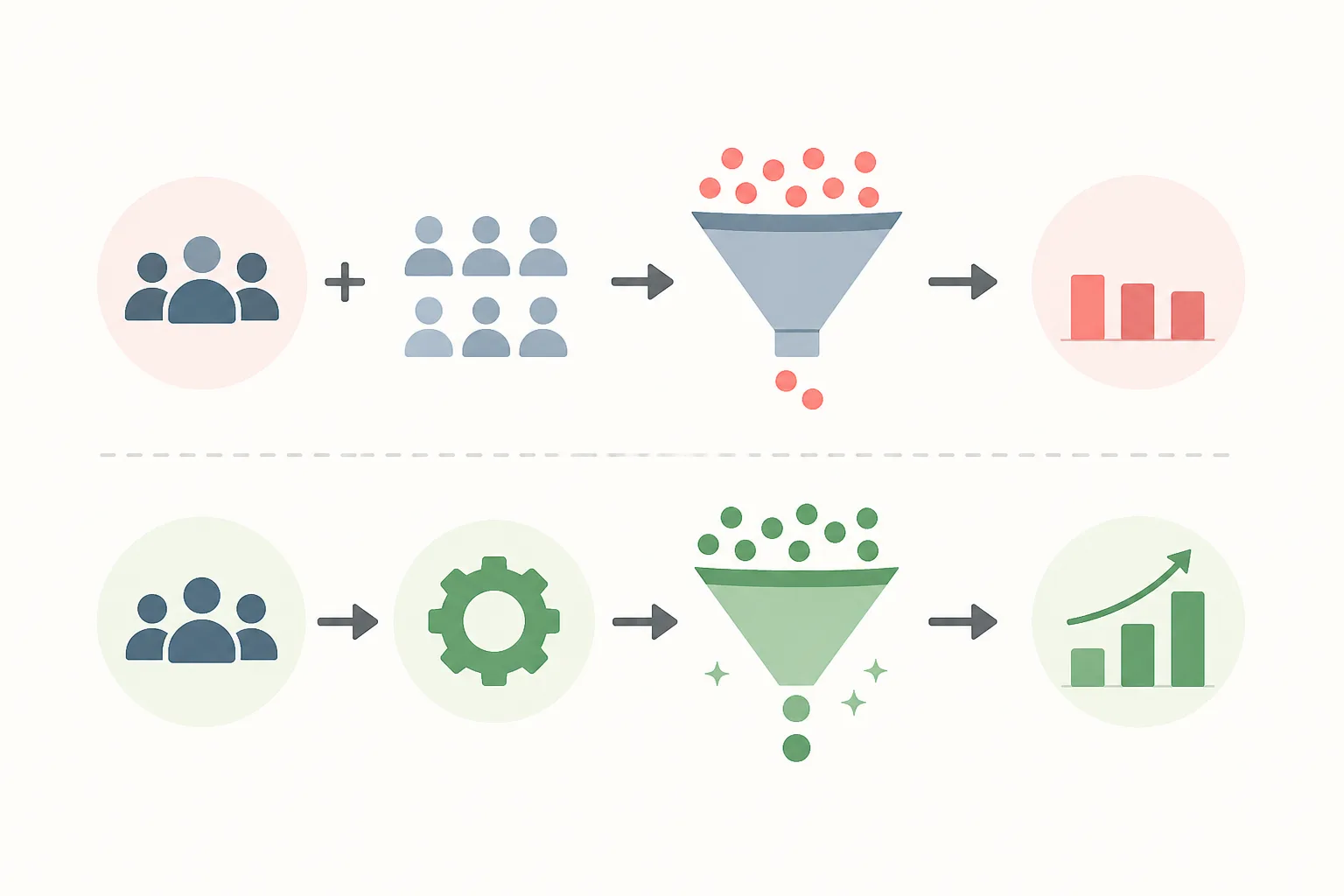
Bigger groups mean bigger reach. But reach is only the start. If you want to know how to increase sales, look at what happens after someone says "boss, ada stock?"
This article is about how to increase sales online by fixing the steps between enquiry and order. Many Malaysian SMEs, from cafés to tuition centres to aircond servicing, spend on ads and groups, then lose buyers in the chat.
The short answer
Map every step from enquiry to payment. Find where buyers drop off. Then make sure each customer gets a fast, relevant reply at their stage. That is where sales are won, and it is the job of an AI that can reply customer messages properly.
Map the enquiry-to-order steps
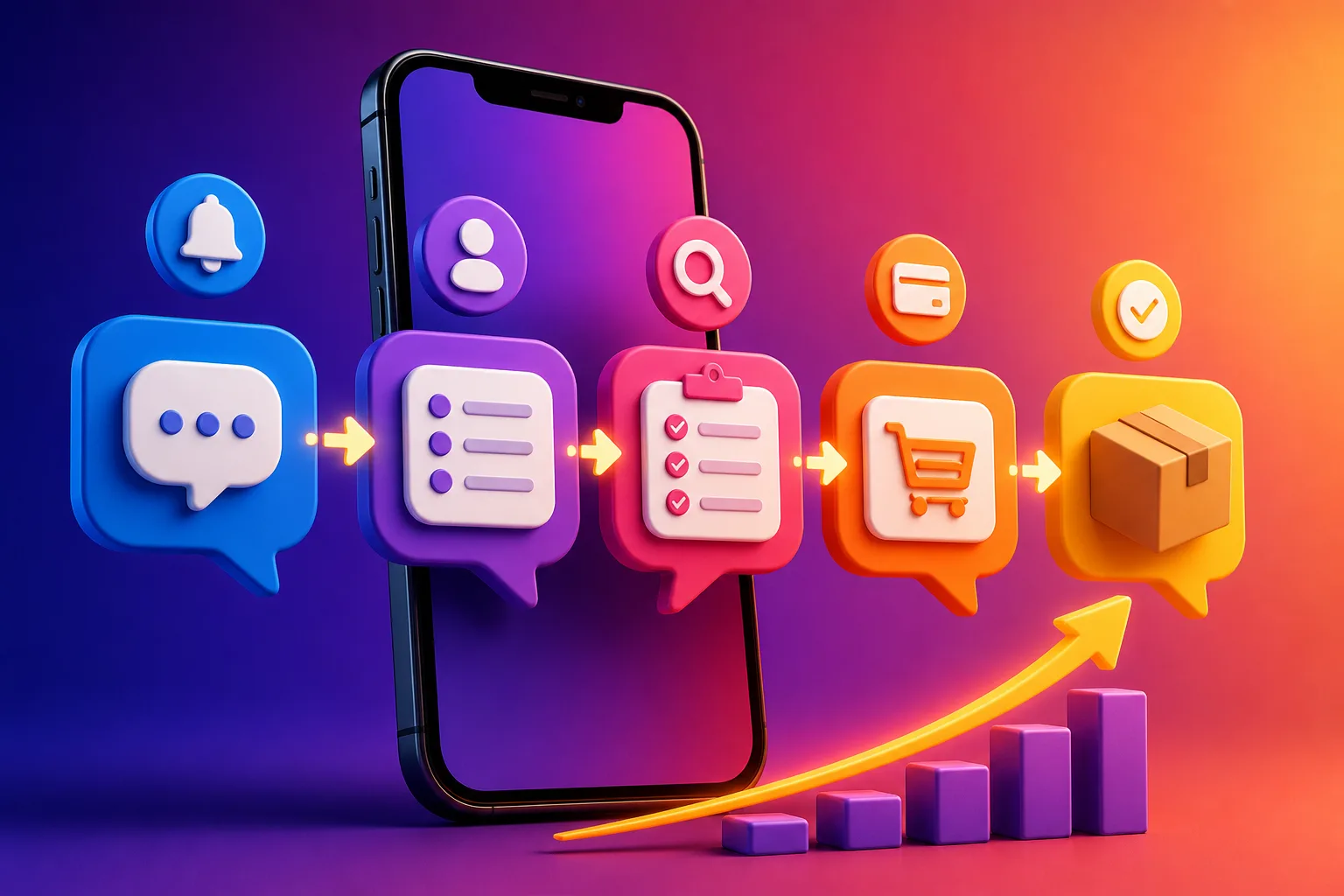
Before you fix anything, write down what a buyer goes through. Most online sales follow the same path, whatever the industry.
- First message: "Berapa harga?" or "Ada slot minggu ni?"
- Answer and details: price, size, package, delivery area.
- Quote or recommendation: the right item for this person.
- Push to decide: answer doubts, show proof.
- Payment or booking: the clear final step.
- Follow-up: for those who went quiet.
Now look at your last 20 chats. Mark where each one stopped. You will usually see one or two steps where most buyers vanish.
This is a better starting point than asking for more leads. If you want a deeper look at the order of fixes, see our guide on when to message buyers on WhatsApp.
Where buyers drop off in the chat
Drop-offs are rarely about price alone. They come from small, fixable gaps.
Each gap is a lost order you already paid to attract. Closing them costs less than finding new leads. Our article on how to set auto reply on WhatsApp at night covers the after-hours gap in detail.
How to increase sales online with AI that knows the stage
A basic whatsapp auto reply sends one fixed message when a keyword appears. That helps a little, but it does not know if the customer is just browsing or ready to pay.
DREAMZTRACK AI Reply works differently. It knows which stage the customer is at, so it is not a keyword robot. A person asking about delivery after getting a quote is treated differently from a first-time "hi".
What you set up and what happens
- Open AI Reply and tell the AI about your business, how you talk and what you sell.
- Connect your WhatsApp so chats come into the system.
- A customer sends a message, day or night.
- The AI replies to the customer message based on the stage of that chat: answer, recommend, quote or guide to the next step.
- You review the conversations and adjust the instructions when needed.
The result you aim for: no enquiry waits, and every chat gets a clear next step. That is a practical way to use ai reply customer message tools to protect sales you already earned.
Add the features that close the gap
Fast replies solve step one. Orders need the other steps covered too. These features fit the journey in order.
Example: a home-bakery owner gets "cake untuk 30 orang?" The AI recommends a suitable cake, quotes it, sends a photo, and follows up the next day if the buyer goes silent. The owner stays in the kitchen.
Doing it by hand vs with DREAMZTRACK AI
Many owners handle every chat personally, then wonder why growth stalls. Here is the difference at each step.
| Step | By hand | With DREAMZTRACK AI |
|---|---|---|
| First reply | When you see the phone | Right away, day or night |
| Answer quality | Depends on who is free | Based on the customer's stage |
| Quote | Search prices, type again | Product AI quotes automatically |
| Proof (photo, video) | Find file, send manually | Keyword triggers it |
| Quiet buyer | Often forgotten | AI Follow Up reminds the buyer |
The gain is simple: less time typing the same answers, fewer chats that die, and more orders from the leads you already have. If you wonder whether a bot or a person suits you, read chatbot AI vs live agent.
Know if more leads are worth it yet
Once your chat steps work, then spend on reach. Use Ads Analysis to see how your ads perform, so you pay for the ads that bring real enquiries. Then WhatsApp Blasting lets you send bulk messages to your customers instantly for promotions or restocks.
The order matters. Blasting or advertising into a weak chat process just creates more unanswered messages. Fix the steps first, then add volume.
A simple weekly check
- Count enquiries and paid orders.
- Find the step where most chats stop.
- Update the AI's instructions for that step.
- Check again next week.
Complaints are also part of the journey. Handle them well and you keep the customer; see sample replies for complaints on WhatsApp.
Your next step
Selling more online is mostly about not losing the buyer you already have. Fix the path from enquiry to order, and each ad ringgit and each group member is worth more.
DREAMZTRACK AI is used by 1600+ clients. You can start with AI Reply, let it reply customer chats at the right stage, then add quotes, follow-up and blasting as you grow.
Ready? Go to the AI Reply page to start using it, or ask for a demo and see your own enquiries handled step by step.
Topics we can cover next
- How to qualify buyers in chat before sending a quote
- How to turn a WhatsApp group into repeat orders
- How to read ad results and chat results together
Frequently Asked Questions
What should I say when a customer asks for the price?
Give the relevant price information clearly, along with any details that affect the total. If you need more information to answer accurately, ask one focused question before recommending an option.
How soon should I reply to a customer?
Reply as soon as your team reasonably can, especially when the customer is asking about an active order or booking. If you cannot answer yet, acknowledge the message and explain that you will check the details.
Does a WhatsApp auto reply help customers buy?
It can acknowledge a message and point customers to a useful next step, but a generic response may not answer what they need. Use automation for simple first responses and provide a relevant human reply when the question needs context.
How do I follow up without sounding pushy?
Send a brief, polite check-in that refers to the customer’s question and offers help. Avoid repeated messages, and make it comfortable for them to continue later or decline.
Which plan is right for you?
Pick the one that matches how you work. You can start today and change later.
Business
For teams of 3 or more
3in1 Dreamztrack AI
Best if: You want AI replies, bulk messages and ad insights in one plan.
Enterprise
Made around your business
Custom
Talk to usYou have many staff, need a custom setup, or want it to fit your own way of working. Tell us what you need and we shape the plan with you.
Not sure which one? Chat with us on WhatsApp. Chat on WhatsApp
Ready to start?
Pick a plan and start today, or chat with us on WhatsApp first.
Get a free demo on WhatsApp
Leave your WhatsApp number and we will show you how it works for your business.
- See it with your own business
- Ask anything about the setup
- We reply on WhatsApp
Prefer to chat now? Chat on WhatsApp
More ways to grow your WhatsApp sales
🖼️ AI Keyword Reply
When a customer mentions a keyword, it sends a voice note, photo or video automatically.
See how it works🛍️ Product AI
Add your products; it recommends and quotes automatically (up to about 500 products).
See how it works✍️ Text AI Edit Instruction
Change or improve the AI's instructions just by typing, no back office needed.
See how it works