How to reply customer complaint on WhatsApp: sample replies for MY
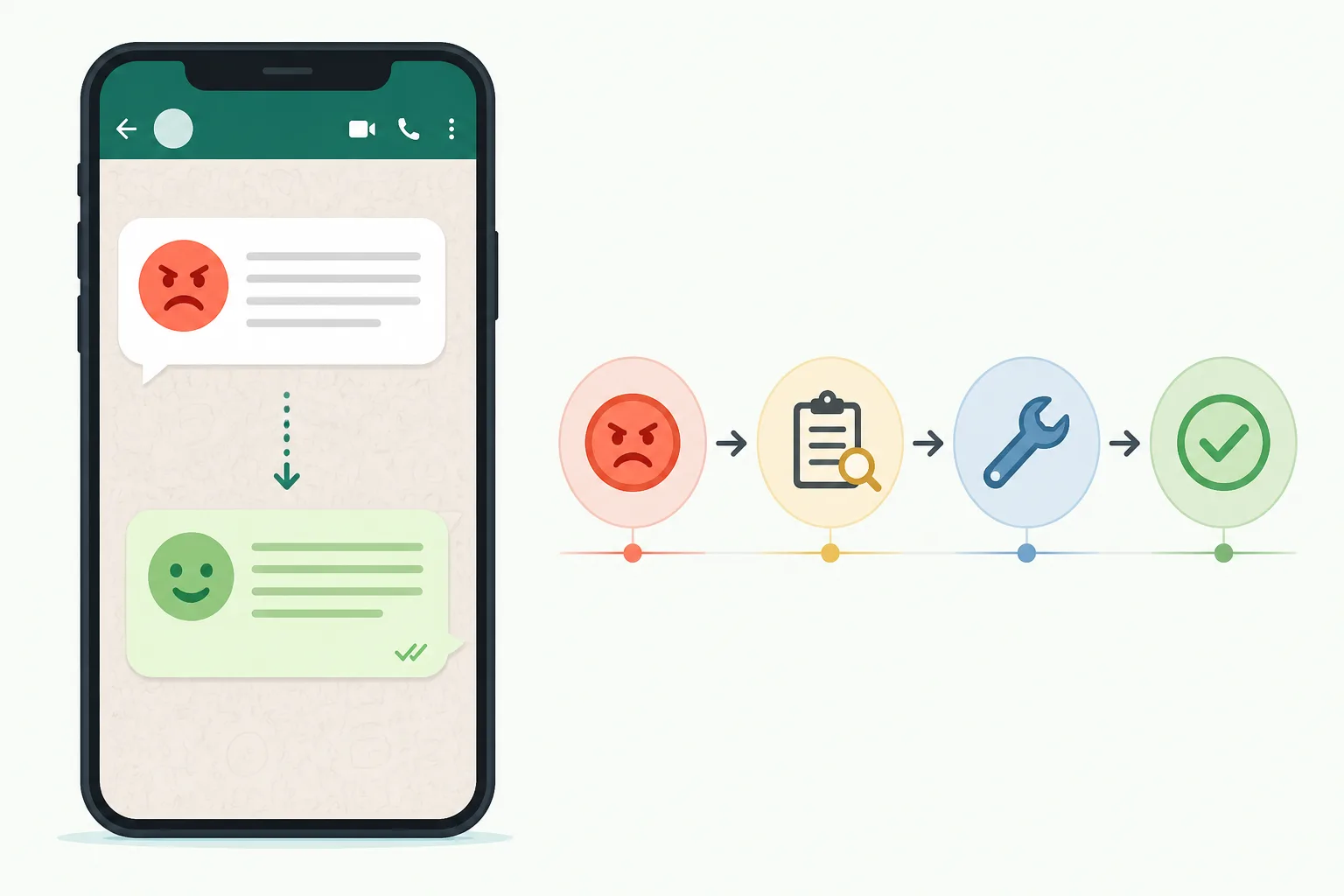







To reply a customer complaint on WhatsApp, acknowledge the problem, say sorry once, ask for the one detail you need, and give a clear next step with a time. Keep it short and calm. DREAMZTRACK AI can do this automatically because it knows which stage the customer is at, instead of reacting to keywords.
See it in action
The short answer: what a good WhatsApp complaint reply contains
Most Malaysian customers complain on WhatsApp because it is the fastest way to reach you. They are not looking for a long speech. They want to know that someone read the message and will act.
If you want to know how to reply customer complaint messages well, use this four-part pattern:
- Acknowledge the exact problem in their words.
- Apologise once, without excuses or blame.
- Ask for one thing you need, such as an order number or a photo.
- Promise a next step with a time, such as "I will update you by 3pm today".
That is it. Anything longer usually makes an upset customer more upset. If you want the list of mistakes to skip, read how to reply customer complaint without making it worse.
Sample replies you can copy for common complaints
Change the names and details to match your shop. Keep the tone friendly, like a real person, not a letter.

Complaint about service
"Hi Kak Aina, thank you for telling us. Sorry the technician was late today. Can you share your booking name so I can check with the team now? I will update you within 30 minutes."
Complaint about food
"Hi Encik Raj, sorry your nasi lemak arrived cold. Could you send a photo of the order? We will arrange a replacement or refund today, whichever you prefer."
Complaint about a product
"Hi Jason, sorry the zip broke so fast. Please send a photo and your order number. Once I see it, I will confirm the exchange steps in this chat."
Complaint about late delivery
"Hi Mei Ling, sorry for the wait. I am checking with the courier now. I will message you the tracking update by tonight."
Notice each one is short, names the problem and ends with a clear action. Do not promise what you cannot deliver, such as a refund before you see the facts.
Why keyword replies fail on complaints
Many shops try a basic whatsapp auto reply for complaints. It sees the word "refund" or "problem" and sends one fixed message. The customer then gets the same text twice, or a reply that does not fit.

A complaint is a conversation with stages. First the customer is angry. Then you collect details. Then you offer a fix. Then they confirm or escalate. A reply that is right at stage one is wrong at stage three.
| Situation | Keyword robot | Stage-aware AI reply |
|---|---|---|
| Customer just complained | Sends a generic apology | Acknowledges the exact issue, asks for one detail |
| Customer sent a photo | Repeats "send details" | Moves on to offering a fix |
| Customer says "ok thanks" | May fire a complaint script again | Closes politely |
| Customer is very angry | Keeps replying | Keeps tone calm and can pass to you |
This is the gap DREAMZTRACK AI fills. It reads where the customer is in the chat, then answers for that moment.
How DREAMZTRACK AI handles complaints step by step
Here is how an AI reply customer message setup works inside the system, using auto reply whatsapp business style chats.
- Set your instructions. Write how you want complaints handled: your tone, what to ask for, and which cases need you personally.
- Add your facts. Include your return rules, delivery times and service hours so the AI does not guess.
- The customer complains. The AI answers in seconds, acknowledges the issue and asks for the missing detail.
- The chat moves forward. When the photo or order number arrives, the AI changes its reply to the next stage instead of repeating itself.
- You step in when needed. Serious cases are easy to take over, so your team handles the sensitive ones.
If you want to change the wording later, the Text AI Edit Instruction feature lets you just type the new instruction. No back office work is needed.
1600+ clients already use DREAMZTRACK to manage customer chats this way.
Handle complaints at night and on weekends
Many complaints arrive after closing time. A customer who waits until morning has often posted in a group chat or a review by then.
For the setup, read how to set auto reply WhatsApp so you reply customer fast at night. A plain away message only says you are closed. The AI actually moves the complaint forward.
Language and tone: BM, English and Manglish
Malaysian customers switch language in the same chat. One message is in BM, the next is English with "lah" at the end. Your reply should feel natural in the same style, but still polite.
Test your replies with real examples before going live. The guide on how to test BM, English and Manglish replies shows what to check.
Two simple rules help:
- Match the customer's language, but stay respectful with older customers and formal businesses.
- Avoid humour when the customer is upset. Calm and clear wins.
Not sure when a person should take over? Compare chatbot AI vs live agent to decide which cases stay with you.
After the fix: turn a complaint into a repeat customer
A solved complaint is a chance. Customers who see a fast, fair fix often trust you more than before. But only if you close the loop.
Use these next steps:
- Check back. AI Follow Up messages customers who went quiet, so you do not have to remember to ask if the fix worked.
- Send the right proof. With AI Keyword Reply, a mention like "how to return" can send your video or photo guide automatically.
- Recommend the right replacement. Product AI can suggest and quote a replacement from your product list.
Later, when the issue is closed, learn when to message buyers again to win the next sale.
Next step: start using DREAMZTRACK AI Reply or ask for a demo, and let complaints get a calm, stage-aware answer every time.
Frequently Asked Questions
What should I say when a customer asks for the price?
Give the relevant price information clearly, along with any details that affect the total. If you need more information to answer accurately, ask one focused question before recommending an option.
How soon should I reply to a customer?
Reply as soon as your team reasonably can, especially when the customer is asking about an active order or booking. If you cannot answer yet, acknowledge the message and explain that you will check the details.
Does a WhatsApp auto reply help customers buy?
It can acknowledge a message and point customers to a useful next step, but a generic response may not answer what they need. Use automation for simple first responses and provide a relevant human reply when the question needs context.
How do I follow up without sounding pushy?
Send a brief, polite check-in that refers to the customer’s question and offers help. Avoid repeated messages, and make it comfortable for them to continue later or decline.
Which plan is right for you?
Pick the one that matches how you work. You can start today and change later.
Business
For teams of 3 or more
3in1 Dreamztrack AI
Best if: You want AI replies, bulk messages and ad insights in one plan.
Enterprise
Made around your business
Custom
Talk to usYou have many staff, need a custom setup, or want it to fit your own way of working. Tell us what you need and we shape the plan with you.
Not sure which one? Chat with us on WhatsApp. Chat on WhatsApp
Ready to start?
Pick a plan and start today, or chat with us on WhatsApp first.
Get a free demo on WhatsApp
Leave your WhatsApp number and we will show you how it works for your business.
- See it with your own business
- Ask anything about the setup
- We reply on WhatsApp
Prefer to chat now? Chat on WhatsApp
More ways to grow your WhatsApp sales
🖼️ AI Keyword Reply
When a customer mentions a keyword, it sends a voice note, photo or video automatically.
See how it works🛍️ Product AI
Add your products; it recommends and quotes automatically (up to about 500 products).
See how it works✍️ Text AI Edit Instruction
Change or improve the AI's instructions just by typing, no back office needed.
See how it works