How to set auto reply WhatsApp Business: limits to know before you start
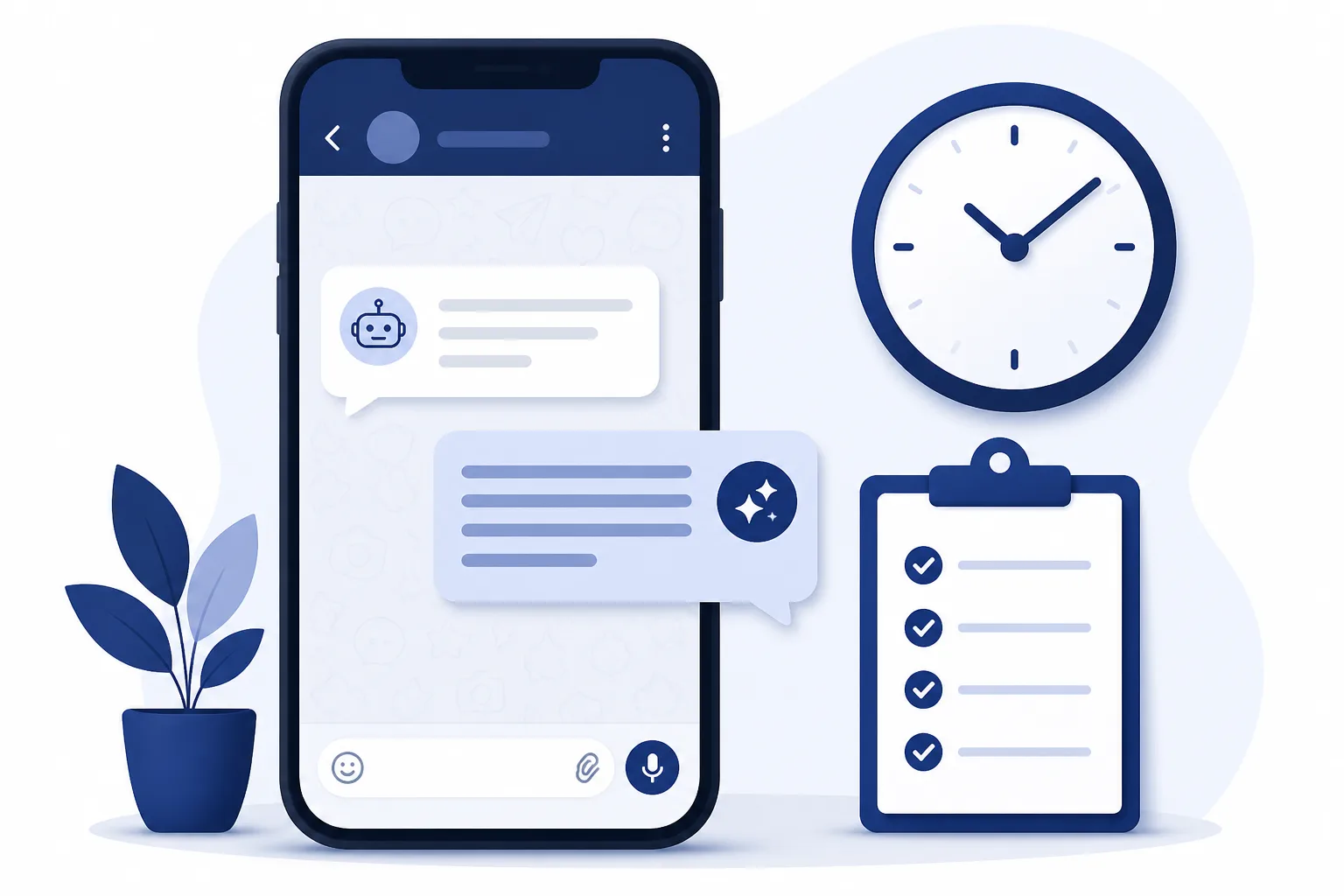






To set auto reply in WhatsApp Business, open Business tools and switch on the greeting message and away message, then add quick replies for common questions. These tools are fixed texts, so they cannot understand what a customer wants. To reply customer enquiries by stage, you need AI such as DREAMZTRACK AI on top.
See it in action
Why this matters now
This article is about the basics: how to set auto reply WhatsApp Business, and where the built-in tools stop. We will also cover how to set AI in WhatsApp, so your replies match what the customer actually asked.
Many Malaysian shops switch on an away message, feel safe, and still lose enquiries. The reason is simple. A fixed text is not a conversation.
How to set auto reply WhatsApp Business: the built-in steps
The WhatsApp Business app gives you three basic tools. Menu names can change slightly between Android and iPhone, so look under Business tools.
- Open WhatsApp Business and go to Settings, then Business tools.
- Tap Greeting message, switch it on, write your text and choose who receives it.
- Tap Away message, switch it on, write your text and pick a schedule such as outside business hours or a custom time.
- Tap Quick replies and save short texts for common questions, each with a shortcut.
What each tool is for
The greeting welcomes a new customer or one who has not written for a while. The away message tells people you are closed. Quick replies save typing, but you still press send yourself.
That last point matters. Quick replies are not automatic. If you want to read more on greetings, see whatsapp business greeting message: what to check before you pick a tool.
The limits you should know before you start
The built-in whatsapp auto reply tools are fine for a single line. Problems start when real customers write real questions.

Keyword robots go a step further, but they still break when customers type in their own way. We explain that in whatsapp auto reply or whatsapp ai: when keyword replies fall short.
How to set AI in WhatsApp with DREAMZTRACK AI
If you want to know how to set AI in WhatsApp, the idea is simple. Instead of one fixed text, AI reads each message and answers based on where the customer is in the buying journey. That is what AI Reply does. It knows which stage the customer is at; it is not a keyword robot.
What you do
- Create your DREAMZTRACK AI account and connect your WhatsApp.
- Tell the AI about your business: what you sell, how you answer common questions and how you want to sound.
- Add your products so it can recommend and quote. See Product AI.
- Test with a few sample chats, then switch it on.
What then happens
A customer writes at 11pm. The AI replies at once, answers the actual question and moves the chat forward. In the morning you see a conversation already underway, not a blank away message.
You can change its instructions by typing, using Text AI Edit Instruction, so there is no back office to learn.
Built-in tools vs AI Reply
| Need | WhatsApp Business built-in | DREAMZTRACK AI Reply |
|---|---|---|
| Greet new chats | Fixed text | Reply fits the message |
| After-hours | Away message by schedule | Real answers any hour |
| Common questions | Quick replies you send by hand | AI answers by itself |
| Knows buying stage | No | Yes |
| Quiet customers | No follow-up | Follow-up available |
You can keep the built-in greeting as a simple welcome. The gain comes when the AI handles the conversation after it.
How to reply customer fast without losing quality
Customers who message several shops usually buy from the first one that answers well. Speed matters, but a fast wrong answer does not help. To reply customer enquiries fast and still be useful, the answer must be specific.
Here is a typical case. A home-cleaning company gets a message: "Berapa harga untuk 3 bilik?" A fixed away message says "We will reply soon." An AI reply customer message flow can answer in the same language, ask the needed detail and keep the chat going.
Fast replies also depend on your process. If your steps from enquiry to order are messy, speed alone will not fix it. Read how to increase sales online: fix your enquiry-to-order steps first.
For late-night chats in particular, see how to reply customer fast at night.
Add the next steps: follow-up, media and blasting
A reply is only the start of a sale. Once the AI answers, three related features cover what usually goes wrong next.
Together they turn a simple auto reply into a chain: first answer, follow-up, offer, and measured results. More than 1600 clients already use DREAMZTRACK AI.
Your next step
Set the built-in greeting and away message today if you have not. It takes minutes and covers the basics. Then decide whether fixed texts are enough for your volume of chats.
If customers ask questions, compare prices or go quiet, they are not. Compare options in chatbot AI vs live agent, and see how mixed-language chats are handled in whatsapp ai chatbot for BM, English and Manglish.
Ready to try it? Start with DREAMZTRACK AI Reply or ask for a demo, and see it answer your own customer questions.
Frequently Asked Questions
What should I say when a customer asks for the price?
Give the relevant price information clearly, along with any details that affect the total. If you need more information to answer accurately, ask one focused question before recommending an option.
How soon should I reply to a customer?
Reply as soon as your team reasonably can, especially when the customer is asking about an active order or booking. If you cannot answer yet, acknowledge the message and explain that you will check the details.
Does a WhatsApp auto reply help customers buy?
It can acknowledge a message and point customers to a useful next step, but a generic response may not answer what they need. Use automation for simple first responses and provide a relevant human reply when the question needs context.
How do I follow up without sounding pushy?
Send a brief, polite check-in that refers to the customer’s question and offers help. Avoid repeated messages, and make it comfortable for them to continue later or decline.
Which plan is right for you?
Pick the one that matches how you work. You can start today and change later.
Business
For teams of 3 or more
3in1 Dreamztrack AI
Best if: You want AI replies, bulk messages and ad insights in one plan.
Enterprise
Made around your business
Custom
Talk to usYou have many staff, need a custom setup, or want it to fit your own way of working. Tell us what you need and we shape the plan with you.
Not sure which one? Chat with us on WhatsApp. Chat on WhatsApp
Ready to start?
Pick a plan and start today, or chat with us on WhatsApp first.
Get a free demo on WhatsApp
Leave your WhatsApp number and we will show you how it works for your business.
- See it with your own business
- Ask anything about the setup
- We reply on WhatsApp
Prefer to chat now? Chat on WhatsApp
More ways to grow your WhatsApp sales
🖼️ AI Keyword Reply
When a customer mentions a keyword, it sends a voice note, photo or video automatically.
See how it works🛍️ Product AI
Add your products; it recommends and quotes automatically (up to about 500 products).
See how it works✍️ Text AI Edit Instruction
Change or improve the AI's instructions just by typing, no back office needed.
See how it works