Round robin lead assignment: what to check before you pick a tool
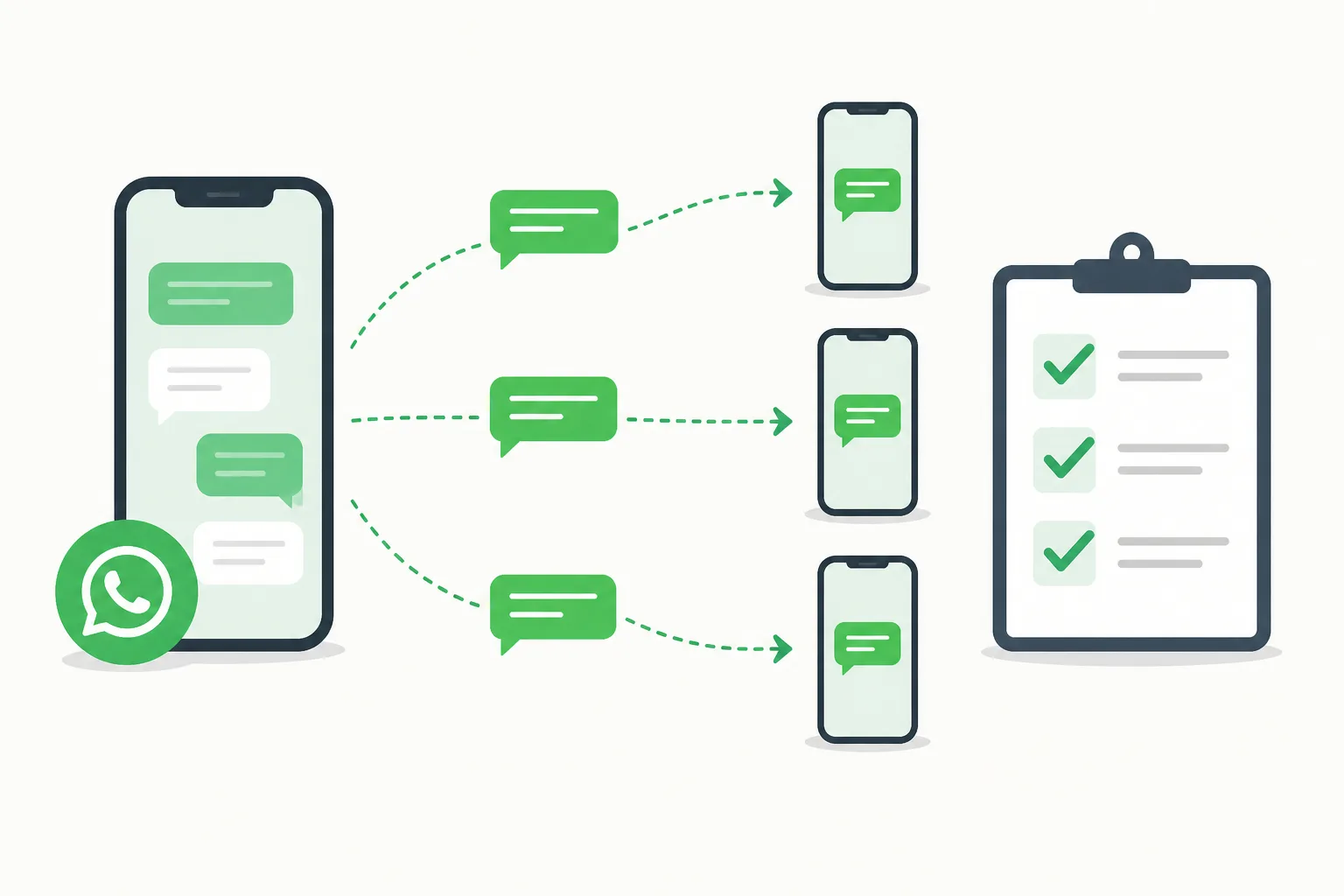







Before you pick a tool for round robin lead assignment, check that it works with WhatsApp, rotates leads automatically, keeps a record of who got what, and lets the boss see everything while staff see only their own leads. If a tool fails any of these, your team will go back to chasing leads by hand.
See it in action
Why the tool you pick matters more than the rule
If you have two or more salesmen, you already know the problem. A new WhatsApp enquiry comes in, and three people wait to see who will grab it. The fastest one wins, the others sulk, and some leads are never answered.
Round robin lead assignment fixes this by handing each new lead to the next salesman in the line. Ali gets the first, Mei Ling the second, Raj the third, then it starts again. Simple in theory.
The hard part is the tool. A rule that depends on someone remembering whose turn it is will break by the second week. And when it breaks, you pay twice: slow replies and unhappy staff.
Search results are full of CRM guides for big systems. Most Malaysian SMEs sell on WhatsApp, not through a web form. So the first check is whether the tool fits the way your customers actually message you.
If you want the basic idea first, read our guide on manual, round robin or skill-based lead distribution.
Seven things to check before you choose
Use this list when you compare any lead distribution software. If a vendor cannot answer a point clearly, treat that as your answer.

The check people forget
Ask what happens when a salesman is on leave or sick. A good tool lets you take that person out of the line, so leads do not sit waiting.
For a longer list of questions, see what Malaysian SMEs should ask before choosing a tool.
WhatsApp: multiple users, shared inbox, multi agent
Most buyers search for these words: WhatsApp Business multiple users, WhatsApp shared inbox, WhatsApp multi agent. They all describe one need. Several people must answer customers on the same business number.

Normal WhatsApp Business apps have limits on how many devices can link. Many owners end up with one shared phone, or staff using personal numbers. Both cause trouble when someone resigns and takes the customers with them.
Read the WhatsApp Business multi device limits and what to check before sharing customer chats so you know what you are working around.
What to look for
Pick a tool where the lead arrives, gets assigned, and the salesman can reply, all in one place. If the assignment happens in one app and the chat in another, someone will copy and paste, and leads will slip.
With DREAMZTRACK AI, new leads are handed to your salesmen in turn, with a record of who got what. Your team works as a WhatsApp multi agent setup instead of fighting over one phone.
Fair sales commission starts with a record
Here is the check that owners underestimate. A fair sales commission depends on fair leads. If one salesman always gets the hot enquiries, the others will argue about sales commission at month end, and they may be right.
Round robin gives each person the same chance. But "same chance" only holds if you can prove it. That is why the record matters. When Raj says he got fewer leads than Ali, you open the log and show the order.
Without a record, you are relying on memory and goodwill. That does not survive the first dispute.
Ask the vendor
- Can I see every lead and who received it?
- Can I see the time it was assigned?
- Can I show this to a salesman who doubts the split?
Go deeper in how to avoid sales commission disputes and who gets which lead.
Doing it by hand versus with DREAMZTRACK AI
Many small teams start with a Excel sheet or a chat group where the boss says "this one for Siti". It works with three leads a day. It does not work with thirty.
| Check | By hand | With DREAMZTRACK AI |
|---|---|---|
| Who is next? | Someone remembers | Rotation is automatic |
| Record of leads | Scattered chats | Record of who got what |
| After office hours | Leads wait until morning | Lead is assigned at once |
| Commission dispute | Argument | Open the record |
| Boss workload | Boss is the dispatcher | Boss does other work |
The gain is time and trust. You stop being the traffic officer, and your salesmen stop wondering if the split is fair.
What happens after the lead is assigned
Assigning a lead is only step one. A good tool should help with the next problems too, or you will buy a second tool for each.
First, the reply. If the salesman is busy, the customer still waits. AI Reply knows which stage the customer is at, so it is not a keyword robot, and it keeps the chat moving.
Second, sorting. AI Tagging reads the conversation and sorts customers into segments, so your salesman knows who is serious.
Third, control. Admin Permission Levels keep staff from seeing what they should not. And AI Boss Alert tells you when a deal closes, so you do not need to ask for updates.
Choose a tool that connects these steps. Over 1600 clients already use DREAMZTRACK AI for this kind of flow.
How to test a tool in four steps
Do not trust a demo alone. Run a small test with your own team.
- List your salesmen. Add everyone who should receive leads, and leave out anyone on leave.
- Send test enquiries. Message your business number from a few phones.
- Check the order. Each new lead should go to the next person in turn.
- Open the record. Confirm you can see who got what, and show it to your team.
If all four work, you have a tool that will hold up on a busy Monday. For a step-by-step setup, follow how to set up round robin for a small team.
Your next step
See it working on the AI Round Robin page, or ask for a demo and try it with your own salesmen.
Frequently Asked Questions
How do I assign leads to salesman fairly?
Use a rotation that passes each new lead to salespeople in turn, and keep a record of who received each lead. Set clear rules for who is in the rotation and what happens when someone is unavailable.
What is round-robin lead distribution?
Round-robin distribution hands new leads to salespeople in turn. It helps make ownership clearer and creates a record of who got each lead.
Can a WhatsApp shared inbox help a sales team manage leads?
A WhatsApp shared inbox can give team members a shared view of customer conversations. Agree who owns each lead so shared visibility does not create confusion about who should reply.
What should happen after a lead is assigned?
The assigned salesperson should review the enquiry, reply, record the conversation and set a suitable next step, such as a follow-up or booking.
Which plan is right for you?
Pick the one that matches how you work. You can start today and change later.
Business
For teams of 3 or more
3in1 Dreamztrack AI
Best if: You want AI replies, bulk messages and ad insights in one plan.
Enterprise
Made around your business
Custom
Talk to usYou have many staff, need a custom setup, or want it to fit your own way of working. Tell us what you need and we shape the plan with you.
Not sure which one? Chat with us on WhatsApp. Chat on WhatsApp
Ready to start?
Pick a plan and start today, or chat with us on WhatsApp first.
Get a free demo on WhatsApp
Leave your WhatsApp number and we will show you how it works for your business.
- See it with your own business
- Ask anything about the setup
- We reply on WhatsApp
Prefer to chat now? Chat on WhatsApp
More ways to grow your WhatsApp sales
AI Boss Alert
Alerts the boss and staff automatically when a deal closes or something important happens.
See how it worksAdmin Permission Levels
Different levels see different things; staff cannot see what they should not.
See how it works