whatsapp on two phones: how to use whatsapp on two phone, step by step
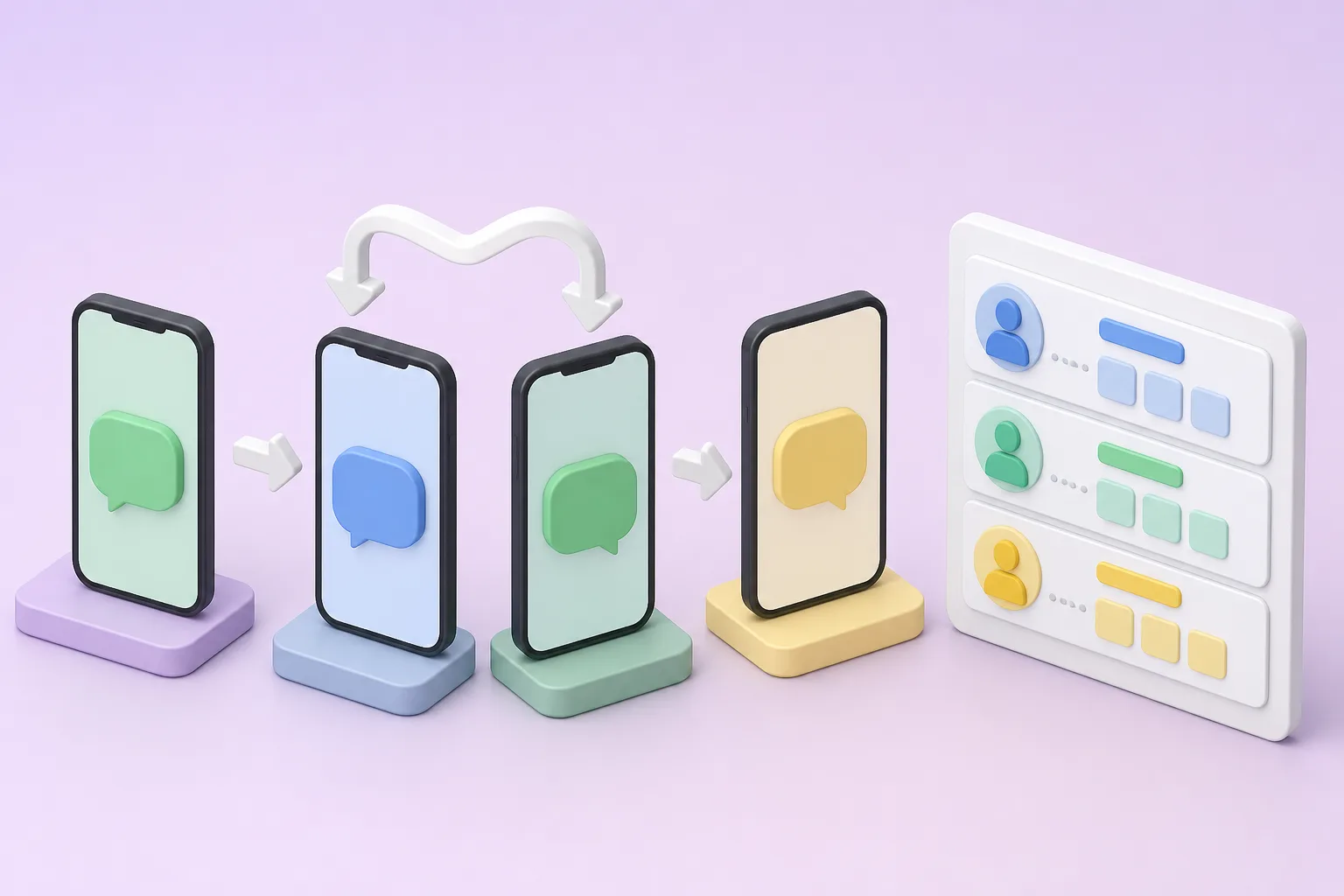







You can run WhatsApp on two phones in two ways: link a second phone as a companion device, or use a different number on each phone. Both work for one or two people. Once you have 2 or more salesmen, you need a shared system that assigns each lead to someone, and that is what DREAMZTRACK AI does.
See it in action
Why a group chat mix-up reminds us to organise chats
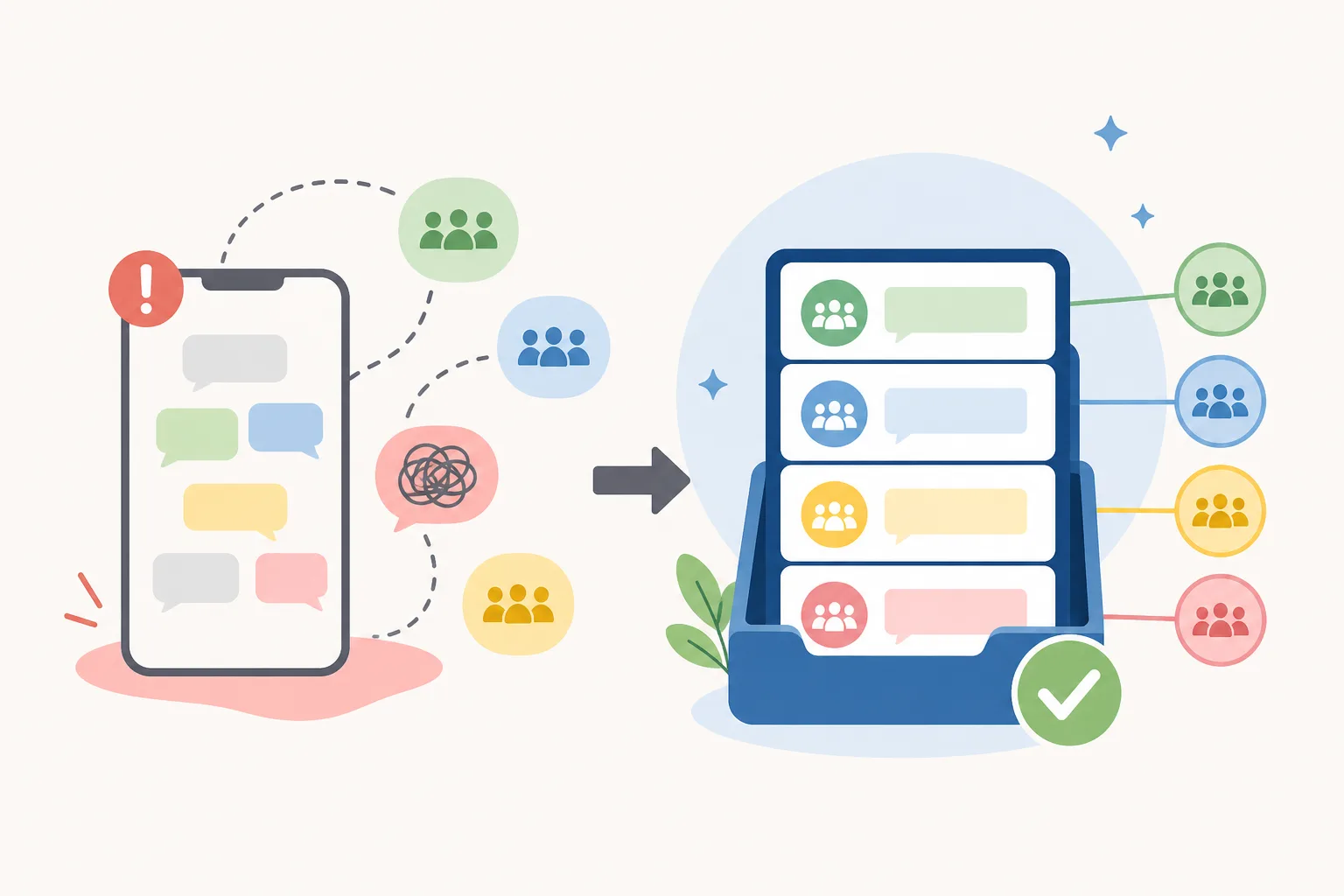
In business the stakes are smaller, but the pattern is the same. Two phones, several people, one customer chat, and nobody knows who owns it.
This guide shows how to run WhatsApp on two phones, where it stops being enough, and how to assign leads to salesman in a clean, recorded way.
How to use WhatsApp on two phones: the options
People search many versions of this question. Here are the real choices, in plain words.
Option 1: Linked device (same number)
You keep your main phone and link a second device to the same account. Chats show on both. This suits one owner who wants a backup phone or a tablet at the counter. Our guide on whether WhatsApp can be used on multiple phones explains the rules in more detail.
Option 2: Two numbers on two phones
Each phone has its own SIM and its own WhatsApp. Customers see two different numbers. It is simple, but leads split by chance, not by plan.
Quick comparison
| Setup | Same number? | Best for |
|---|---|---|
| Linked second device | Yes | One owner, backup phone |
| Two phones, two numbers | No | Two roles, such as sales and support |
| Shared system for the team | Yes | 2 or more salesmen |
Steps to set up a second phone
If you only need a second phone for yourself, follow these steps.

- Update WhatsApp or WhatsApp Business on both phones.
- On the main phone, open Settings and choose Linked devices.
- Tap to link a device, then scan the code shown on the second phone.
- Wait for the chats to load, then send a test message.
- Log out any phone you no longer use, so old devices do not keep your chats.
Some iPhone and Android combinations behave differently, so check the app on both before relying on it. Our article on WhatsApp Business multi device limits covers what to expect.
Where two phones stop working for a sales team
Two phones are fine for one person. A sales team is different. Imagine a Klang Valley renovation company running ads. Ten new enquiries arrive in an hour, and three salesmen all see the same chat.
Now the problems start.
This is the same kind of confusion as the news story above, only costing you sales instead. For the fairness side, read how round robin avoids commission disputes.
WhatsApp business multiple users: the shared way
When several staff need to handle one business number, you want a shared inbox, not more phones. People call this WhatsApp business multiple users, WhatsApp multi agent or a WhatsApp shared inbox. All mean the same idea: one customer line, many staff, clear ownership.
The missing piece is who gets which lead. That is lead distribution software. For a team view, see WhatsApp Business multiple users for teams.
What clear ownership gives you
How to assign leads to salesman with DREAMZTRACK AI
The AI Round Robin feature hands new leads to your salesmen in turn, and keeps a record of who got what. More than 1,600 clients already use DREAMZTRACK.
- Add your salesmen to the system.
- Turn on AI Round Robin for your WhatsApp leads.
- A new customer messages your business number.
- The lead goes to the next salesman in turn.
- The record shows who received it, so commission talks are easy.
Want the detailed setup? Read how to set up round robin for a small team. For the wider picture, see who gets which lead.
| Task | Two phones by hand | With DREAMZTRACK AI |
|---|---|---|
| Who takes a new lead | Whoever sees it first | Next salesman in turn |
| Proof of who got it | Scroll chats | Record in the system |
| Staff leaving | Chats leave too | History stays with you |
Add control and speed around the handover
Fair assignment is the start. A few related features finish the job.
Before choosing any tool, check our list of what to ask before choosing, and read what to check before sharing customer chats.
Your next step
A second phone is a fine start for one owner. Once you have 2 or more salesmen, move the leads into one system where each one has an owner and a record.
Open the AI Round Robin page, start using DREAMZTRACK AI, or ask for a demo. You will see your leads reach the right salesman in turn.
Topics to read next
- How to follow up leads nobody replied to
- How to measure which ad brings the best leads, with Ads Analysis
- How to send promotions with WhatsApp Blasting
Frequently Asked Questions
How do I assign leads to salesman fairly?
Use a rotation that passes each new lead to salespeople in turn, and keep a record of who received each lead. Set clear rules for who is in the rotation and what happens when someone is unavailable.
What is round-robin lead distribution?
Round-robin distribution hands new leads to salespeople in turn. It helps make ownership clearer and creates a record of who got each lead.
Can a WhatsApp shared inbox help a sales team manage leads?
A WhatsApp shared inbox can give team members a shared view of customer conversations. Agree who owns each lead so shared visibility does not create confusion about who should reply.
What should happen after a lead is assigned?
The assigned salesperson should review the enquiry, reply, record the conversation and set a suitable next step, such as a follow-up or booking.
Which plan is right for you?
Pick the one that matches how you work. You can start today and change later.
Pro
For one person running sales alone
AI Salesman
RM 499 per month
Subscribe nowBest if: You get many WhatsApp enquiries and want an AI to answer and follow up for you.
Business
For teams of 3 or more
3in1 Dreamztrack AI
Best if: You want AI replies, bulk messages and ad insights in one plan.
Enterprise
Made around your business
Custom
Talk to usYou have many staff, need a custom setup, or want it to fit your own way of working. Tell us what you need and we shape the plan with you.
Not sure which one? Chat with us on WhatsApp. Chat on WhatsApp
Ready to start?
Pick a plan and start today, or chat with us on WhatsApp first.
Get a free demo on WhatsApp
Leave your WhatsApp number and we will show you how it works for your business.
- See it with your own business
- Ask anything about the setup
- We reply on WhatsApp
Prefer to chat now? Chat on WhatsApp
More ways to grow your WhatsApp sales
AI Boss Alert
Alerts the boss and staff automatically when a deal closes or something important happens.
See how it worksAdmin Permission Levels
Different levels see different things; staff cannot see what they should not.
See how it works