whatsapp on multiple phones: can it work for a team of 3 or more?
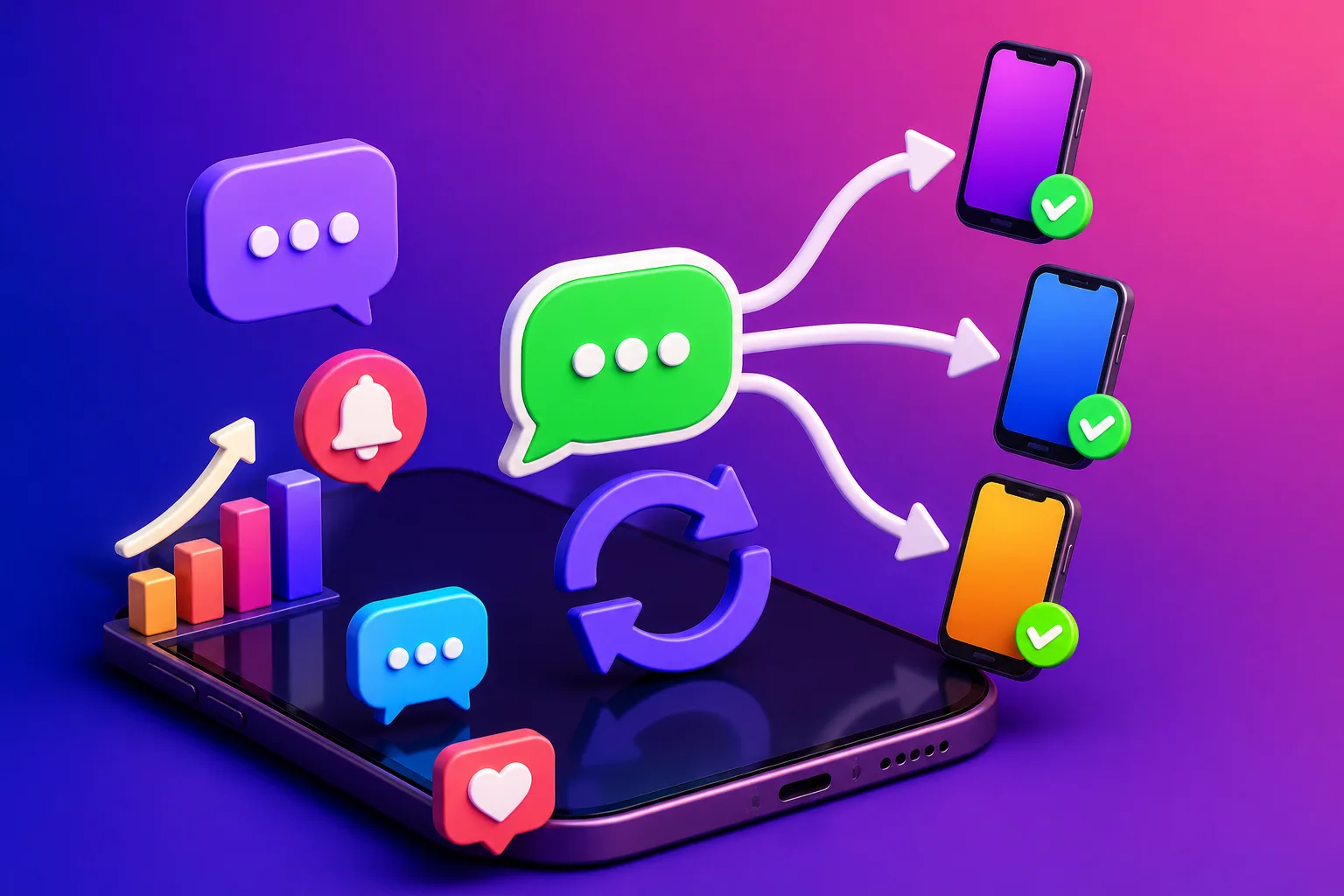







Yes, whatsapp on multiple phones can work for a small team, but it gets messy once you have three or more salesmen. Nobody knows who owns which lead, and replies get missed. A shared inbox with automatic round robin lets you assign leads to salesman in turn, with a clear record.
See it in action
The short answer: it works, until the team grows
Many Malaysian business owners start the same way. One number is on the shop phone, then a second salesman wants it too, then a third. It feels fine for a week.
The real question is not whether whatsapp on multiple phones is possible. It is whether you can still assign leads to salesman fairly once three or more people are chatting to the same customers.
With two people, you can shout across the office. With three or more, leads get double-answered, ignored, or grabbed by whoever is fastest. That is where sales are lost and commission arguments start.
This article shows what WhatsApp itself allows, where it stops helping, and how a proper setup in DREAMZTRACK AI fixes the gap. It also covers the sub-topics people search for, such as can whatsapp be used on multiple phones, whatsapp business multiple users and whatsapp business multi device.
What WhatsApp lets you do on several phones
Linked devices
WhatsApp lets one account be linked to other devices. You scan a QR code from the main phone, and the chats appear on the linked device. This is meant for one person using several screens, not for a team.

Same number on two phones
The same number as a normal main account lives on one phone. Extra phones are linked, not equal copies. If you want the details, read whatsapp on two phones: can you run the same number on both?
Different numbers
Another common way is giving each salesman their own number. Customers then message whichever number they happened to find, so one salesman may get ten leads and another none.
None of these options tells you who should get the next new enquiry. That is the missing piece for a team.
Where it breaks for a team of three or more
A busy owner feels this as missed sales and unhappy staff. Fairness matters too, especially when commission depends on leads. See round robin lead assignment and sales commission: avoid disputes for why.
whatsapp business multi device: what it solves and what it does not
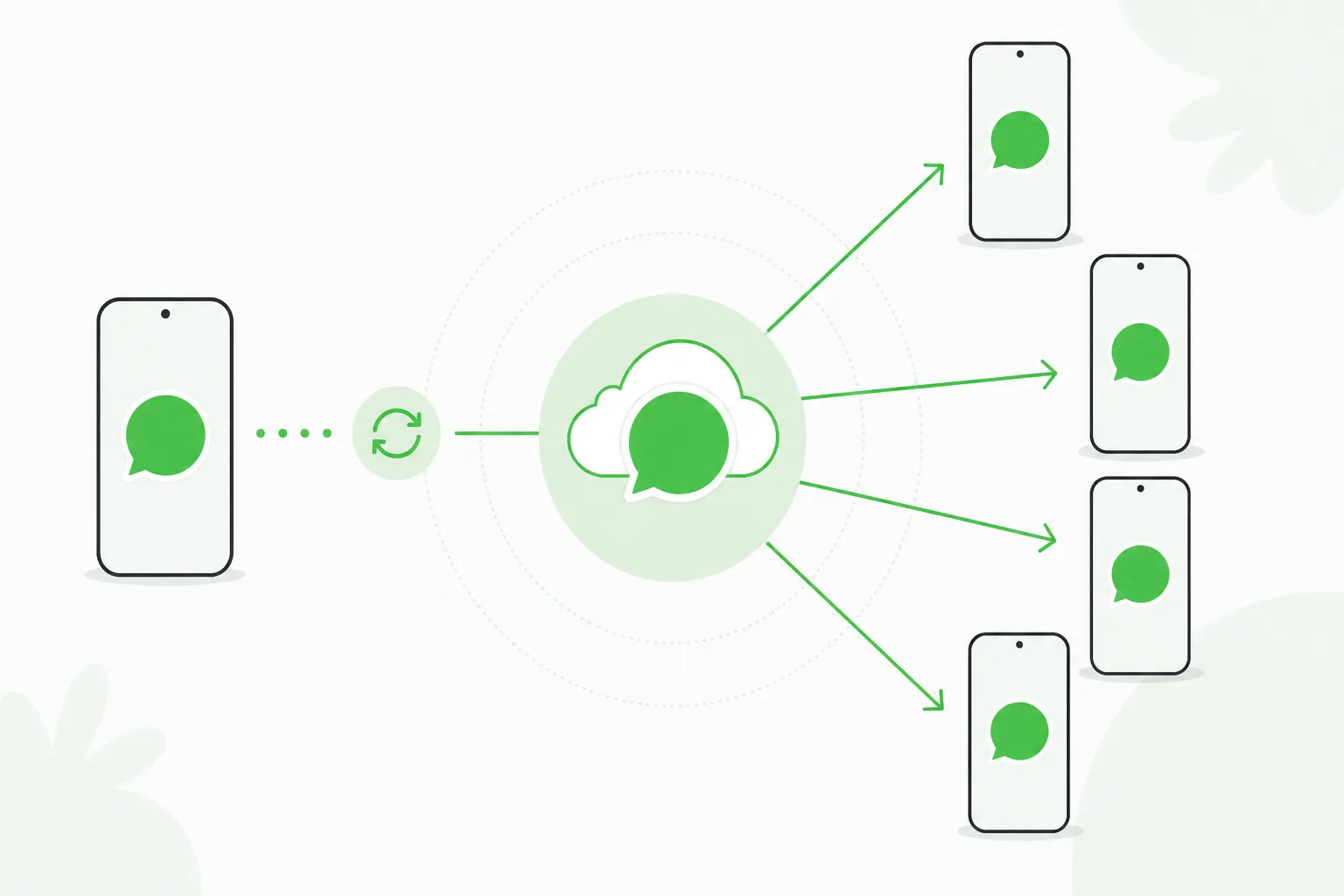
whatsapp business multi device lets one business account be open on several devices at once. That helps when the owner wants a phone and a laptop, or when a small staff shares the same chats.
What it solves
Several people can see and reply to the same customer chat. That is a basic shared view.
What it does not solve
- It does not decide who gets a new lead.
- It does not keep a record of who got what.
- It does not stop two people replying together.
- It does not limit what each staff member can see.
So multi device gives access, not management. For a closer look at staff use, read WhatsApp Business multi device for staff.
How to assign leads to salesman automatically
The fix is a shared inbox with a rule on top. Think of it as whatsapp multi agent with a fair queue. DREAMZTRACK AI uses AI Round Robin, a type of lead distribution software that hands each new lead to your salesmen in turn and keeps a record of who got what.
- Connect your business WhatsApp so enquiries land in one shared inbox instead of private phones.
- Add your salesmen to the rotation.
- Turn on AI Round Robin so each new lead goes to the next salesman in line.
- Check the record to see who received which lead and when.
- Let the salesman follow up in the same inbox, so the customer always has one owner.
Not sure what to prepare first? Start with lead distribution for WhatsApp enquiries: what to set up first.
Phones sharing vs a shared inbox with round robin
| Question | Several phones | DREAMZTRACK AI |
|---|---|---|
| Who gets a new lead? | Whoever is quickest | Next salesman in turn |
| Record of who got what? | None | Yes, kept for you |
| Double replies? | Common | One owner per lead |
| Staff leaves | Chats may leave too | Chats stay in the system |
| Fair commission? | Often disputed | Easy to check |
This is the same idea as whatsapp business multiple users, but with rules that a plain multi-user setup does not have. For who sees what, see WhatsApp Business multiple users: who sees what.
What to add after the leads are shared fairly
Fair sharing is the first step. Next come the problems that follow.
The journey is simple: leads arrive, get shared fairly, get a quick reply, get tagged, and the boss is told when a sale is won.
Your next step
If you have three or more salesmen, stop treating whatsapp on multiple phones as the whole answer. It gives access, but not order. Order is what protects your leads and your team's trust.
Over 1600 clients already use DREAMZTRACK AI to manage their sales chats. You can compare tools first with what to check before you pick a tool, or pick the rule that suits you in manual, round robin or by agent skill.
Ready to assign leads to salesman without arguments? Visit the AI Round Robin page, start using DREAMZTRACK AI, or ask for a demo and we will show it with your own team setup.
Frequently Asked Questions
How do I assign leads to salesman fairly?
Use a rotation that passes each new lead to salespeople in turn, and keep a record of who received each lead. Set clear rules for who is in the rotation and what happens when someone is unavailable.
What is round-robin lead distribution?
Round-robin distribution hands new leads to salespeople in turn. It helps make ownership clearer and creates a record of who got each lead.
Can a WhatsApp shared inbox help a sales team manage leads?
A WhatsApp shared inbox can give team members a shared view of customer conversations. Agree who owns each lead so shared visibility does not create confusion about who should reply.
What should happen after a lead is assigned?
The assigned salesperson should review the enquiry, reply, record the conversation and set a suitable next step, such as a follow-up or booking.
Which plan is right for you?
Pick the one that matches how you work. You can start today and change later.
Business
For teams of 3 or more
3in1 Dreamztrack AI
Best if: You want AI replies, bulk messages and ad insights in one plan.
Enterprise
Made around your business
Custom
Talk to usYou have many staff, need a custom setup, or want it to fit your own way of working. Tell us what you need and we shape the plan with you.
Not sure which one? Chat with us on WhatsApp. Chat on WhatsApp
Ready to start?
Pick a plan and start today, or chat with us on WhatsApp first.
Get a free demo on WhatsApp
Leave your WhatsApp number and we will show you how it works for your business.
- See it with your own business
- Ask anything about the setup
- We reply on WhatsApp
Prefer to chat now? Chat on WhatsApp
More ways to grow your WhatsApp sales
AI Boss Alert
Alerts the boss and staff automatically when a deal closes or something important happens.
See how it worksAdmin Permission Levels
Different levels see different things; staff cannot see what they should not.
See how it works