whatsapp on two phones: how to use WhatsApp on two phone for shifts
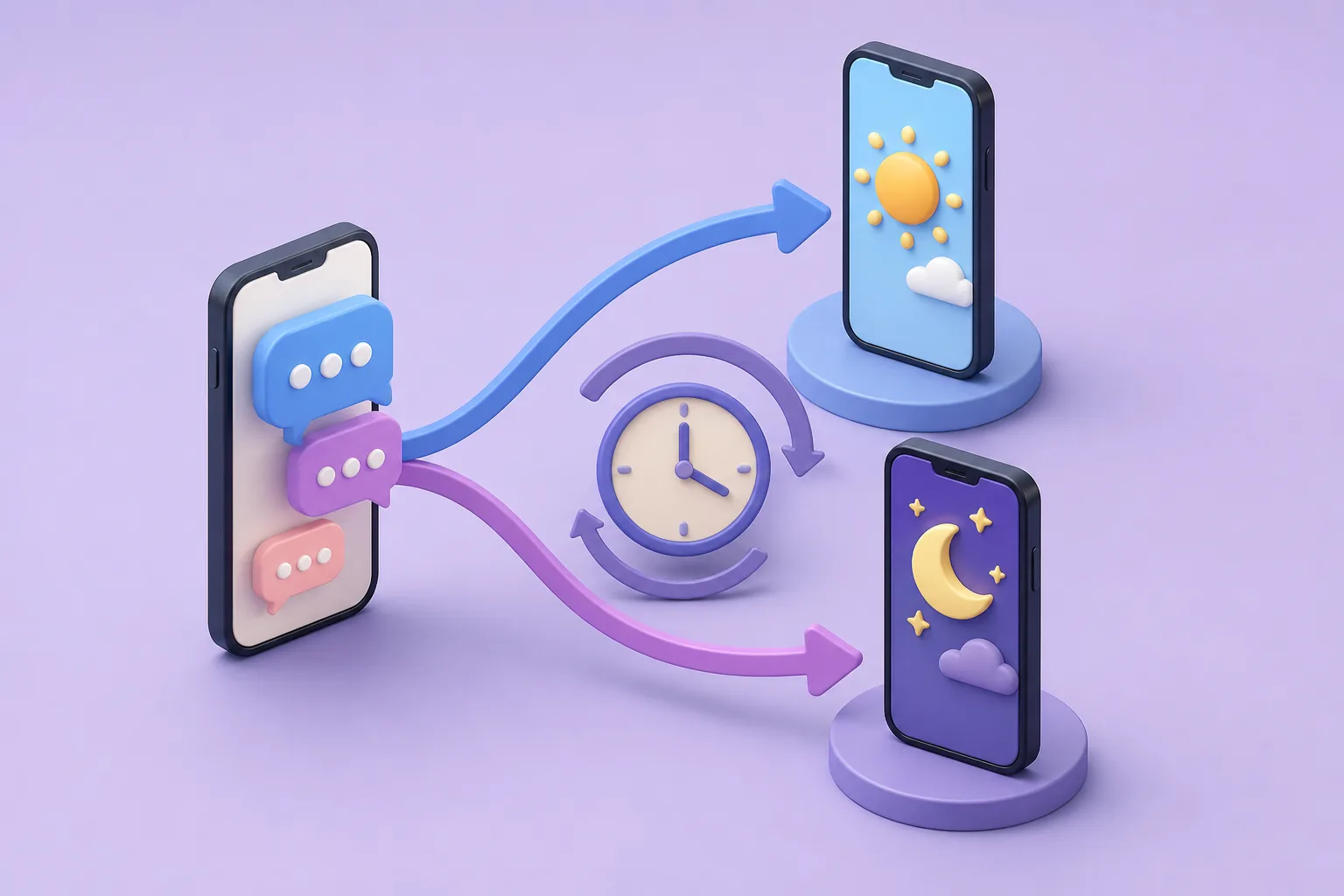







You can use WhatsApp on two phones for shifts, but it only works well for two people and it hides who handled which customer. If you have two or more salesmen, it is better to assign leads to salesman automatically in turn, so every shift gets fair leads and nothing is missed.
See it in action
Why shift teams look for WhatsApp on two phones
Many Malaysian shops, agencies and property teams get enquiries from morning until late night. One salesman cannot cover all of it. So the owner asks: can the morning and evening staff both use the same WhatsApp?
Using whatsapp on two phones seems like the cheapest answer. One number, two handsets, two people. It looks simple, but the problems start on the first busy day.
The real goal is not two phones. The goal is to assign leads to salesman on every shift, quickly and fairly, with proof of who replied. This article shows what two phones can and cannot do, and what to use when your team grows.
How to use whatsapp on two phone for shifts
Here is the basic way people do it. It suits a very small team, such as one morning and one evening person.
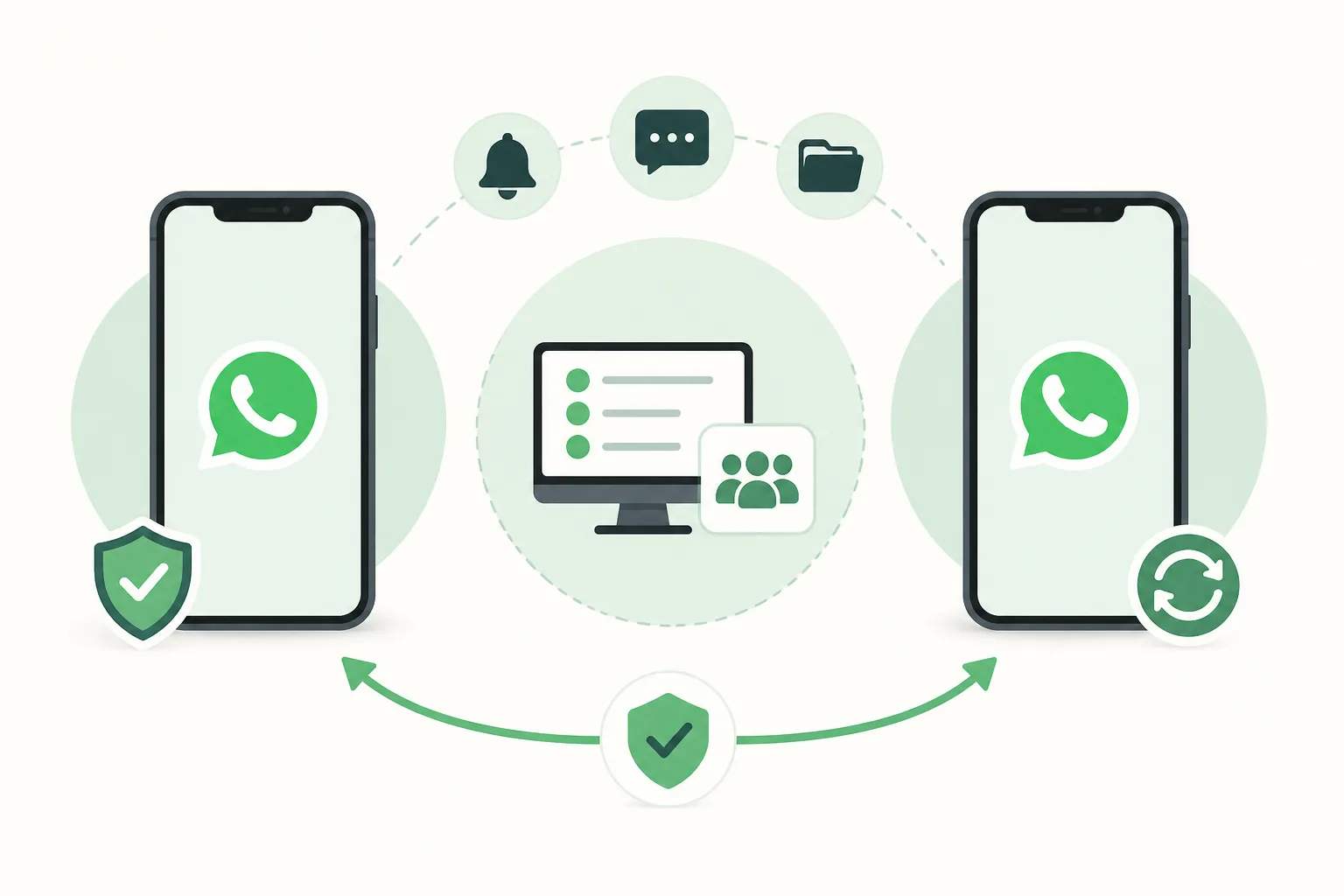
The common setup
- Keep your main WhatsApp or WhatsApp Business account on the first phone.
- Open the app on the second phone as a linked device, using the QR code from the main phone.
- Give the second phone to the other shift.
- Agree on a handover time, for example 6pm.
The same number can now be seen on both devices. If you want to know whether the same number can run on two handsets, read whatsapp on two phones with the same number.
Where it works
It works when only two people share the chats and they trust each other. Both see the same list, so the evening person can scroll up and read what the morning person said.
What goes wrong with shifts on two phones
Shared chats are not the same as organised leads. Once enquiries rise, you will notice these gaps.
Also, linked devices depend on the main phone staying active, and the number of devices is limited. For a full look at the limits, see whatsapp on multiple phones for a team of 3 or more.
Two phones vs a shared inbox with round robin
A whatsapp shared inbox lets many staff work from one place, and round robin decides who gets each new lead. Compare the two ways below.
| Question | WhatsApp on two phones | DREAMZTRACK AI round robin |
|---|---|---|
| Who gets a new lead? | Whoever sees it first | The next salesman in turn |
| Record of who got what | None | Yes, kept for every lead |
| Number of staff | Realistically two | Two or more |
| Fair commission | Hard to prove | Easy to check |
| Staff see other chats | Yes | Can be limited |
If you are still deciding, this guide on whatsapp on two phones or WhatsApp Business multiple users compares both routes in more detail.
How to assign leads to salesman across shifts in DREAMZTRACK AI
With AI Round Robin, new leads are handed to your salesmen in turn, with a record of who got what. It acts as lead distribution software for your WhatsApp enquiries, so you do not pass phones around.
- Add your salesmen to DREAMZTRACK AI, including both morning and evening staff.
- Turn on AI Round Robin for your incoming WhatsApp leads.
- A new customer messages your number. The system gives the lead to the next salesman in the line.
- That salesman replies and follows up. The record shows who received the lead.
- Check the record at month end to settle commission without arguments.
This is closer to real whatsapp multi agent work: many people, one business number, clear ownership. Learn what to prepare first in lead distribution for WhatsApp enquiries.
WhatsApp Business multiple users and who sees what
Owners often ask about whatsapp business multiple users because they want each staff to log in on their own. That is the right instinct. Each person should have their own place to work, and not all staff should see everything.
In DREAMZTRACK AI, Admin Permission Levels let different levels see different things, so staff cannot see what they should not. A new part-time evening staff member does not need your full customer list.
To understand the visibility question in depth, read who sees what with WhatsApp Business multiple users.
Keep fair commission and keep the boss informed
Shifts create one more worry: night leads are often smaller or slower than daytime leads. Round robin spreads leads in turn, and the record backs it up. If commission is a worry in your team, see how to set a fair sales commission with round robin.
Then add the next layers of the journey:
Fewer lost chats, clear ownership and fewer commission fights mean more closed deals from the same enquiries you already pay for.
Your next step
Two phones can cover two shifts for a short time. Once you have two or more salesmen, or you want proof of who got which lead, it is time to move on. More than 1600 clients already use DREAMZTRACK AI to run their sales on WhatsApp.
Not sure whether a tool suits you? Read round robin vs manual for a small Malaysian team.
Ready to stop passing phones around? Start with AI Round Robin or ask for a demo, and see your own leads shared out in turn.
Frequently Asked Questions
Can I use WhatsApp on two phones with the same number?
Yes, in a limited way. You can link a second phone to your main account. It suits two people, but it does not decide who handles each new lead.
Can two WhatsApp accounts be in one phone?
Some phones let you run two accounts with different numbers, for example a personal one and a business one. That does not help shifts, because the staff still share one handset.
What does 0 of 4 devices linked mean on WhatsApp?
It means no extra devices are linked to your account yet. WhatsApp allows a limited number of linked devices, so it is not a team solution.
Is whatsapp business multiple users the same as a shared inbox?
Not exactly. Multiple users means several staff work on one business number. A shared inbox with round robin also decides who gets each new lead and keeps a record.
How do I assign leads to salesman on different shifts?
Add all salesmen to DREAMZTRACK AI and turn on AI Round Robin. Each new lead goes to the next salesman in turn, and the record shows who got it.
Which plan is right for you?
Pick the one that matches how you work. You can start today and change later.
Business
For teams of 3 or more
3in1 Dreamztrack AI
Best if: You want AI replies, bulk messages and ad insights in one plan.
Enterprise
Made around your business
Custom
Talk to usYou have many staff, need a custom setup, or want it to fit your own way of working. Tell us what you need and we shape the plan with you.
Not sure which one? Chat with us on WhatsApp. Chat on WhatsApp
Ready to start?
Pick a plan and start today, or chat with us on WhatsApp first.
Get a free demo on WhatsApp
Leave your WhatsApp number and we will show you how it works for your business.
- See it with your own business
- Ask anything about the setup
- We reply on WhatsApp
Prefer to chat now? Chat on WhatsApp
More ways to grow your WhatsApp sales
AI Boss Alert
Alerts the boss and staff automatically when a deal closes or something important happens.
See how it worksAdmin Permission Levels
Different levels see different things; staff cannot see what they should not.
See how it works