whatsapp on two phones: WhatsApp multiple agents without chat mix-ups
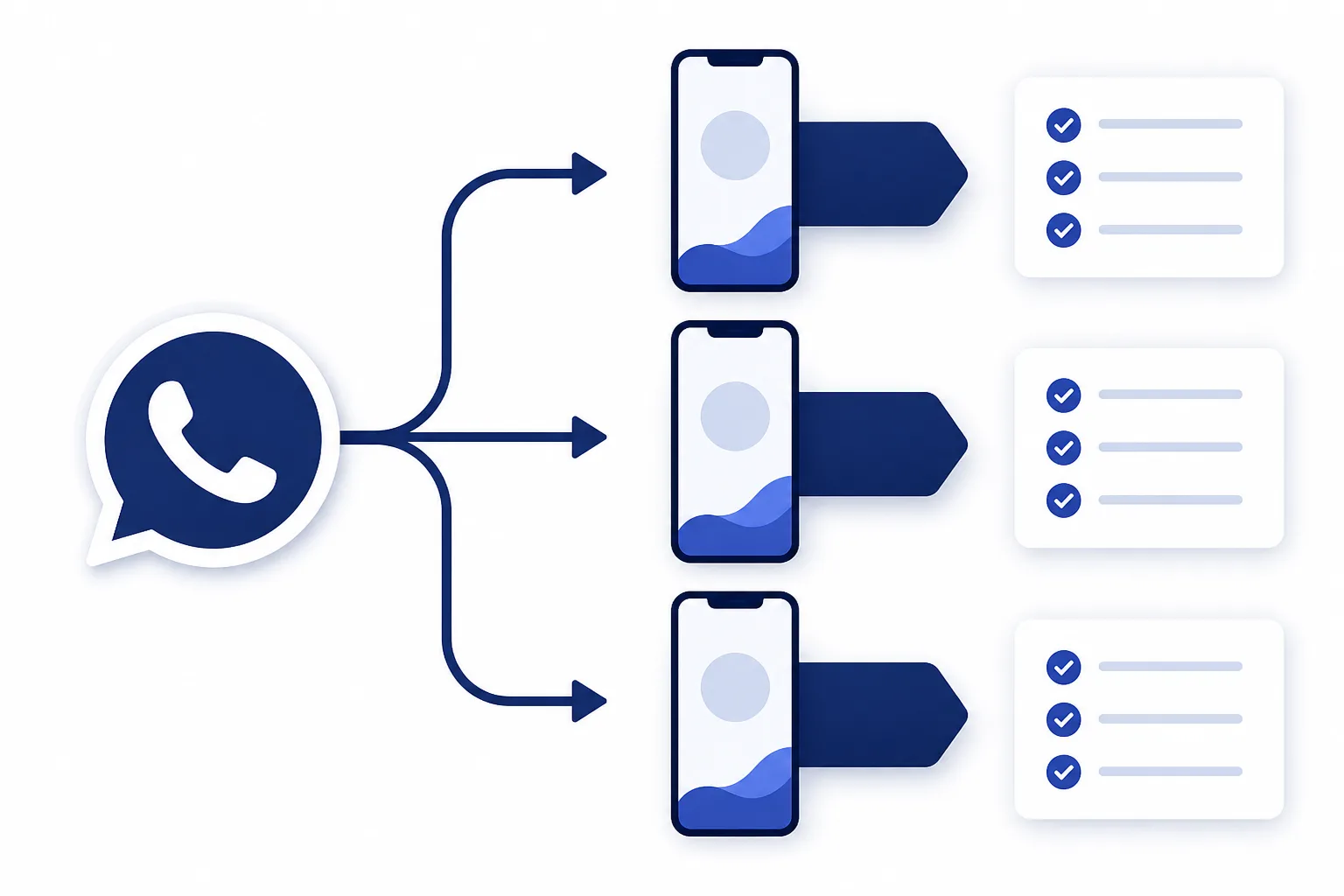







Yes, you can run WhatsApp on two phones, but it only solves access. It does not decide who answers which customer. To assign leads to salesman without mix-ups, use a shared setup that hands each new lead to one person in turn and keeps a record.
See it in action
Why WhatsApp on two phones is not the real problem
Most owners search for whatsapp on two phones because one number gets too busy. Two phones feel like an easy fix. Both can see the same customers, so two people can reply.
The trouble starts the moment both people look at the same new message. One replies, the other also replies, and the customer gets two different prices. Or each assumes the other will answer, and nobody does.
That is why the question is not only how to use the app on two devices. The real question is how to assign leads to salesman so that every enquiry has one clear owner from the first minute.
If you have two or more salesmen, this article shows what two phones can and cannot do, and what to set up next so chats stop clashing.
What two phones can and cannot do
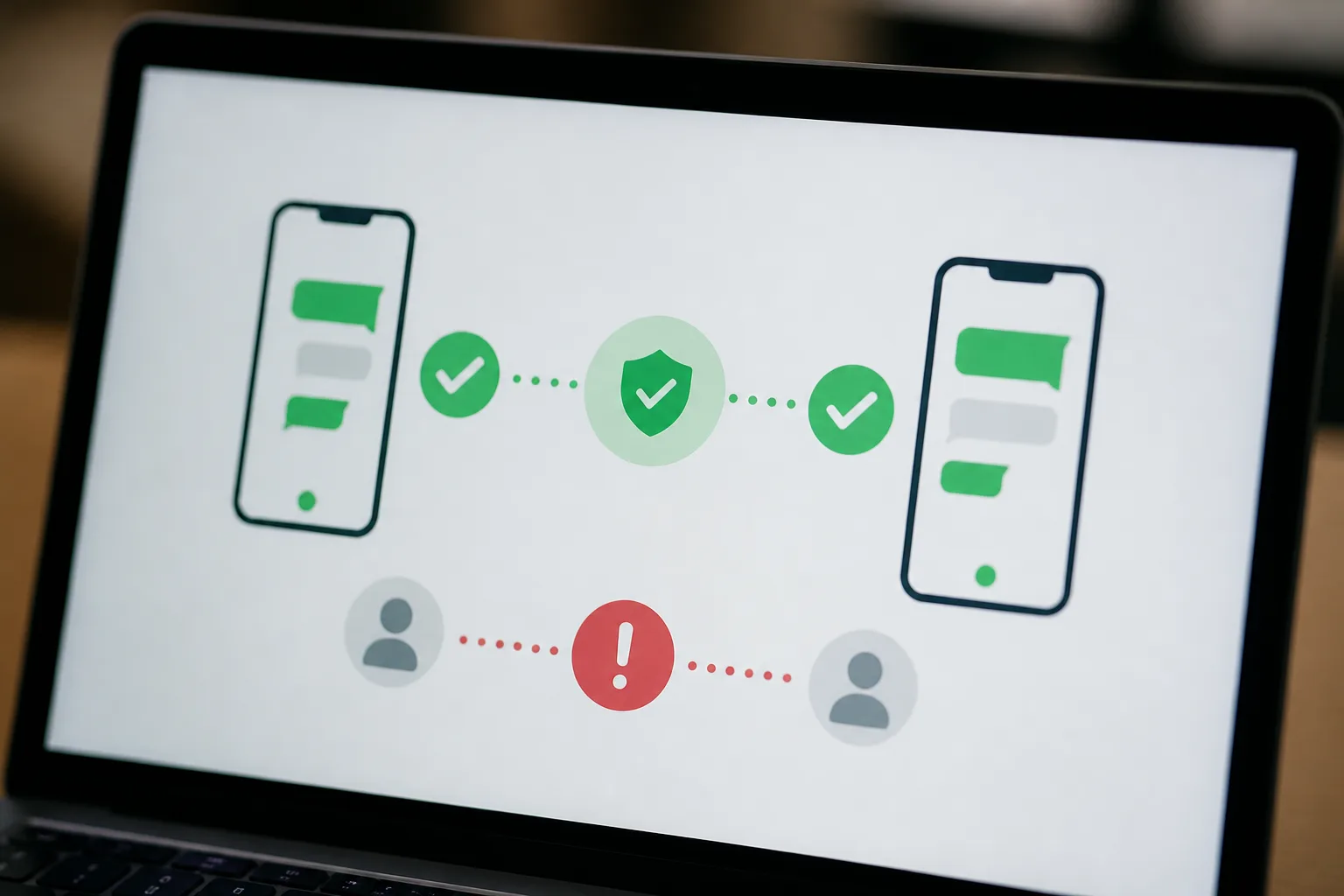
Linking a second device to one WhatsApp account lets two phones see the same chats. That is useful for the owner and one helper. It is a form of whatsapp business multiple users, but a very small one.
What it does well
- Two people can see the same customer history.
- You can cover a break or a busy hour.
- It is simple to start.
Where it breaks
- No rule says who takes a new lead.
- Nobody can see who replied first or who ignored a chat.
- Every person sees every chat, including ones they should not.
- Adding a third or fourth salesman makes the mix-up worse.
For a deeper look at the choice, read whatsapp on two phones or WhatsApp Business multiple users.
The mix-ups a Malaysian sales team faces
Picture a renovation company in Johor Bahru with three salesmen. Leads come from Facebook ads and walk-in QR codes. Everything lands in one WhatsApp number.

At 9pm a new enquiry arrives. Aiman sees it and waits, thinking Mei Ling will take it. Mei Ling is off shift. The lead goes cold by morning.
Next day, two salesmen quote the same customer. The customer picks the cheaper quote and the team argues about commission.
Whatsapp on two phones Malaysia: what local teams do
In Malaysia, many small teams run on one business number because customers know it from ads, signboards and Google listings. Changing the number is not an option. So teams share it across phones.
This works for a shop with two staff in one location. It works less well for agents who are out visiting customers, or teams working in shifts across branches in KL, Penang or Johor.
For shop teams, see what works for a shop team using several phones. For shift work, read how to use WhatsApp on two phones for shifts.
The pattern is the same everywhere: the number can be shared, but the ownership of each lead cannot be left to chance.
How to assign leads to salesman automatically
The fix is a rule, not another phone. Round robin means each new lead goes to the next salesman in the list, then the next, and so on. Everyone gets a fair turn, and no lead waits for someone to volunteer.
DREAMZTRACK AI Round Robin does this for WhatsApp enquiries. It hands new leads to your salesmen in turn, with a record of who got what. Think of it as lead distribution software built for a WhatsApp sales team, and a practical whatsapp multi agent setup.
- Open AI Round Robin and add your salesmen to the list.
- Connect the WhatsApp number your customers already use.
- Switch on the rotation for new leads.
- A new enquiry arrives and goes to the next salesman in turn.
- Check the record to see who got which lead and when.
Before you switch, read what to check before you switch to round robin.
Two phones by hand vs DREAMZTRACK AI
| Question | Two phones by hand | With DREAMZTRACK AI |
|---|---|---|
| Who gets a new lead? | Whoever sees it first | The next salesman in turn |
| Double replies? | Common | One owner per lead |
| Record of who got what? | None | Kept automatically |
| Adding a third salesman | More confusion | Add to the list |
| Commission disputes | Hard to settle | Record shows the split |
The gain is simple: faster first replies, fewer lost leads and fewer arguments. For a team of three or more, see whether multiple phones can work for 3 or more.
Keep it fair, private and moving
Once leads are shared out fairly, the next questions appear. Is commission fair? Who sees what? What happens after the first reply?
Commission
A record of every hand-off makes pay talks easier. Read how to set a fair sales commission and the rules to set for agents.
Privacy
Use Admin Permission Levels so staff only see what they should.
After the hand-off
Your next step
Two phones are fine for a start. Once you have two or more salesmen, you need a rule that decides who answers. That is what lets you assign leads to salesman without guessing.
Over 1600 clients already use DREAMZTRACK AI to run their sales chats. You can compare options first in what to compare in lead distribution tools, or see what to set up first for WhatsApp enquiries.
Ready? Start with AI Round Robin or ask for a demo, and see your next lead land with the right salesman.
Frequently Asked Questions
Can I use the same WhatsApp account on two phones?
Yes, a second phone can be linked to the same account. It lets two people see the same chats, but it does not decide who replies to each new lead.
How do I use WhatsApp on two phones with a team?
Linking works for one or two helpers. For a team of two or more salesmen, use DREAMZTRACK AI Round Robin so each new lead goes to one salesman in turn.
Is WhatsApp multiple agents the same as two phones?
No. Two phones share access. A multiple agents setup adds rules, so each lead has one owner and a record.
Does round robin stay fair for commission?
It helps, because every lead is handed out in turn and recorded. You still set your own commission rules.
Which plan is right for you?
Pick the one that matches how you work. You can start today and change later.
Business
For teams of 3 or more
3in1 Dreamztrack AI
Best if: You want AI replies, bulk messages and ad insights in one plan.
Enterprise
Made around your business
Custom
Talk to usYou have many staff, need a custom setup, or want it to fit your own way of working. Tell us what you need and we shape the plan with you.
Not sure which one? Chat with us on WhatsApp. Chat on WhatsApp
Ready to start?
Pick a plan and start today, or chat with us on WhatsApp first.
Get a free demo on WhatsApp
Leave your WhatsApp number and we will show you how it works for your business.
- See it with your own business
- Ask anything about the setup
- We reply on WhatsApp
Prefer to chat now? Chat on WhatsApp
More ways to grow your WhatsApp sales
AI Boss Alert
Alerts the boss and staff automatically when a deal closes or something important happens.
See how it worksAdmin Permission Levels
Different levels see different things; staff cannot see what they should not.
See how it works