Auto Send Photo and Video to Customers by Keyword








You can auto send photo and video to a customer when they mention a keyword by setting up a matching keyword and the media it should trigger in DREAMZTRACK AI Keyword Reply. When the customer mentions that keyword, DREAMZTRACK sends the selected voice note, photo, or video automatically.
See it in action
Why auto send photo and video by keyword?
A customer asking for a menu, product picture, or course details may move on if the reply takes too long. When the same questions arrive while you are serving customers or handling other work, it is easy to leave someone waiting.
With auto send photo and video by keyword, you can prepare a relevant media reply for a common question. For example, a Malaysian furniture shop could match a keyword such as “sofa” with a product video, while a cafe could match “menu” with a menu photo. When a customer mentions the keyword, DREAMZTRACK sends the selected media automatically.
This is useful for a whatsapp auto send image workflow too: a keyword can trigger a photo reply on WhatsApp, so customers can see useful information without waiting for you to send it individually.

How to set up auto send photo in DREAMZTRACK
Keep the setup focused on what the customer asks and what would help them decide. In DREAMZTRACK AI Keyword Reply, prepare the keyword and the matching media you want sent.
- Choose a common customer keyword. Think about the words people use when asking about a product, service, menu, or class.
- Match it with useful media. Select a relevant photo or video, or a voice note when spoken information is more suitable.
- Set up the keyword reply. Configure the keyword and the media that should be sent when a customer mentions it.
- Let the reply support the conversation. When a customer mentions the keyword, DREAMZTRACK automatically sends the matching media.
For a deeper look at WhatsApp setup, read How to Auto Send Photo to Customers on WhatsApp. If you are deciding how to match triggers and approval controls to your process, see Auto Send Photo to Customers: Compare Triggers and Approval Controls.
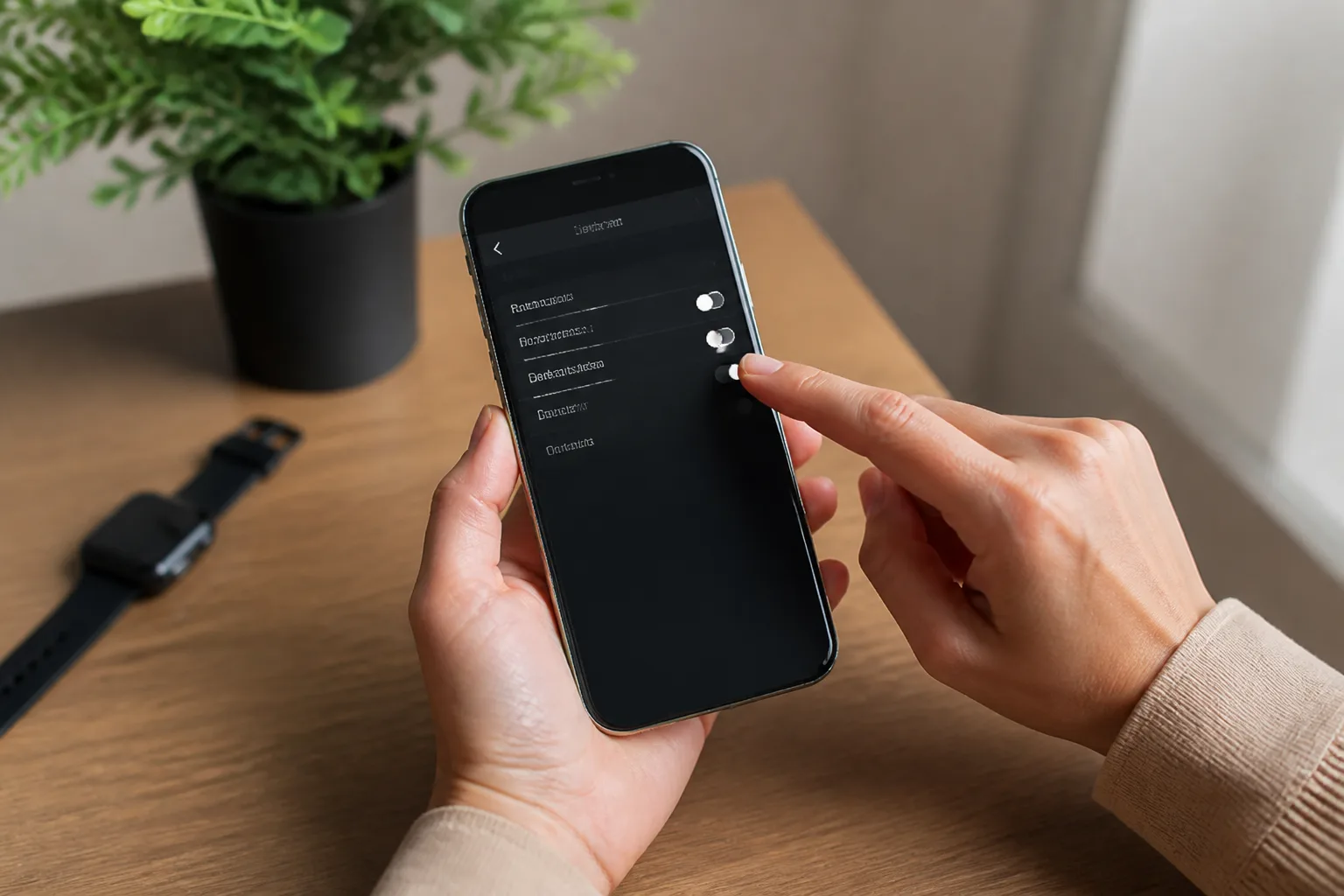
Guide the customer from the media reply to the next step
A photo or video answers an immediate question, but customers may still need help choosing. For example, after seeing a product picture, they might ask which option suits their needs or what it costs. Product AI can use your product information to recommend and quote automatically, for up to about 500 products.
Not every conversation is at the same stage. If a customer is still exploring, they may need a different response from someone ready to make a decision. AI Reply knows which stage the customer is at, helping the conversation move beyond a keyword-only response.
When a customer goes quiet after receiving information, the next step is not to lose track of them. AI Follow Up follows up with customers who went quiet, so you do not have to remember each one yourself.
Use keywords that reflect real customer questions
Start with the questions your business receives repeatedly. A tuition centre might use a keyword related to class information and send a relevant video. A clinic could use a service keyword to send an explanatory photo. A shop could use product names to make the right product image easier to share.
Choose media that directly answers the question. A useful product image is more helpful than a general photo, and a short video can show details that are difficult to explain in text. If the customer is asking about cost, use a price-related keyword and relevant media where it helps; see How to Auto Send Photo When a Customer Asks About Price.
To learn more about the feature and start setting up keyword-triggered media replies, visit DREAMZTRACK AI Keyword Reply.
Make your WhatsApp keyword auto reply part of the customer journey
A whatsapp keyword auto reply can take care of the first useful response: the customer mentions a keyword and receives the matching photo, video, or voice note. From there, product recommendations can help with selection, AI Reply can support a conversation at different stages, and AI Follow Up can contact customers who go quiet.
That gives your team a clearer path from the first question to the next conversation, without making every reply depend on someone being available at that moment. Start using DREAMZTRACK AI Keyword Reply to set up a keyword and its matching media, or ask DREAMZTRACK for a demo.
Frequently Asked Questions
What can DREAMZTRACK send when a customer mentions a keyword?
DREAMZTRACK AI Keyword Reply can automatically send a voice note, photo, or video when a customer mentions a keyword.
Can I use auto send photo for WhatsApp customer questions?
Yes. You can set up a keyword reply that sends matching media when a customer mentions the keyword on WhatsApp.
What keywords should my business use?
Choose words customers commonly use when asking about your products or services, such as a product name, menu, class, or service. Match each keyword with media that answers that question.
What happens if a customer needs more than a photo or video?
The media reply can support the first response. Product AI can recommend and quote from your product information, AI Reply can respond based on the customer's stage, and AI Follow Up can follow up with customers who go quiet.
Which plan is right for you?
Pick the one that matches how you work. You can start today and change later.
Pro
For one person running sales alone
AI Salesman
RM 499 per month
Subscribe nowBest if: You get many WhatsApp enquiries and want an AI to answer and follow up for you.
Business
For teams of 3 or more
3in1 Dreamztrack AI
Best if: You want AI replies, bulk messages and ad insights in one plan.
Enterprise
Made around your business
Custom
Talk to usYou have many staff, need a custom setup, or want it to fit your own way of working. Tell us what you need and we shape the plan with you.
Not sure which one? Chat with us on WhatsApp. Chat on WhatsApp
Ready to start?
Pick a plan and start today, or chat with us on WhatsApp first.
Get a free demo on WhatsApp
Leave your WhatsApp number and we will show you how it works for your business.
- See it with your own business
- Ask anything about the setup
- We reply on WhatsApp
Prefer to chat now? Chat on WhatsApp
Want faster replies and more leads? See how an AI chatbot in Malaysia from Dreamztrack works.
More ways to grow your WhatsApp sales
🛍️ Product AI
Add your products; it recommends and quotes automatically (up to about 500 products).
See how it works✍️ Text AI Edit Instruction
Change or improve the AI's instructions just by typing, no back office needed.
See how it works