How to Auto Send Photo to Customers on WhatsApp
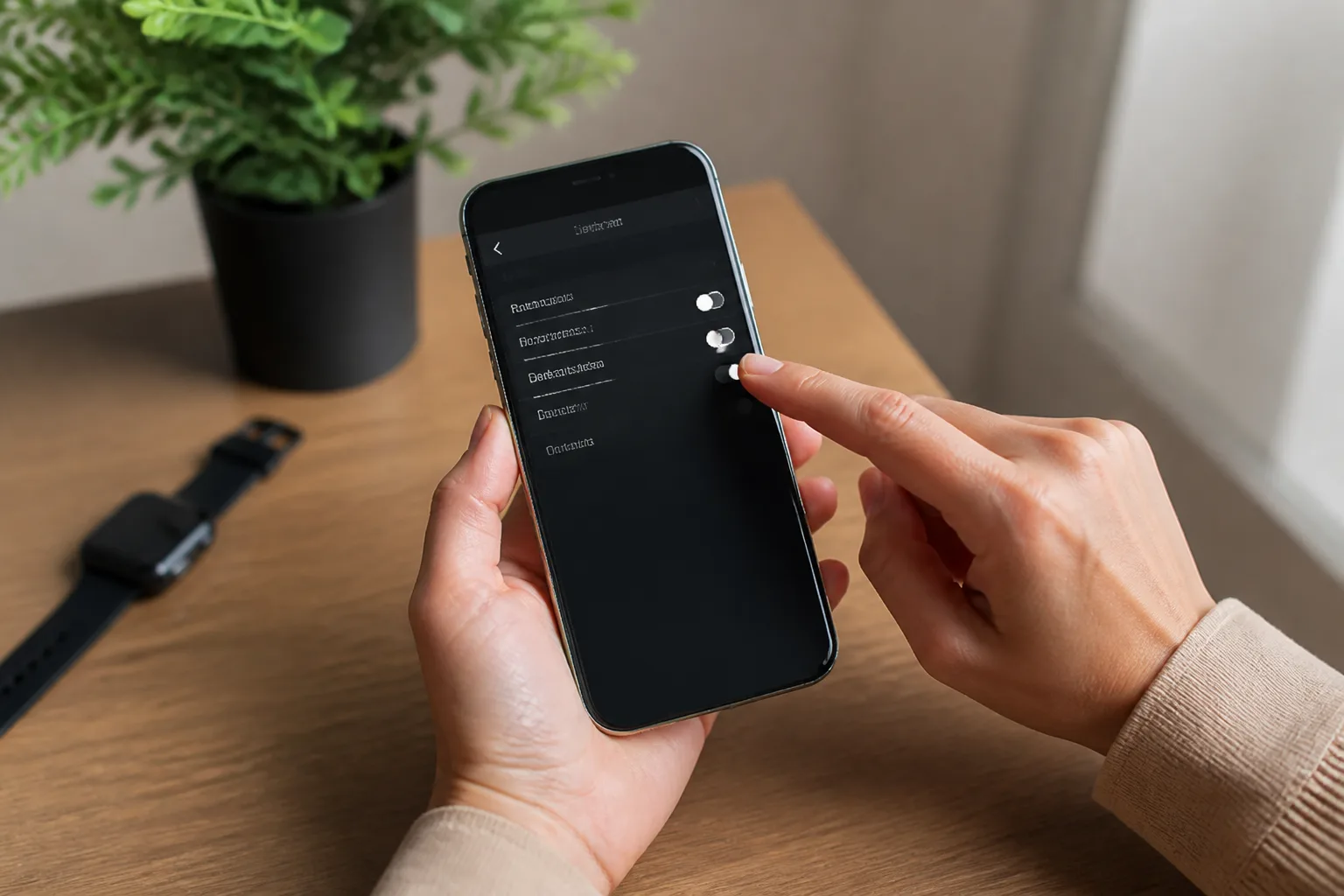








Yes. When a customer types a word like "price" or "harga", DREAMZTRACK AI can reply with your price photo, video or voice note at once. You set the keyword and the file one time, and the system does the rest.
See it in action
The real problem: a slow reply loses the sale
A customer sees your post and messages, "Berapa harga?" You are with another customer, or the shop is closed. An hour later they have asked someone else.
This happens in salons, tuition centres, car workshops, bakeries and online shops. The price question comes first, and the first reply often decides who gets the order.
So the answer to the title is simple: let the system send your price photo the moment the question arrives.

How auto send photo works for price questions
With DREAMZTRACK AI Keyword Reply, you pick the words customers use. When a message contains one of them, the system sends the photo, video or voice note you chose. This is the idea behind whatsapp keyword auto reply.
For price questions, the file is usually a clean price list image or a package poster. The customer gets it in seconds, day or night.
You can read more on the AI Keyword Reply page.

Set it up in four steps
- Open AI Keyword Reply and add keywords such as "price", "harga", "how much" and "package".
- Upload the photo, video or voice note you want sent for those words.
- Save it and test with your own phone by typing one keyword.
- Watch the replies go out. When prices change, swap the file.
Need a full walkthrough? See how to set up this tool for customers or the guide on sending a photo when a customer asks about price.
Examples for Malaysian businesses
- Home baker: "cake price" sends a photo of the menu with sizes.
- Hair salon: "harga potong" sends a service price poster.
- Renovation company: "quotation" sends a short video of past work.
- Tuition centre: "fee" sends a voice note that explains the classes.
This also works as whatsapp auto send image for products, not only prices. See sending photos on WhatsApp and photo and video by keyword.
What comes after the price photo
A price photo gets the conversation started. Next the customer asks, "Which one suits me?" Here AI Reply helps, because it knows which stage the customer is at and does not act like a simple keyword robot.
If you sell many items, Product AI lets you add your products so it can recommend and quote for you.
If the customer then goes quiet, AI Follow Up follows up so you do not have to remember. That is one smooth path from first question to order.
Choose your triggers with care
Not every word should send a file. Keep keywords clear, so the right photo goes to the right question. Compare options in triggers and approval controls.
More than 1600 clients already use DREAMZTRACK AI. Start with one keyword and one price photo, then grow from there. Ask for a demo or start using it today.
Frequently Asked Questions
How do I auto send a photo to customers on WhatsApp?
Set a keyword and connect it to the photo you want to send. With DREAMZTRACK’s AI Keyword Reply, the photo can be sent automatically when a customer mentions that keyword.
Can WhatsApp automatically send an image when a customer asks a question?
Yes. Use a keyword that matches the customer’s question and link it to a relevant image with AI Keyword Reply. The image is sent when the customer mentions the keyword.
What can AI Keyword Reply send besides a photo?
It can automatically send a voice note or video as well as a photo when a customer mentions a keyword.
What should I do after the photo is sent?
Make it easy for the customer to ask a follow-up question or take the next step. You can also use AI Follow Up for customers who go quiet and AI Reminder to send customer reminders automatically.
Which plan is right for you?
Pick the one that matches how you work. You can start today and change later.
Pro
For one person running sales alone
AI Salesman
RM 499 per month
Subscribe nowBest if: You get many WhatsApp enquiries and want an AI to answer and follow up for you.
Business
For teams of 3 or more
3in1 Dreamztrack AI
Best if: You want AI replies, bulk messages and ad insights in one plan.
Enterprise
Made around your business
Custom
Talk to usYou have many staff, need a custom setup, or want it to fit your own way of working. Tell us what you need and we shape the plan with you.
Not sure which one? Chat with us on WhatsApp. Chat on WhatsApp
Ready to start?
Pick a plan and start today, or chat with us on WhatsApp first.
Get a free demo on WhatsApp
Leave your WhatsApp number and we will show you how it works for your business.
- See it with your own business
- Ask anything about the setup
- We reply on WhatsApp
Prefer to chat now? Chat on WhatsApp
More ways to grow your WhatsApp sales
🛍️ Product AI
Add your products; it recommends and quotes automatically (up to about 500 products).
See how it works✍️ Text AI Edit Instruction
Change or improve the AI's instructions just by typing, no back office needed.
See how it works